

Shows you where Slimes can spawn, in the game called Minecraft
Have you spent hours, searching for those elusive slimes, yet have come up empty handed? Are you sick and tired of roaming the land of Minecraftia in search of that precious slimy resource?
Are you ready to stand up, and take matters into your own hands!? Are you ready to finally gain the upper hand in this great injustice and take control of your game like never before!?
======What it does======
Simply, it shows you where to find Slimes in the game 'Minecraft' (http://minecraft.net/).
======How it works======
It uses the same algorithm as Minecraft to determine which chunks are viable for slimes to spawn in. Then it just displays that information in a meaningful way.
This should work for Xbox, Playstation and most PC versions.
======How to use it======
Firstly,load up your Minecraft world.
Next, press 'T' on your keyboard, and type in '/seed' (don't include the quotation marks). If done correctly, and you've enabled cheats in your world, it should spit out a big long number. Yay!
Now ,open up the app, and type the big long number (your seed) into the top text field (next to 'Seed:', funnily enough).
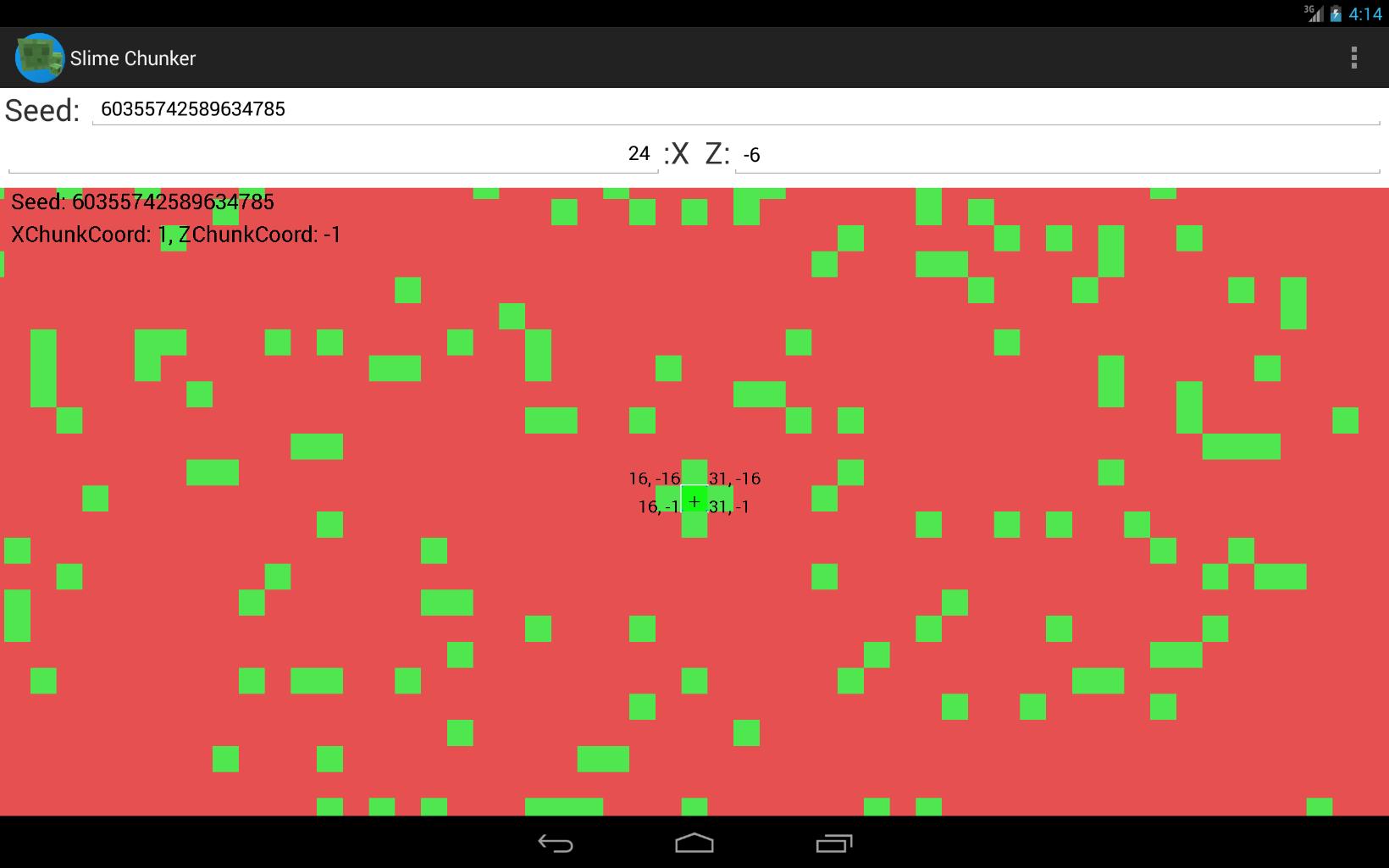
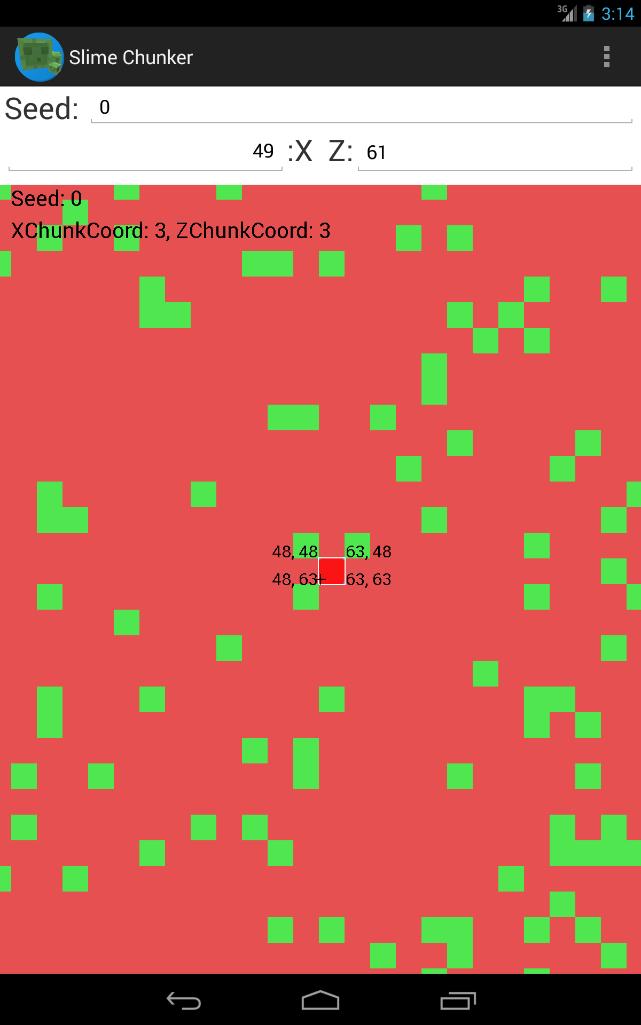
Watch the magic happen, as the display shifts and morphs, until it eventually settles showing a green and red representation of your world.
One last step. In your Minecraft world, press 'F3' on your keyboard. And look for two numbers: Your X coordinate, and your Z coordinate. Enter these two numbers into the respective X and Z number fields. (Just round them to the nearest whole number)
And BAM.
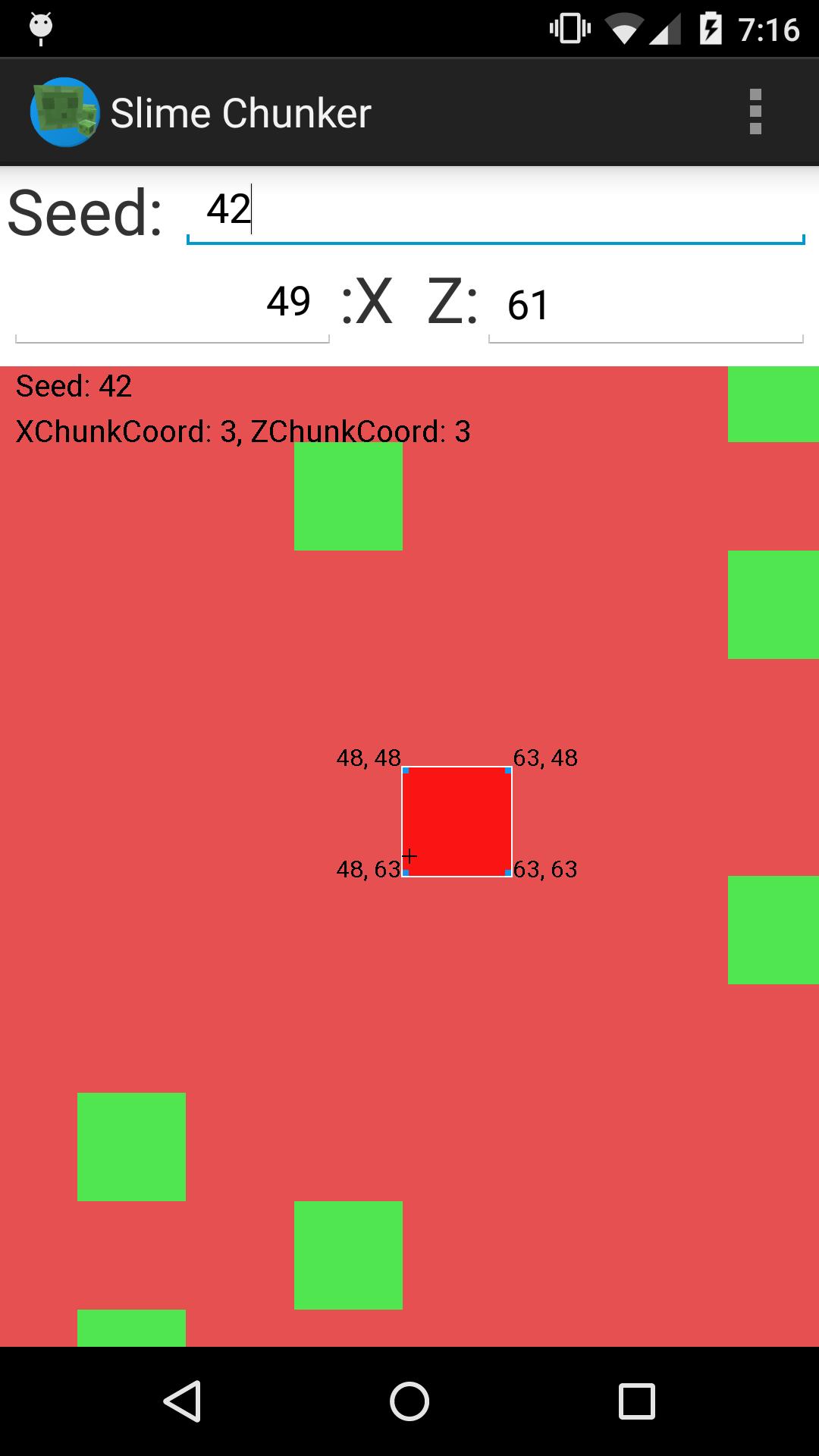
The view is currently centred on your position in Minecraft.
Zoom in and out with two fingers to view more and less of the world.
Green squares represent chunks where Slimes can spawn.
Red squares represent chunks where Slimes can't spawn (unless if it's a swamp Biome)
If you're building a slime farm, just look for a big cluster of green squares nearby.
If you just want to find a slime to make it your pet, then just find your closest green chunk.
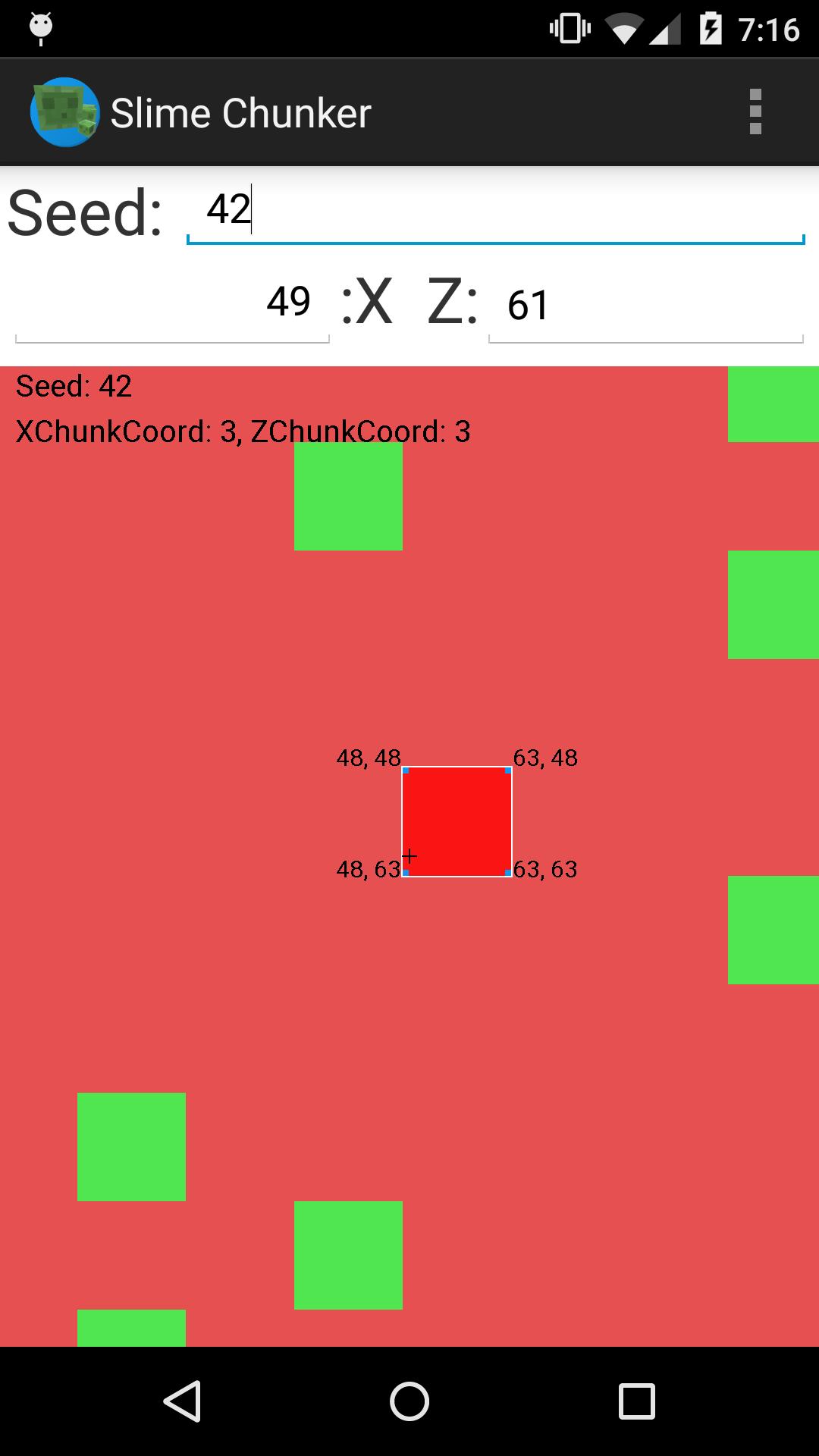
When centred on the chunk you wish to use. Zoom in.
The blue squares/blocks in the corners have their coordinates labelled.
In your actual Minecraft game, use the labelled corners to map out the size of the chunk. Then dig down to level 40 (as Slimes only spawn below level 40, when your Y coordinate is less than 40) and dig out a big room within the confines of the square you marked out.
Move away, wait a few moments, and check back to see if Slimes have spawned.
Eventually they should. And hoorah! If they have, congratulations.
If not, double check your seed, ensure you're below level 40. Ensure you're within the green square, and that there is enough room for them to spawn.















 Download