• Home
  • Games
    Action-adventure Simulation Business Role Playing Sports Competition Casual Intelligence Card Strategy Music Rhythm Text Puzzle
  • Apps
    Business Office Newsletter Social Life Entertainment Online Shopping Practical Tools Travel Educational Learning Information Reading Sports and Health
  • Articles

English 中文(简体) 中文(繁体) 한국어 日本語 Português Español Русский العربية Indonesia Deutsch Français ภาษาไทย
Home Apps Business Office YubiNotes
YubiNotes

YubiNotes

1
2
3
4
5
Download
  • Version 0.9.2.4
  • Category Business Office
  • Package Name com.connectutb.yubinotes
  • Update Time May 5, 2025
  • Size 376.42KB
About this app

Secrets are best kept to yourself

Winner of the Yubico Monthly Developer competition March 2013: http://forum.yubico.com/viewtopic.php?f=25&t=1023

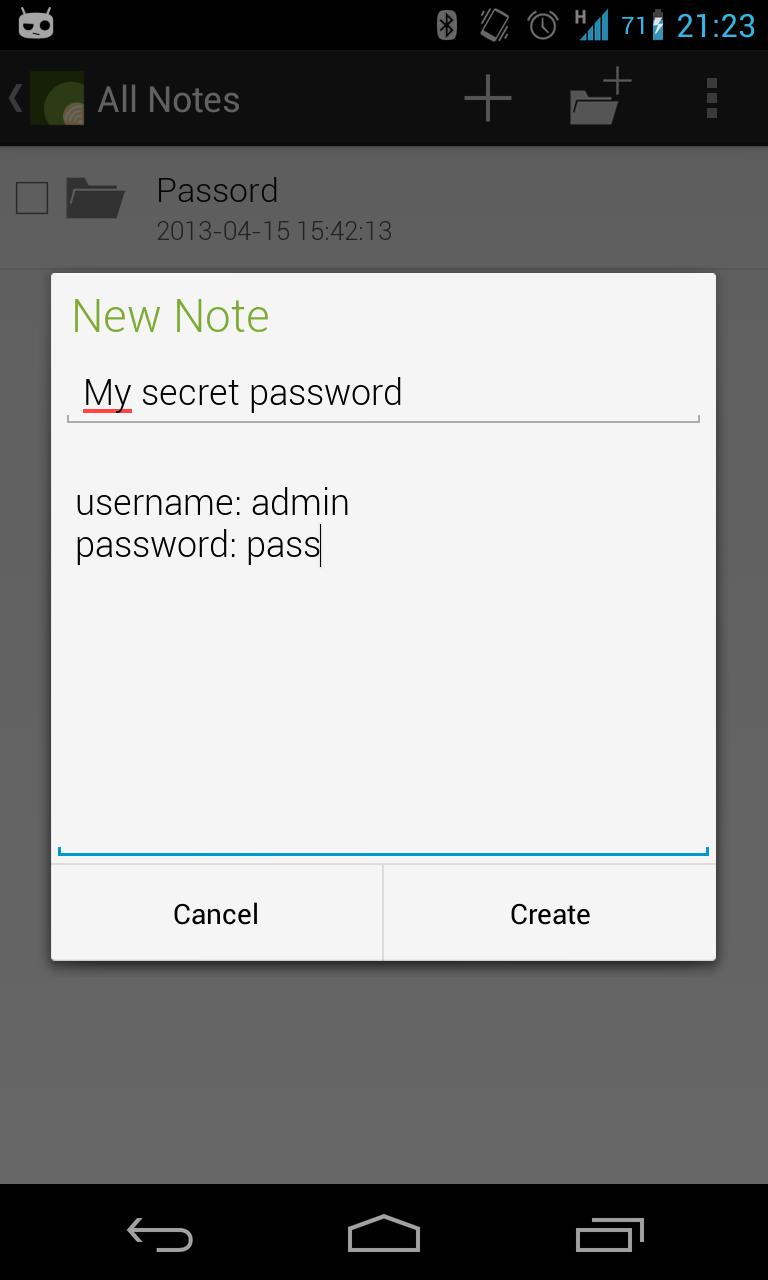
Want to store your notes fully encrypted? Don't feel like sharing the notes with the entire internet? Look no further!

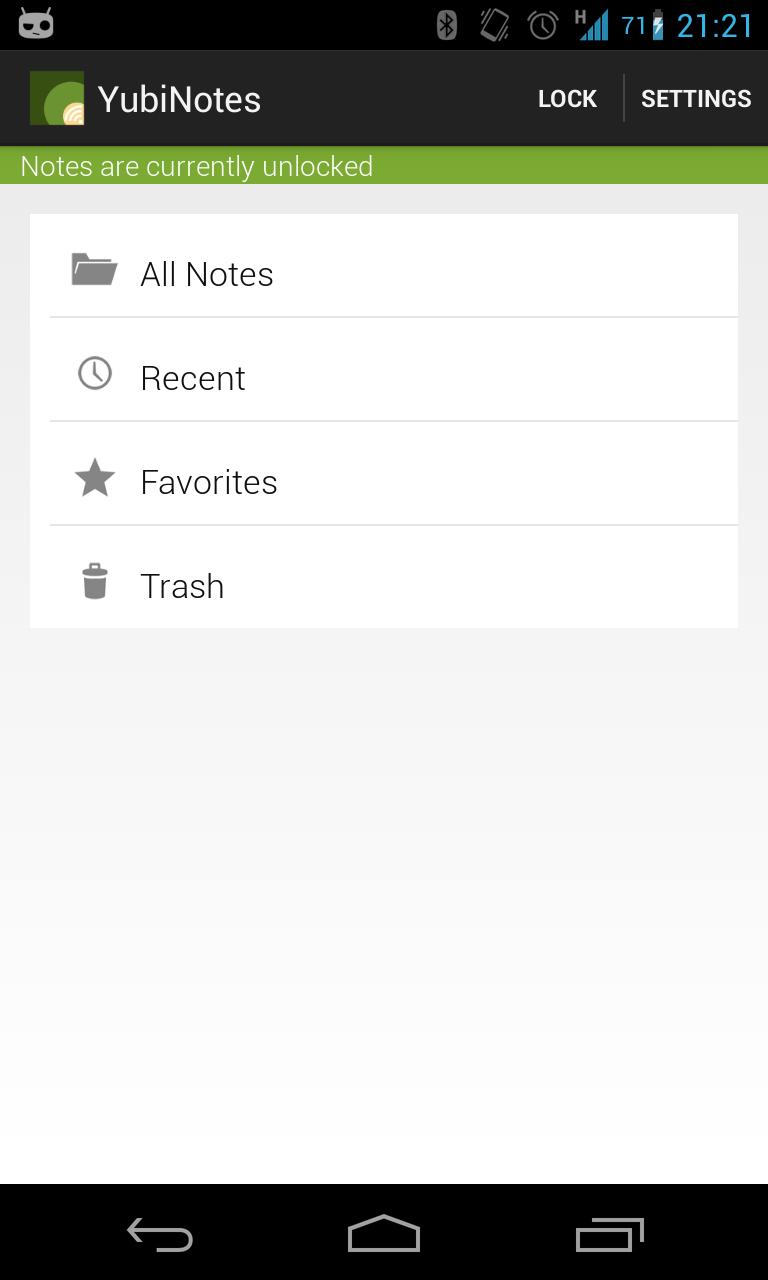
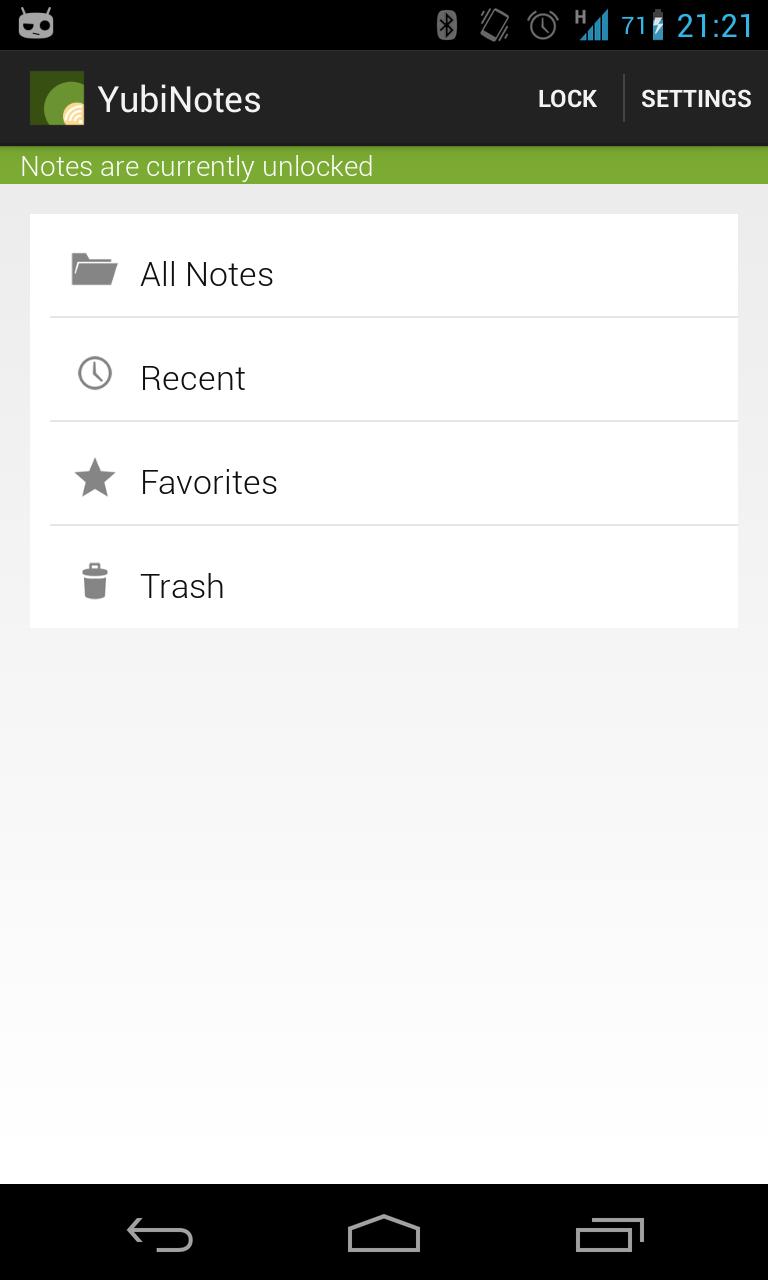
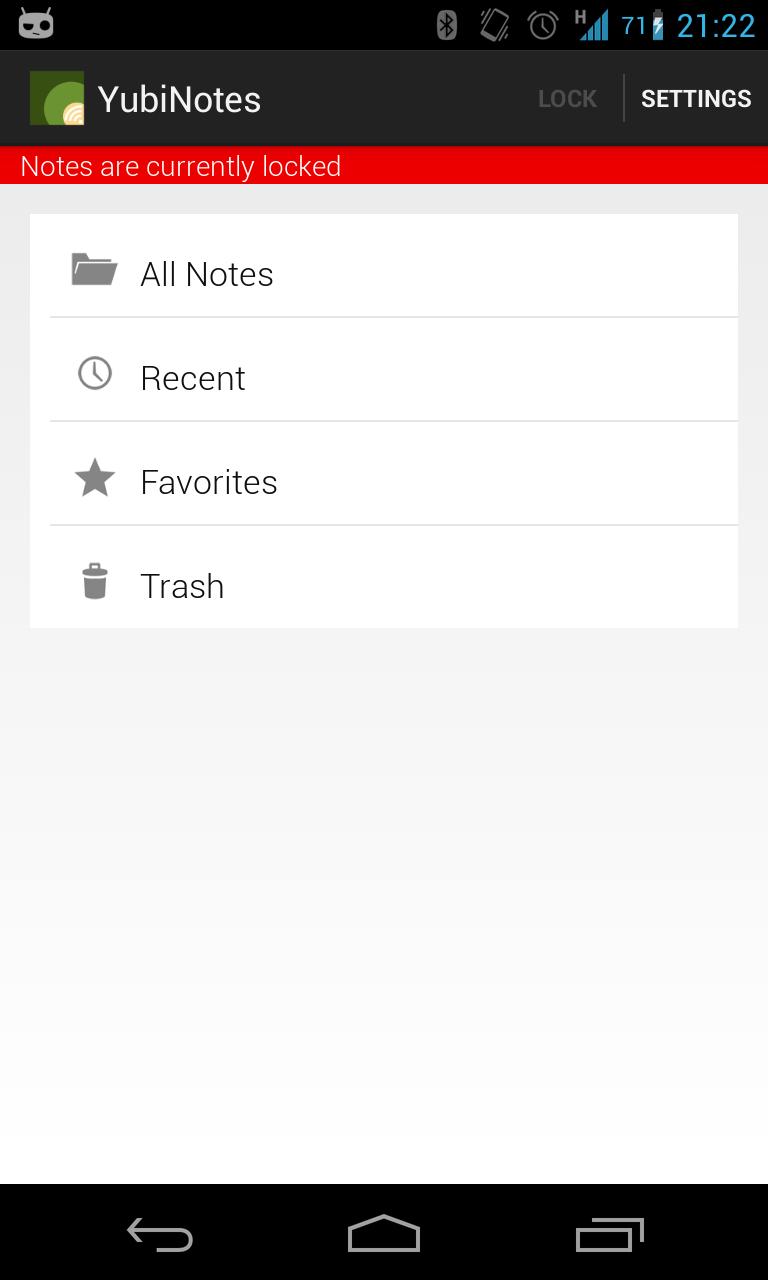
YubiNotes is a different note app. Its secure and the notes are truly for your eyes only. YubiNotes is a open source secure notes app for Android that supports using either a password or the YubiKey NEO to encrypt/decrypt notes. Encryption/Decryption is based on a simple lock system that stores and wipes necessary keys for decryption.

YubiNotes is the perfect companion for anyone with a YubiKey NEO or the desire to keep their secrets to themselves.

Notes are encrypted using AES/CBC with PKCS5 Padding.The encryption and decryption process is based on 4 security keys. The first two are generated the first time the app is started and subsequently stored for safe keeping. The second two are the result of the hashed password or Yubikey input string.

As long as the device is locked only the unique device id keys are stored on the device. The other two keys are wiped when the note store is locked. A one-way hash of the password is also stored on the device when password mode is used.

When decrypting the notes, the following will happen in Password Mode:

The password provided from the user is hashed and checked against the stored hash value. If it matches, the hashed password is separated into two hash strings which are then XOR'ed with the first and second security key. The resulting values are then used as IV and key and used for decrypting the notes.

When decrypting notes in YubiKey mode, the procedure is similar.

The string provided by the YubiKey is XOR'ed first with the first key, and then with the second. The resulting two values are used as IV and key and used for decrypting the notes.

What's New in the Latest Version 0.9.2.4

Last updated on Jan 27, 2016 FIXED: You can now properly edit notes. Simply tap the note text. Thanks for reporting the issue!
Download(376.42KB)
Users also viewed
  • Quick History Cleaner

    Quick History Cleaner

    1.0 January 22, 2026
  • ActionBar Toggle Sample

    ActionBar Toggle Sample

    1.2 January 21, 2026
  • XM

    XM

    3.35.1 January 21, 2026
  • My BASE

    My BASE

    4.6.0 January 21, 2026
  • Color Collection, palettes

    Color Collection, palettes

    5.0 January 21, 2026
  • LuluBox For Android

    LuluBox For Android

    1.1.0 January 20, 2026
  • Next Talk Call Reminder Trial

    Next Talk Call Reminder Trial

    2.1.4 January 20, 2026
  • GeoComply Demo

    GeoComply Demo

    1.0.0 January 20, 2026
  • Biblium Mobile

    Biblium Mobile

    0.0.113.0 January 20, 2026
  • Tuscany Dive

    Tuscany Dive

    1.21 January 20, 2026
  • NRSV Bible app

    NRSV Bible app

    Nrsv Bible App 5.0 January 20, 2026
  • eAction Log

    eAction Log

    1.2 January 19, 2026
  • 100 GB storage SD

    100 GB storage SD

    1.7 January 19, 2026
  • Damaged Sd card Formatter

    Damaged Sd card Formatter

    20.0 January 18, 2026
  • Arduino BT LED Strip Control

    Arduino BT LED Strip Control

    0.1a January 17, 2026
About Privacy Policy Terms of Service Cooking Policy

© Copyright 2017-2026 downde.com