• Home
  • Games
    Action-adventure Simulation Business Role Playing Sports Competition Casual Intelligence Card Strategy Music Rhythm Text Puzzle
  • Apps
    Business Office Newsletter Social Life Entertainment Online Shopping Practical Tools Travel Educational Learning Information Reading Sports and Health
  • Articles

English 中文(简体) 中文(繁体) 한국어 日本語 Português Español Русский العربية Indonesia Deutsch Français ภาษาไทย
Home Apps Travel Melbourne Transport Alarm
Melbourne Transport Alarm

Melbourne Transport Alarm

1
2
3
4
5
Download
  • Version 2.1.0
  • Category Travel
  • Package Name station.metro
  • Update Time July 25, 2025
  • Size 2.36MB
About this app

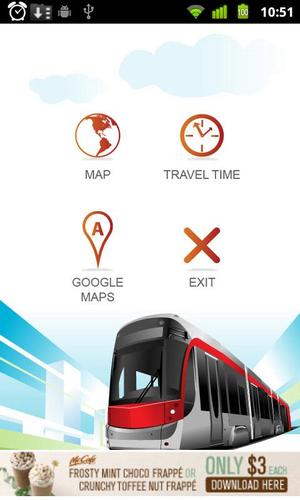
This is the perfect app to update you when arrive your destination in Melbourne

Melbourne Transport Alarm alerts you so you do not miss your stop when traveling on the Train, Tram or Bus in Melbourne.

The app works by comparing your current location with the destination during the journey and triggers an alert when you approach the destination.

It requires Network service or GPS to determine your current location.

Network uses Tower cell-ID and/or Wi-Fi signals (where available) to provide location information.

You may also use GPS with Network since it is more accurate. However, it consumes more battery power so please ensure to EXIT (select Menu, Exit) when you arrive at the destination and the app is no longer required.

The followings show you how to use :

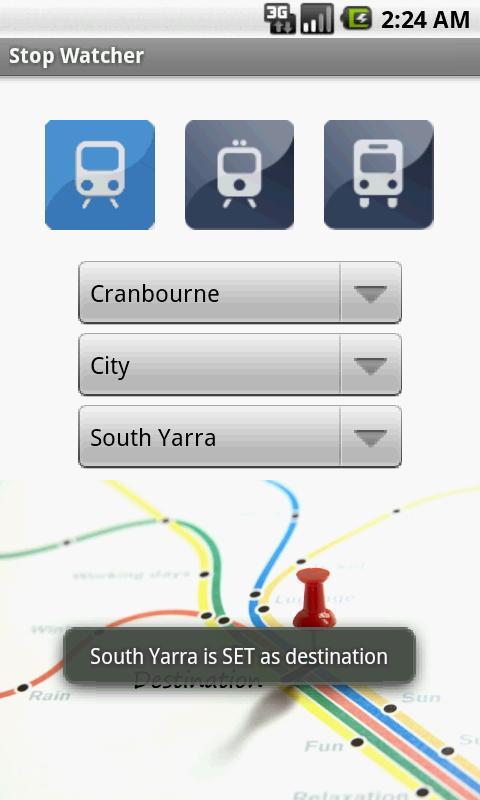
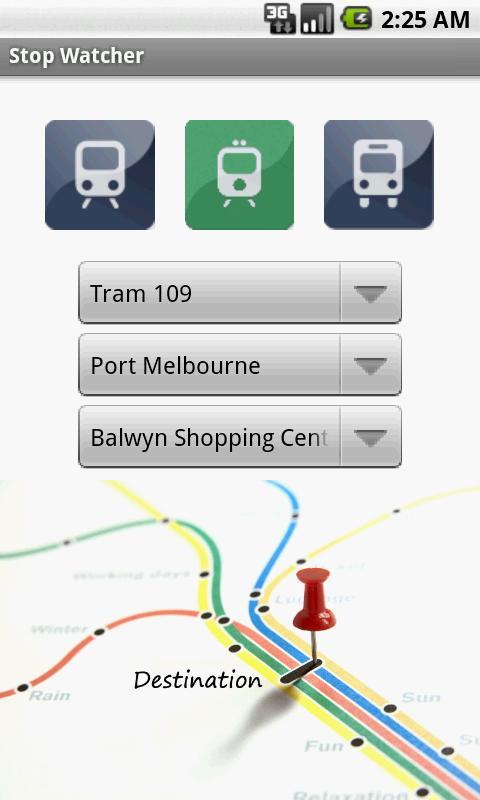
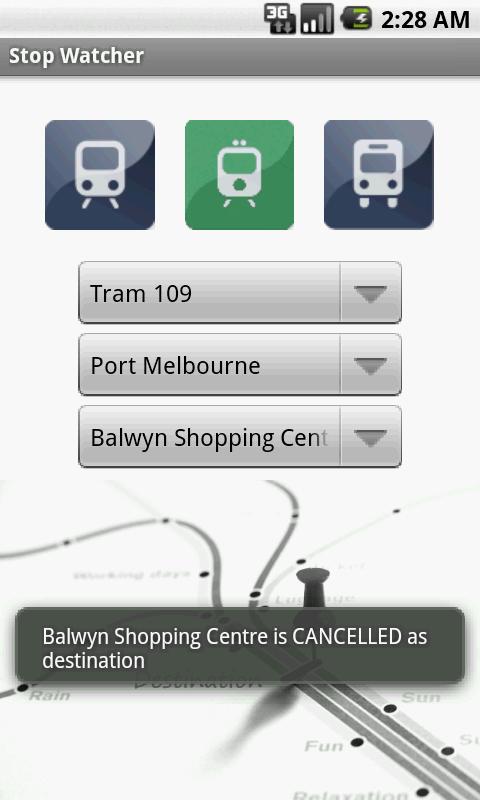
1. From the top three icons, blue (Train), green (Tram) and red (Bus), tap on an icon to choose the transport mode.

2. Tap on LINE to choose the line travelled.

3. Tap on DIRECTION to choose which direction you are headed.

4. Tap on STATION to select your destination station or stop.

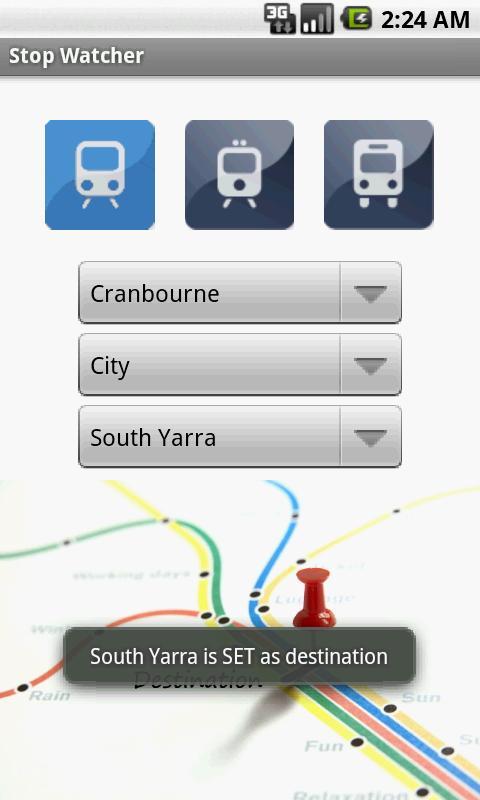
5. Finally, tap on the grey tack at the bottom of screen and it will confirm if you want to SET Destination.

6. Select YES button and the colour of the tack will change to red. You can now enjoy your journey knowing that you will be reminded of your stop.

7. The mobile device will alert by vibrating 10 times when approaching your destination.

8. To EXIT the app, click on Menu, Exit.
What's New in the Latest Version 2.1.0

Last updated on Aug 1, 2015 Fix reported bug of [SQLiteException] caused by apostrophe station name such as 'St Vincent`s Plaza'
Download(2.36MB)
Users also viewed
  • Bluetooth Drive Link - DEMO

    Bluetooth Drive Link - DEMO

    0.7.1 January 22, 2026
  • TaxiGet driver

    TaxiGet driver

    1.2 January 22, 2026
  • Sckippie

    Sckippie

    1.02 January 22, 2026
  • Monaco Bus

    Monaco Bus

    4.3 January 22, 2026
  • RTO Vehicle Info

    RTO Vehicle Info

    12.5 January 21, 2026
  • SGTrains - Singapore Apps

    SGTrains - Singapore Apps

    1.8 January 21, 2026
  • Hagia Sophia Turkey Tour Guide

    Hagia Sophia Turkey Tour Guide

    30.1.2 January 21, 2026
  • Reifen-Kleinanzeigen

    Reifen-Kleinanzeigen

    1.3 January 21, 2026
  • Bennett Carrier App

    Bennett Carrier App

    1.1.4 January 20, 2026
  • BitLock

    BitLock

    1.4.5 January 20, 2026
  • Corredor Azul

    Corredor Azul

    1.1 January 20, 2026
  • DIY Car Repair

    DIY Car Repair

    4.0 January 20, 2026
  • T Hotel Cagliari

    T Hotel Cagliari

    1.4 January 20, 2026
  • Bureau Toerisme Laag Holland

    Bureau Toerisme Laag Holland

    1.401 January 19, 2026
  • FlightPredictor Lite

    FlightPredictor Lite

    1.1.4 January 19, 2026
About Privacy Policy Terms of Service Cooking Policy

© Copyright 2017-2026 downde.com