

Quickly Switch Apps | #FloatIt to Become Multitasking Master
What can you do to Switch Quickly to another App?! (As Fast As Possible)
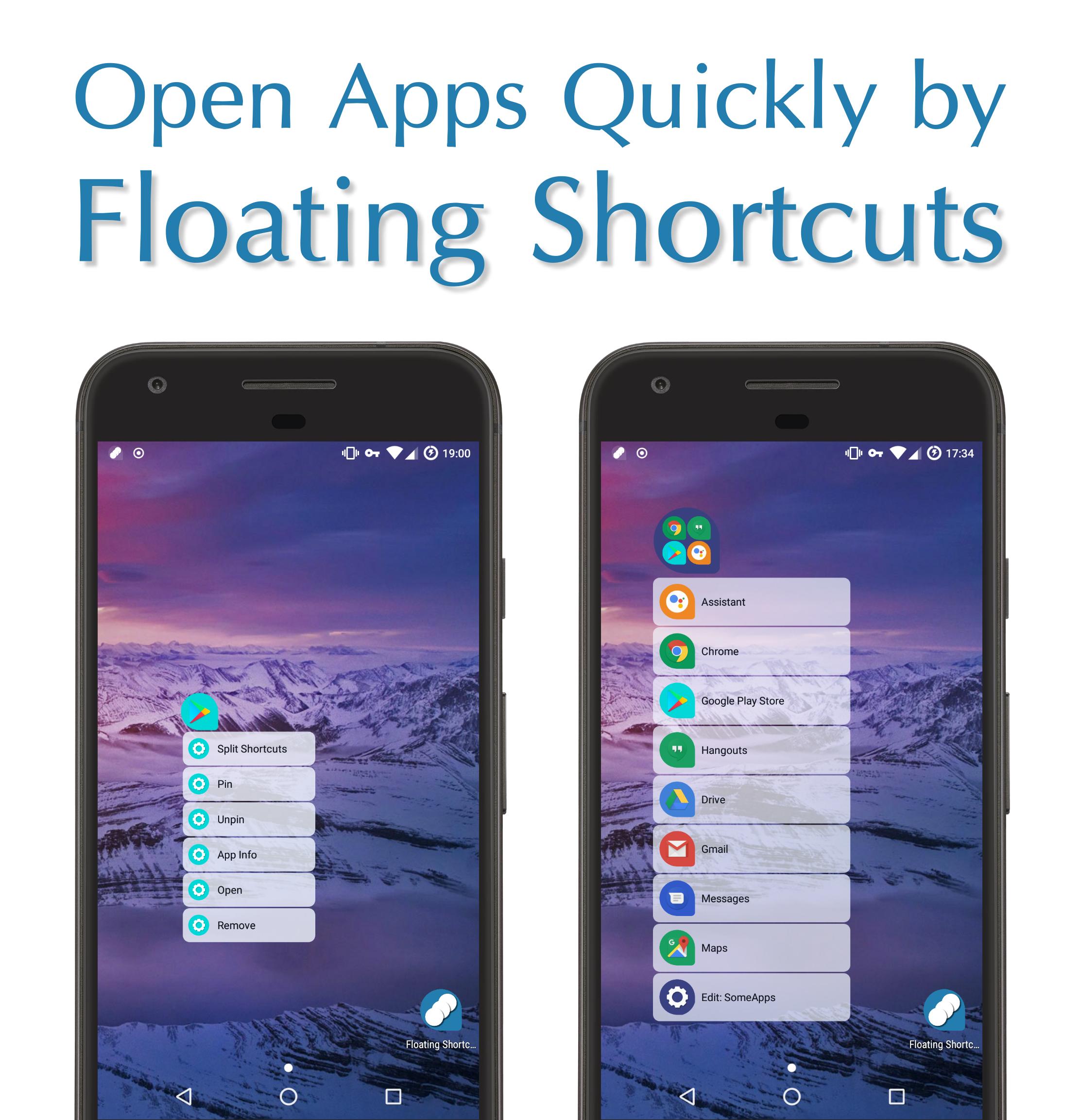
✔️ Float It Solution (You Only need One Click to Switch Apps...)
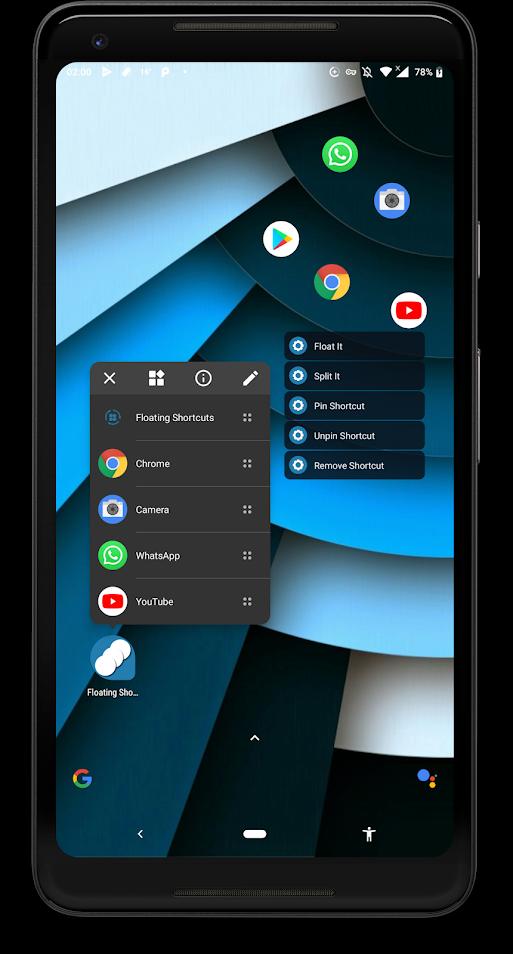
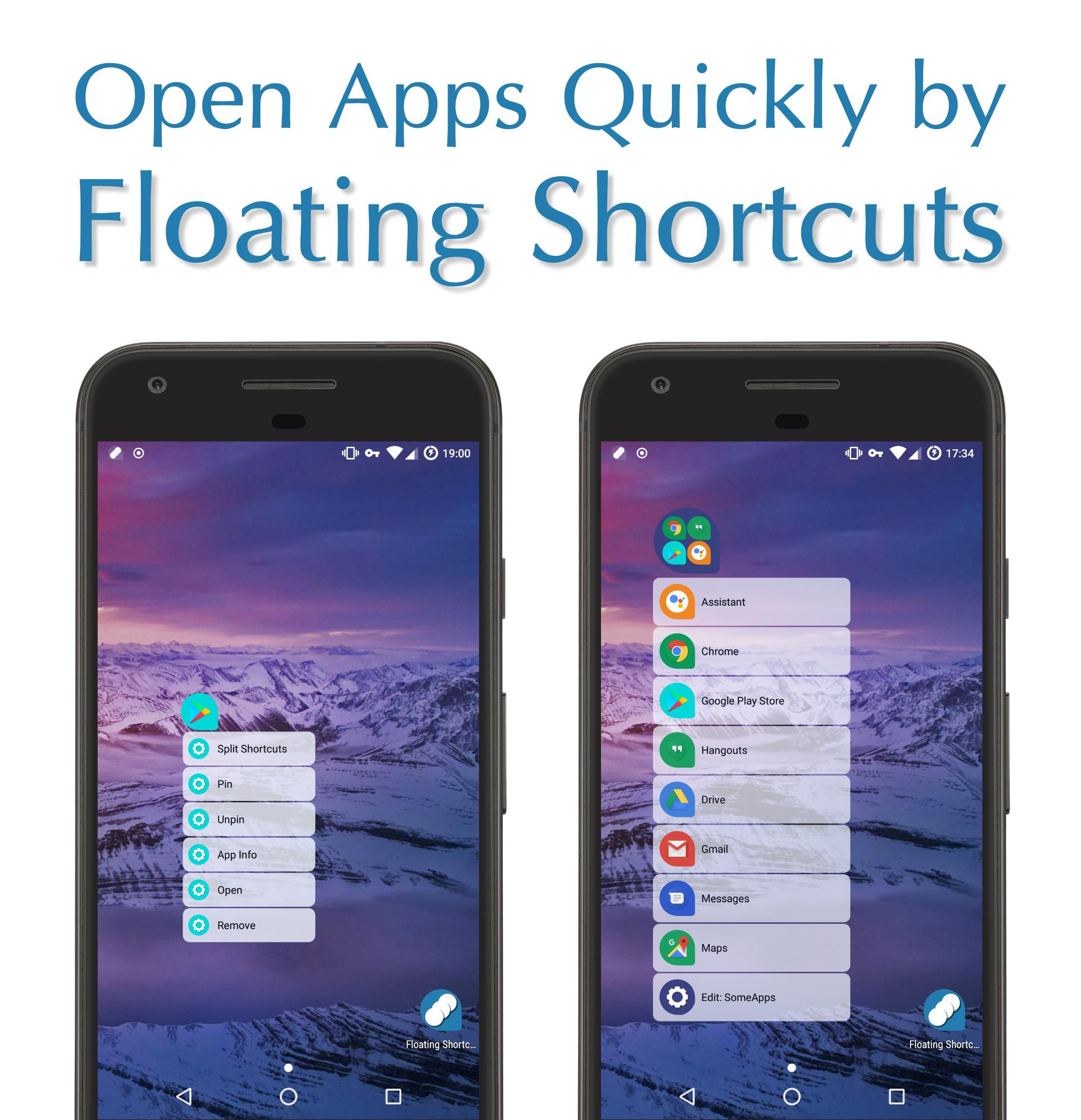
1️⃣ Click on Floating Shortcuts to Open other Apps Immediately ? ?
?
❌ Others Solutions
1️⃣ You should Leave Current app,
2️⃣ (Open a Toolbar/Open AppsDrawer/Open a Folder/Swipe Between Pages/Draw a Gesture),
3️⃣ Find the App &
4️⃣ Finally Click on the App to Open it... (It takes 4 actions. besides You Have to Remember Position or Specific Gesture & It limits you to a box) ? ?
OK Google! Open Float It
Say this command to Recovery all Floating Shortcuts & Folders
(Turn On Intelligent Services in App Preferences)
Watch Tutorials On YouTube To Learn How To Float It...
https://www.youtube.com/playlist?list=PLTs5v2BrWyWkStqKF9_9R3ewgR3AifcZO
Features
? Floating Shortcuts
? Floating Widgets ? ? :
▫️ Open Floating Widgets Directly from Home Screen Shortcuts Whenever you Need them.
▫️ Click on ✔ To Create Floating Widgets
▫️ Press & Hold on ✔ to See More Options
? Floating Folders
? Sticky Edge: Open Notification Bar & Select Move to Edge (Left/Right) to Move Floating Shortcuts/Folders to Edge
? Floating Notification ? :
▫️ Click on Notification Dot to See Contents
▫️ Press & Hold on Notification Dot to Expand Notification Panel
▫️ Swipe Left/Right to Remove Notifications
▫️ Turn On Floating Notifications in Preferences
? Popup AppShortcuts (Android 7.1.+)
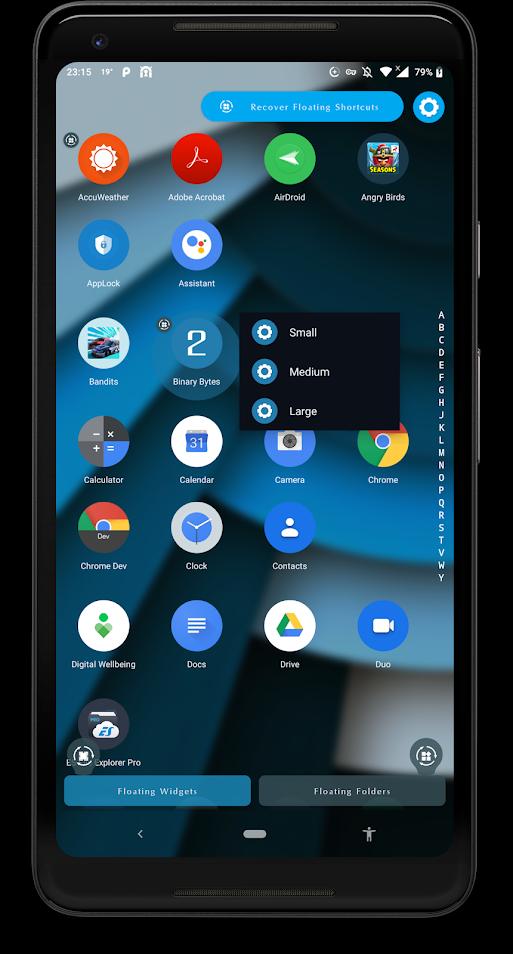
▫️ Recover Floating Shortcuts/Folders
? Popup Menu Delay
▫️ Choose Delay in Millisecond when Press & Hold on Floating Shortcuts to See the Popup Menu
Advanced Features
? Split It: Open Apps in Multi-Window Simultaneously (Android 7.+)
? Float It: Open All Apps in Floating View (Android 7.+)
? Lite Preferences ⚡: Set Preferences to Minimum for Better Performance
Preferences
? Floating Shapes: Droplet - Circle - Square - Squircle
? Theme of Icons: Select Package of Icons Theme
? Floating Splash: Waiting Screen for Opening Apps
? App Theme Color: Light/Dark Color of Wallpaper
? Transparent Theme: Light/Dark/Dynamic
? Blurry Theme
? Shortcuts Size
? Shortcuts Transparency
Tip: Press & Hold on Floating Widgets/Folders/Shortcuts Buttons at Bottom to See Recovery Options
Tip: To Remove/Pin Floating Shortcuts/Folders Press & Hold to see Options
/*
* Your Smartphone Wallpaper reflects your Moods & I Respect it.
* Float It Theme Colors will Change to What you are in mood for... ?
*/
/*
* #FloatIt? on your Wrist
* Create Floating Shortcuts of Apps on Android Wear Smart Watches
*/
/*
* ℹ️ Accessibility Service Permission Notice
* To Create Multi-Window & Open Apps in Split Screen Simultaneously.
*/
/*
* ?? American Made Software ??
*
* Float It ? | Facebook ?
* https://www.facebook.com/FloatIt.Android/
*
*
* ⚠️ Please, Do Not Use Pirated Websites ?☠️ to Download Android App .APK File.
*
*
* Please, Don't forget to Rate & Share ⭐⭐⭐⭐⭐
* Also, contact me to Ask a Question or Suggest an Idea ?
* Always, Appreciate your Feedbacks ? ?
*/


 Download