• Home
  • Games
    Action-adventure Simulation Business Role Playing Sports Competition Casual Intelligence Card Strategy Music Rhythm Text Puzzle
  • Apps
    Business Office Newsletter Social Life Entertainment Online Shopping Practical Tools Travel Educational Learning Information Reading Sports and Health
  • Articles

English 中文(简体) 中文(繁体) 한국어 日本語 Português Español Русский العربية Indonesia Deutsch Français ภาษาไทย
Home Apps Practical Tools Simplified Chinese Keyboard
Simplified Chinese Keyboard

Simplified Chinese Keyboard

1
2
3
4
5
Download
  • Version 1.8.6
  • Category Practical Tools
  • Package Name com.linpusime.android.linpuskbd
  • Update Time July 31, 2025
  • Size 9.79MB
About this app

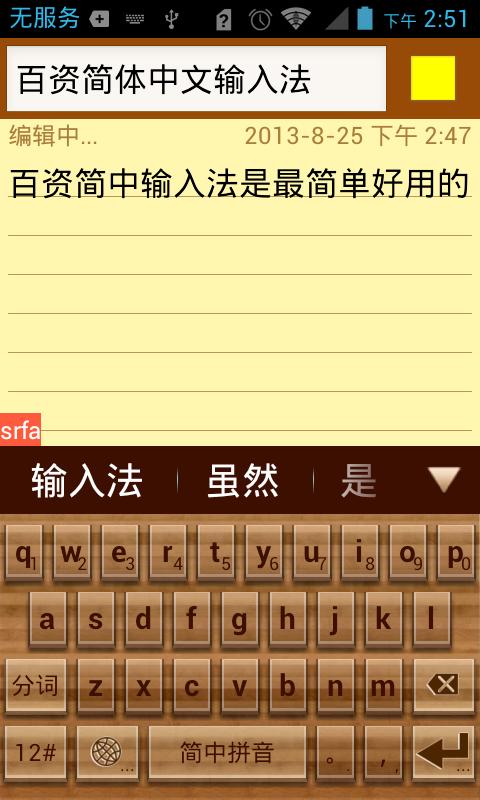
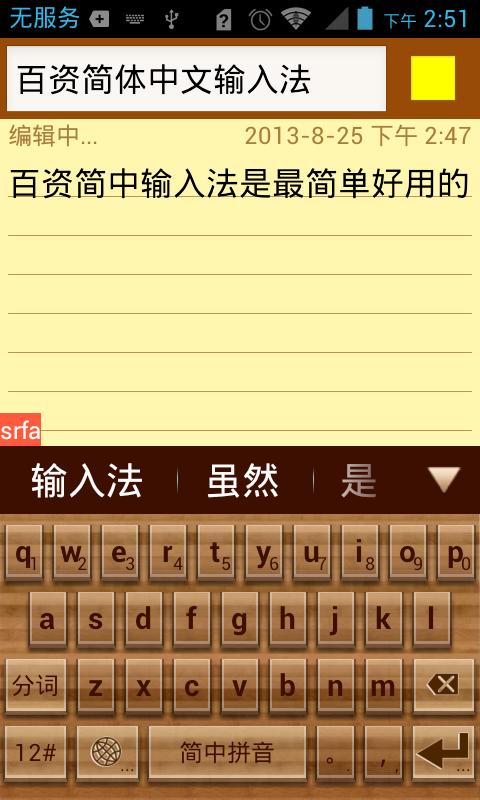
Linpus Keyboard is the most practical IME, support English, PinYin & handwriting

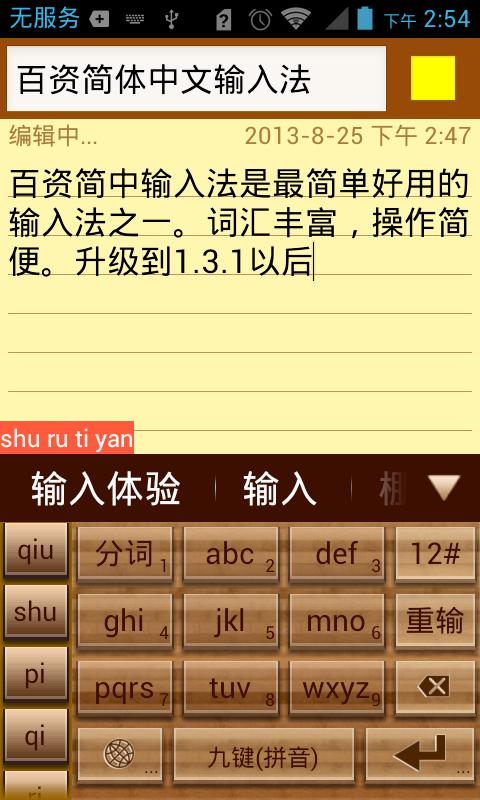
Linpus Keyboard is one of the most practical input method. It supports English, Chinese PinYin (Full layout and nine-grid simple layout) and handwriting input method.

The main feature of Linpus keyboard (IME) are:

* Simplified Chinese vocabulary error-correction feature;

* Simplified Chinese vocabulary fuzzy-input-method;

* Simplified Chinese vocabulary prediction;

* Simplified Chinese vocabulary memory feature;

* Simplified Chinese sentence input feature;

* Chinese and English mixed input support;

* English prediction and next word prediction;

* Local address book contact feature;

* Voice input method;

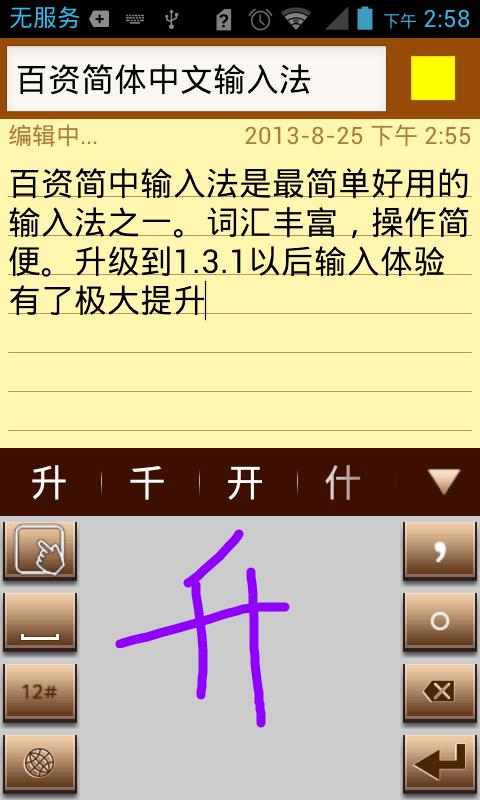
* Handwriting input method, support full screen;

* Keyboard layout candidate view fling animation support;

* Keyboard layout candidate view gesture support;

* Emoji and Emotion support.

Note: To be used on your Android device(Smart Phone or Tablet), LinpusIME must be enabled in "Settings"->"Language & keyboard settings".

Search key words:

IME LinpusIME PinYin Linpus voice input method useful practical contact touch key keyboard handwriting

v1.2.9 Update List:

1. Adjust the 9-Grid layout, make it more beautiful;

2. Add layout button size setting;

3. Add pink theme and delete Chinese new year theme;

4. Fix rotation in handwriting layout will crash issue.

v1.2.2 Update List:

1. Add auto correction mechanism;

2. Add handwriting half and full screen switch;

3. In the tablet split keyboard add 9-Grid digits;

4. Add wood theme and China new year theme.

v1.2.1 Update List:

1. Add English next word prediction;

2. Add emotion button on candidate view bar;

3. Change symbol layout and switching SPEC.

v1.2.0 Update List:

1. Add handwriting setting: user can select the trace color;

2. Add direction pad in candidate view to easier edit text;

3. Modify punctuation: easier to use;

4. Add some new words;

5. Fix XML parse error issue.

What's New in the Latest Version 1.8.6

Last updated on Dec 25, 2018 improve stability
Download(9.79MB)
Users also viewed
  • Cartoon Camera

    Cartoon Camera

    1.0 December 25, 2025
  • AFTrack Grib plugin

    AFTrack Grib plugin

    1.0.6 December 25, 2025
  • Pasatiempo Telcel

    Pasatiempo Telcel

    12.00 December 25, 2025
  • Home Furnishings

    Home Furnishings

    5.1.0 December 24, 2025
  • Lava Go Keyboard Theme

    Lava Go Keyboard Theme

    1.188.1.84 December 24, 2025
  • Dialer Theme G Black Orange

    Dialer Theme G Black Orange

    350 December 24, 2025
  • FLOQ Speedtest

    FLOQ Speedtest

    2.7.1995 December 24, 2025
  • TL Flash Light

    TL Flash Light

    1.01 December 23, 2025
  • Full size Wallpaper

    Full size Wallpaper

    1.7.1.3 December 23, 2025
  • DVR:Blue Darkness

    DVR:Blue Darkness

    1.0 December 23, 2025
  • I-REACT

    I-REACT

    1.5.5 December 23, 2025
  • instax SHARE

    instax SHARE

    3.4.9 December 23, 2025
  • Lava Care

    Lava Care

    16.3 December 23, 2025
  • Big Clock Widget

    Big Clock Widget

    1.4 December 23, 2025
  • oiot.ru

    oiot.ru

    4.11.12 December 23, 2025
About Privacy Policy Terms of Service Cooking Policy

© Copyright 2017-2025 downde.com