

Useful tool for the Samsung Note series and for people that love the S Pen
Not actively maintained anymore
**You will need to install the Add-on application if you want to use Note Buddy on Non-TouchWiz based ROMs or want to respond to the S Pen button(Requires Root access)**
**People interested in translating the application please email me**
User Guide: http://galaxy-note-3.wonderhowto.com/how-to/ultimate-s-pen-customization-tool-for-your-galaxy-note-3-0157073/ written by Mike Baladad
This app uses the Device Administrator permission. It is needed for the auto lock feature.
Free Version:
-Can be used by Tasker to detect the S Pen detachment/insertion.
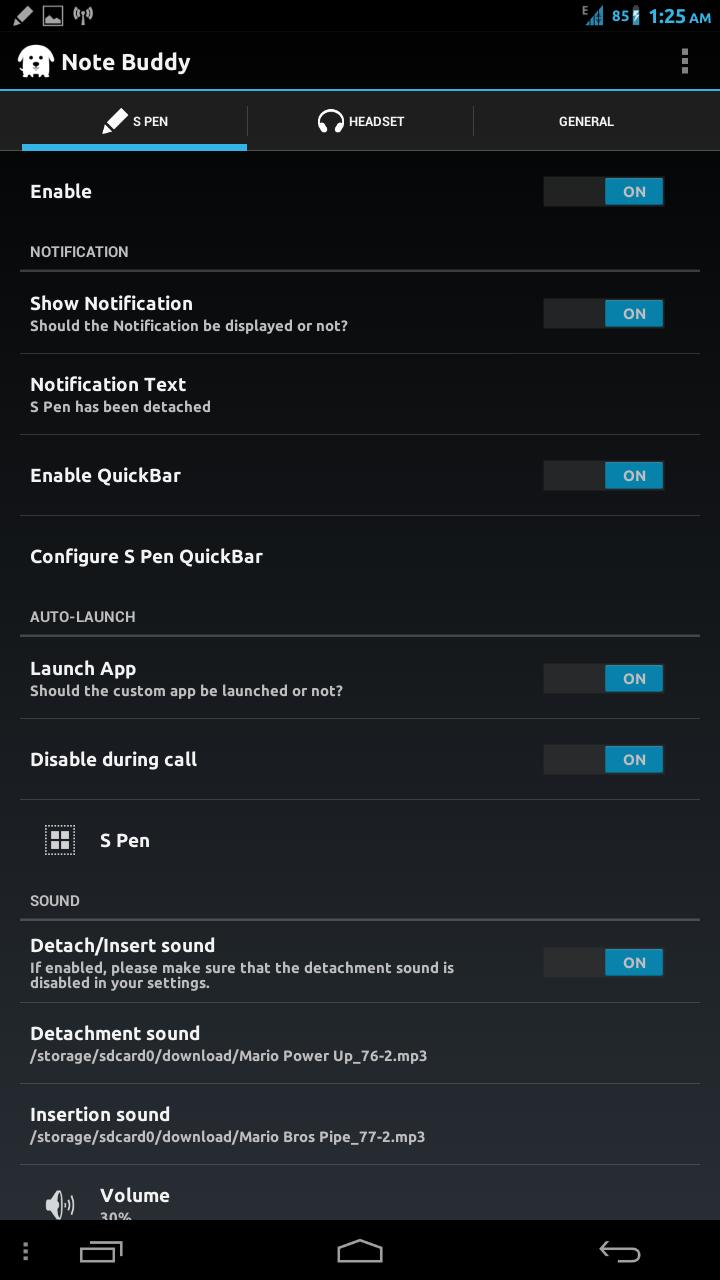
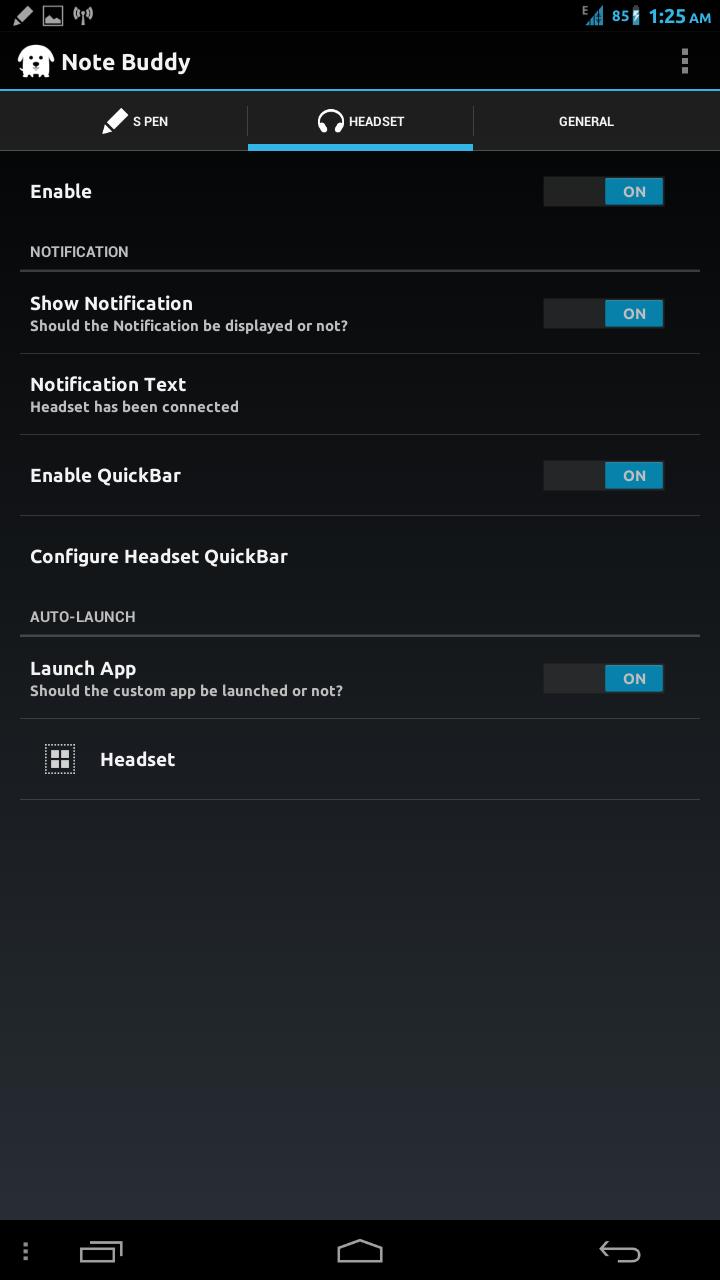
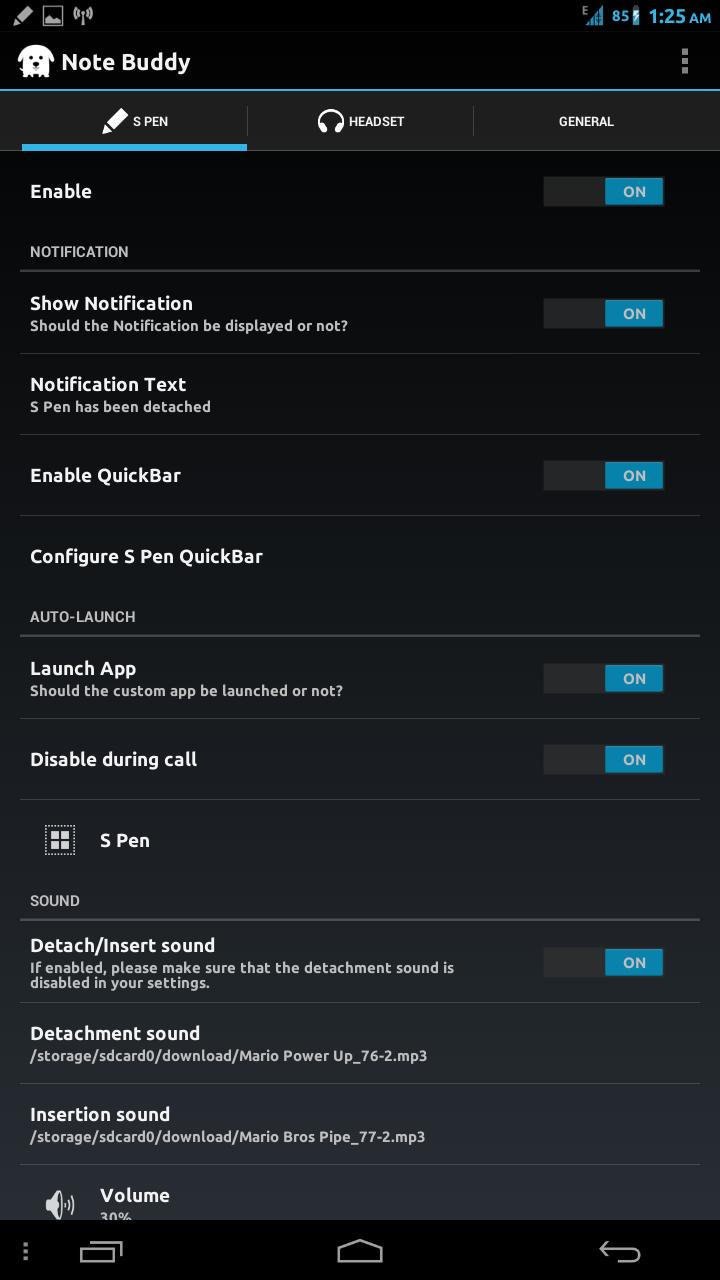
-Launches the Application/Shortcut chosen by you when the S Pen is detached/Headset is plugged in. (can be disabled)
-Launches the Application/Shortcut chosen by you when the S Pen is attached/Headset is removed. (can be disabled)
-Shows a Notification with custom text when the S Pen is detached/Headset is plugged in. (can be disabled)
-During a call the auto launch for the S Pen is disabled so that it does not conflict with S-Memo auto-launch. (can be disabled)
-Quick Bar of up to 3 Applications or Shortcuts in the Notification Bar.
-Can select custom insert/detach sounds for the S Pen.
-Up to 3 applications in the Application Shade.
-Auto-Launch blacklist of up to 1 application.
-Automatically lock phone when S Pen is inserted. Smart mode is also available in which phone is locked only if it was locked when S Pen was detached.
-Notification icon's can be made transparent to make it look better on Note devices where the default notification cannot be disabled.
Premium Version:
-Application selected for auto-launch will close when S Pen is inserted/Headset is removed.
-Application Shade will be dismissed when S Pen is inserted/Headset is removed.
-Application Shades can be nested.
-Capacity of QuickBar will increase to 6.
-Application limits from the Application Shade and Blacklist will be lifted.
-Volume of the S Pen insert/detach sounds can be adjusted.
-Smart Launch mode will be available which allows you to select a separate Application/Shortcut/Action to launch if the phone is locked.
-Ability to select an Icon Pack to be applied to all the icons of the Application Shade/Quick Bar.















 Download