• Home
  • Games
    Action-adventure Simulation Business Role Playing Sports Competition Casual Intelligence Card Strategy Music Rhythm Text Puzzle
  • Apps
    Business Office Newsletter Social Life Entertainment Online Shopping Practical Tools Travel Educational Learning Information Reading Sports and Health
  • Articles

English 中文(简体) 中文(繁体) 한국어 日本語 Português Español Русский العربية Indonesia Deutsch Français ภาษาไทย
Home Apps Business Office RICOH Smart Device Connector
RICOH Smart Device Connector

RICOH Smart Device Connector

1
2
3
4
5
Download
  • Version 3.16.9
  • Category Business Office
  • Package Name com.ricoh.smartdeviceconnector
  • Update Time September 24, 2025
  • Size 60.26MB
About this app

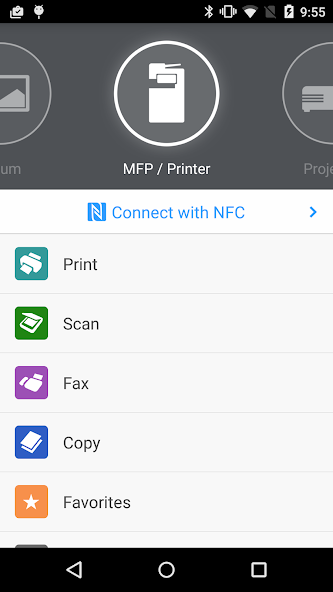
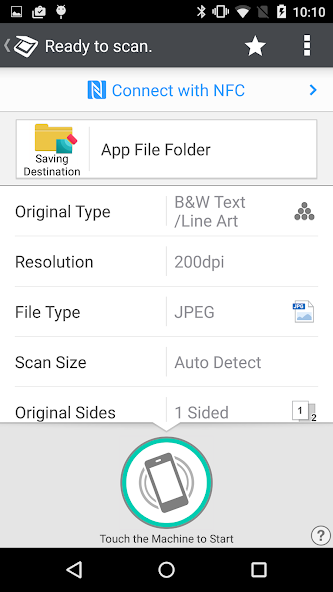
Control Ricoh MFP and projector functions from an Android–based smart device.

RICOH Smart Device Connector lets you quickly access a RICOH multifunction printer (MFP) or projector by registering it with a smart device via NFC, Bluetooth Low Energy, a QR code, or the IP address or hostname of an MFP.

Print-related features:

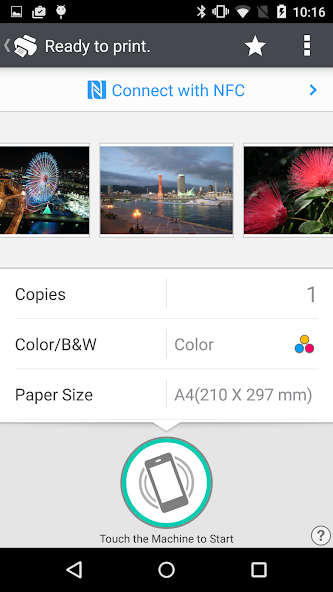
- Print or project documents and images stored on a smart device or on Box, Dropbox, Google Drive, Microsoft OneDrive.

- Print emails, file attachments, and webpages.

- Print from print server.

Scan-related features:

- Scan to a smart device or to Box, Dropbox, Google Drive, or Microsoft OneDrive.

Projection-related features:

- Project documents and images on a smart device or in Box, Dropbox, Google Drive, or Microsoft OneDrive to a RICOH projector and the RICOH Interactive Whiteboard.*

- Project emails, file attachments, and webpages.

- Save documents that have been annotated on the RICOH Interactive Whiteboard.

Other features:

- Conduct user authentication by using a smart device.

- Automatically search for available machines on the same network.**

Supported languages:

Arabic, Brazilian Portuguese, Catalan, Chinese (Traditional and Simplified), Czech, Denmark, Dutch, English, Finnish, French, German, Greek, Hebrew, Hungarian, Italian, Japanese, Korean, Norwegian, Polish, Portuguese, Russian, Spanish, Swedish, Thai, Turkish, Vietnamese

Supported models:

https://www.ricoh.com/software/connector/

*RICOH Interactive White Board D6500/D5510 requires firmware v1.7 or later.

**Except for the RICOH Interactive Whiteboard.
What's New in the Latest Version 3.16.9

Last updated on Dec 20, 2024 The issue that occurred with OneDrive has been fixed.
Download(60.26MB)
Users also viewed
  • Quick History Cleaner

    Quick History Cleaner

    1.0 January 22, 2026
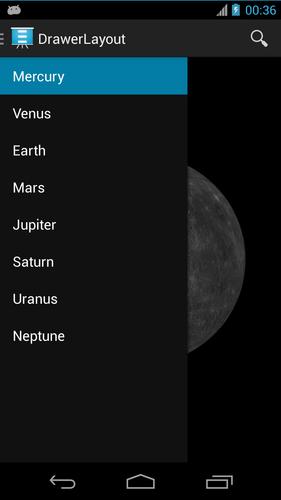
  • ActionBar Toggle Sample

    ActionBar Toggle Sample

    1.2 January 21, 2026
  • XM

    XM

    3.35.1 January 21, 2026
  • My BASE

    My BASE

    4.6.0 January 21, 2026
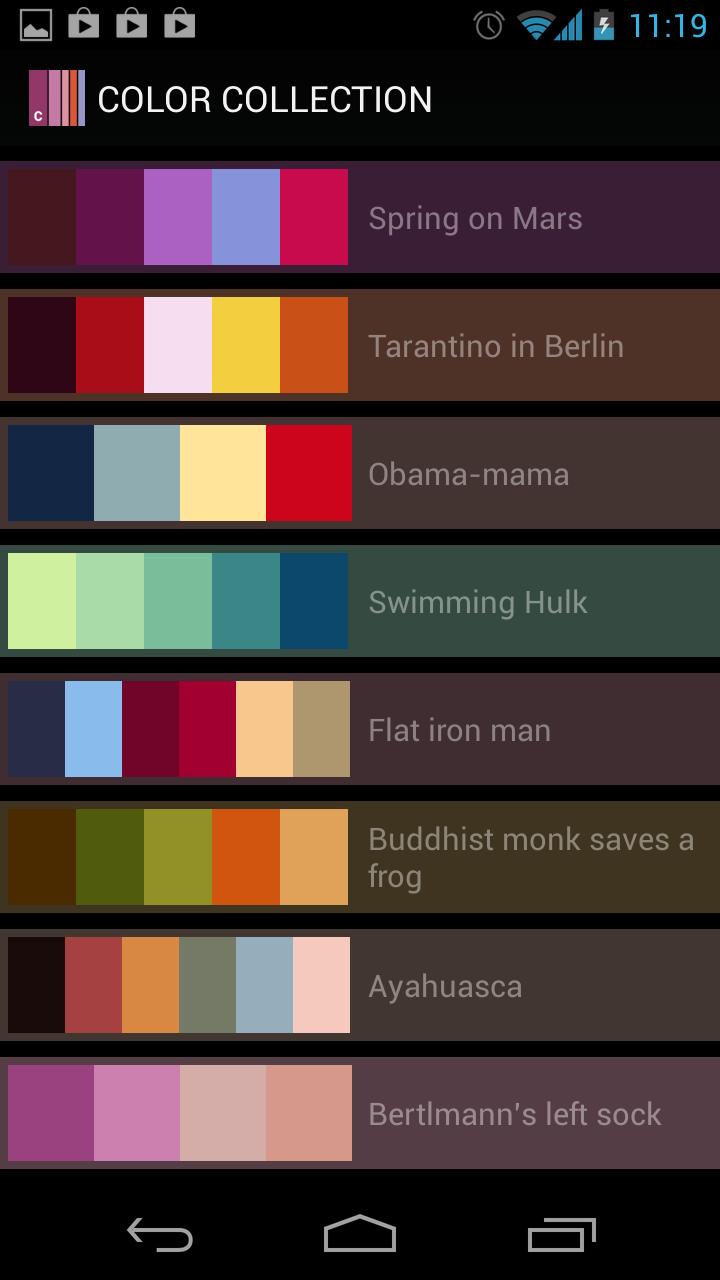
  • Color Collection, palettes

    Color Collection, palettes

    5.0 January 21, 2026
  • LuluBox For Android

    LuluBox For Android

    1.1.0 January 20, 2026
  • Next Talk Call Reminder Trial

    Next Talk Call Reminder Trial

    2.1.4 January 20, 2026
  • GeoComply Demo

    GeoComply Demo

    1.0.0 January 20, 2026
  • Biblium Mobile

    Biblium Mobile

    0.0.113.0 January 20, 2026
  • Tuscany Dive

    Tuscany Dive

    1.21 January 20, 2026
  • NRSV Bible app

    NRSV Bible app

    Nrsv Bible App 5.0 January 20, 2026
  • eAction Log

    eAction Log

    1.2 January 19, 2026
  • 100 GB storage SD

    100 GB storage SD

    1.7 January 19, 2026
  • Damaged Sd card Formatter

    Damaged Sd card Formatter

    20.0 January 18, 2026
  • Arduino BT LED Strip Control

    Arduino BT LED Strip Control

    0.1a January 17, 2026
About Privacy Policy Terms of Service Cooking Policy

© Copyright 2017-2026 downde.com