

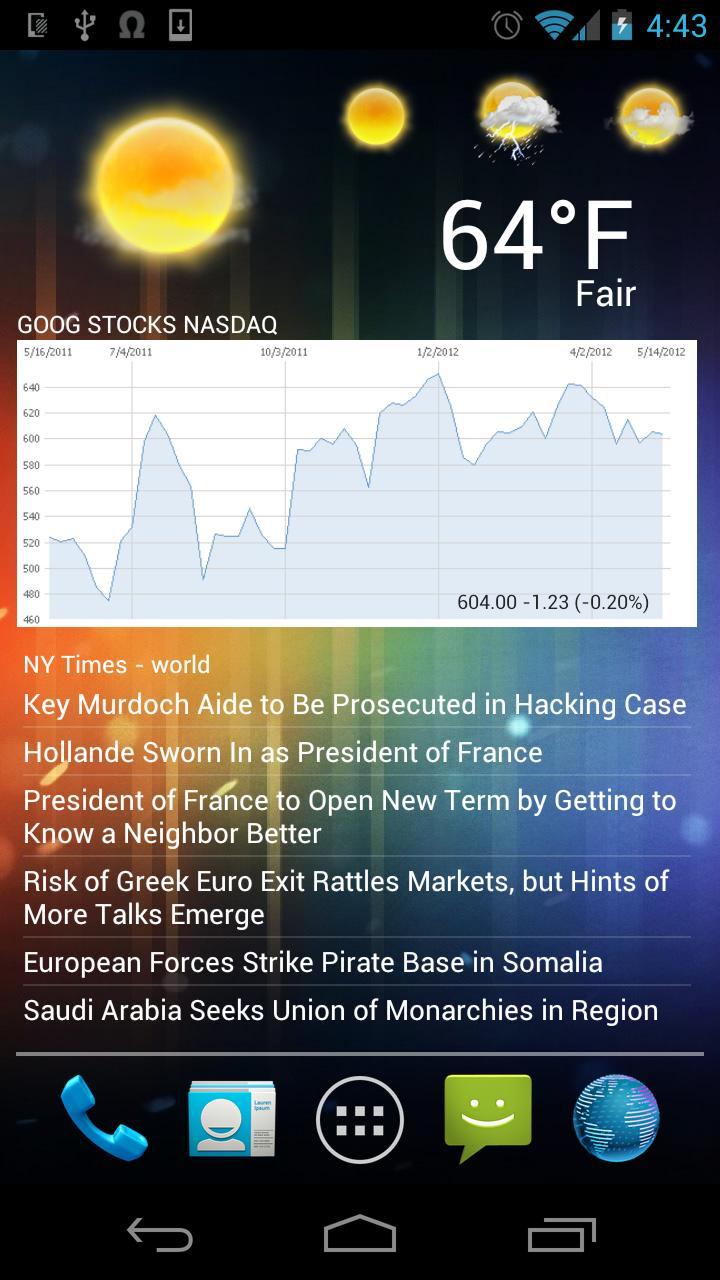
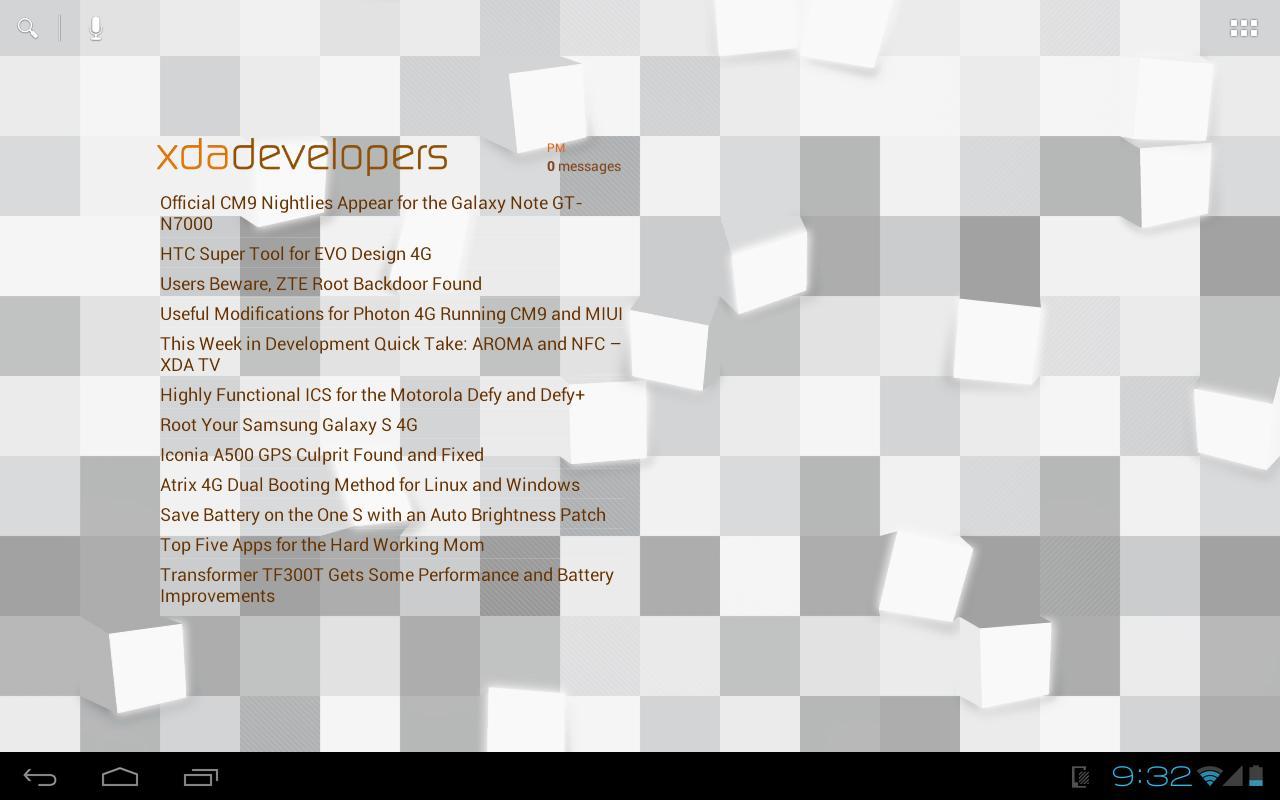
Meta Widget can clip web content into dynamic, interactive widgets.
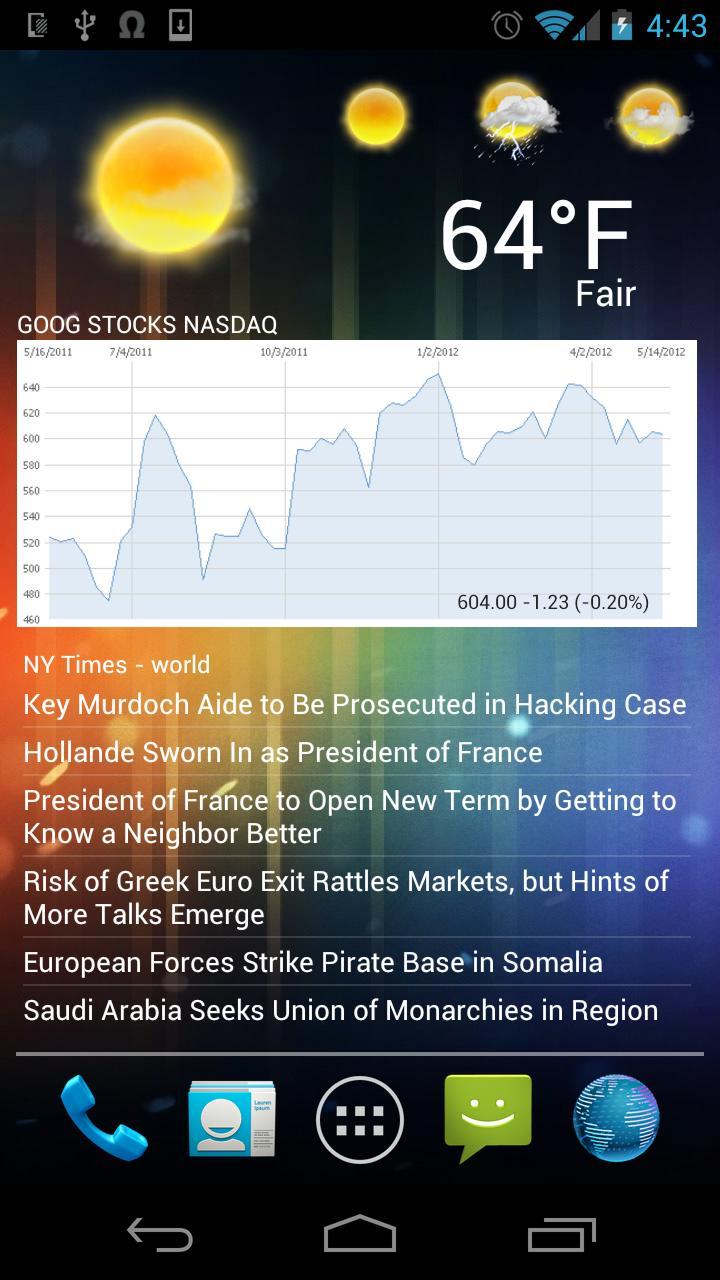
Meta is a unique app that can clip web content into dynamic, interactive widgets. Simply browse to a website, pick a column of text, blurb, image or element and enjoy this information right on your home screen!
Almost any simple element can be parsed out of a website - images, lists of similar articles, feeds or features. Use it for local papers, web comics, site statistics, analytics, account information, forums, threads, inbox status, weather maps, stocks, pics of the day and even Facebook pages!
Any widget created through Meta can be customized and automatically updated, or updated on user interaction.
★ Create widgets from almost any website element
★ Parse graphs and images
★ Extract statistics and information from authorized sites
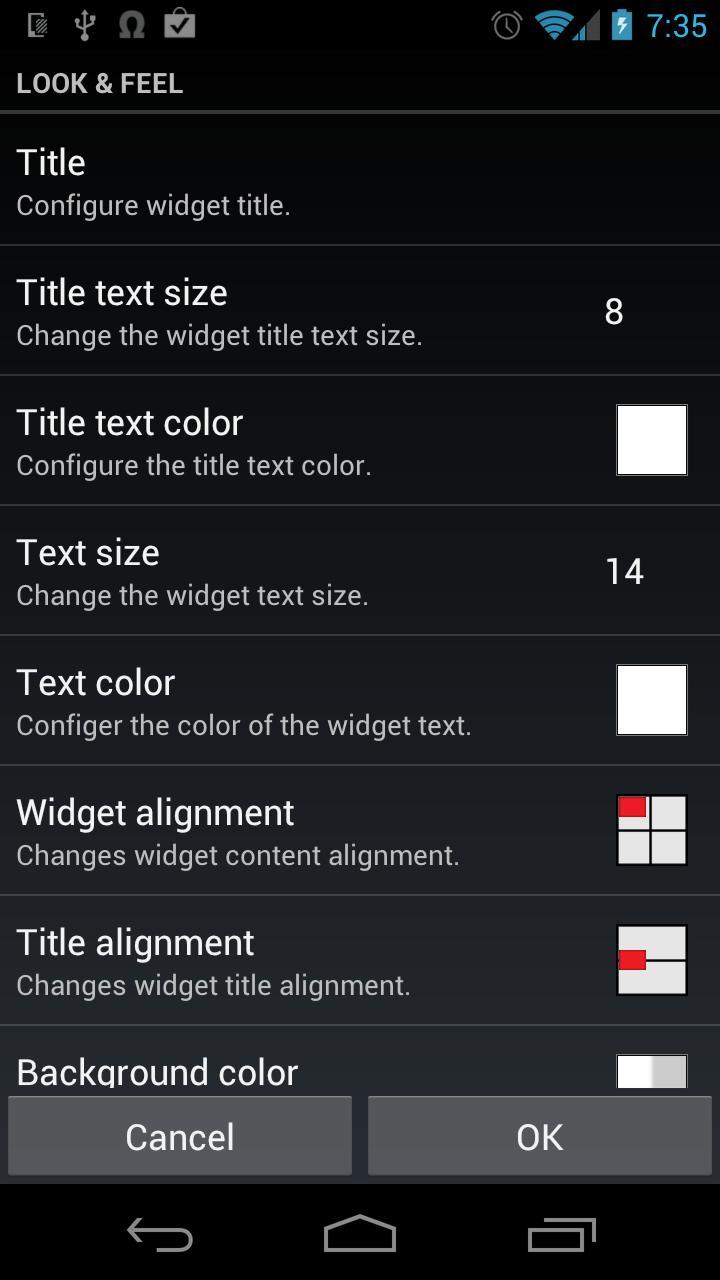
★ Configure widgets (background, alignment, etc.)
★ Automatic updates
★ User defined click actions
★ Lots of other cool stuff
This app is now completely free. Enjoy.
INSTRUCTIONS:
To get started, add a Meta Widget to your home screen and navigate to the site you want to widgetize. Then, when you get to the page you want, check the box in the lower left corner and tap somewhere on the page. It'll surround that element in an orange box, after which you can move the selection tool around with the arrows at the bottom of the screen. When you find the element you want to put on your home screen, tap the plus sign and go to town configuring text colors, widget alignment, and more to make it look just right.
NOTE:
This method of creating widgets will not always work for every site and element. But it should work for many with the proper CSS corrections.
NOTE 2:
We only provide technical support for this app (if for example it stops working on a new Android version, we will fix this), but do not provide any direct help in creating widgets or formatting them.






 Download