• Home
  • Games
    Action-adventure Simulation Business Role Playing Sports Competition Casual Intelligence Card Strategy Music Rhythm Text Puzzle
  • Apps
    Business Office Newsletter Social Life Entertainment Online Shopping Practical Tools Travel Educational Learning Information Reading Sports and Health
  • Articles

English 中文(简体) 中文(繁体) 한국어 日本語 Português Español Русский العربية Indonesia Deutsch Français ภาษาไทย
Home Apps Practical Tools KawaiiWidget the bears' school
KawaiiWidget the bears' school

KawaiiWidget the bears' school

1
2
3
4
5
Download
  • Version 1.0.0
  • Category Practical Tools
  • Package Name com.aswidget.android.data.widget.thebearsschool2nd
  • Update Time October 27, 2025
  • Size 7.7MB
About this app

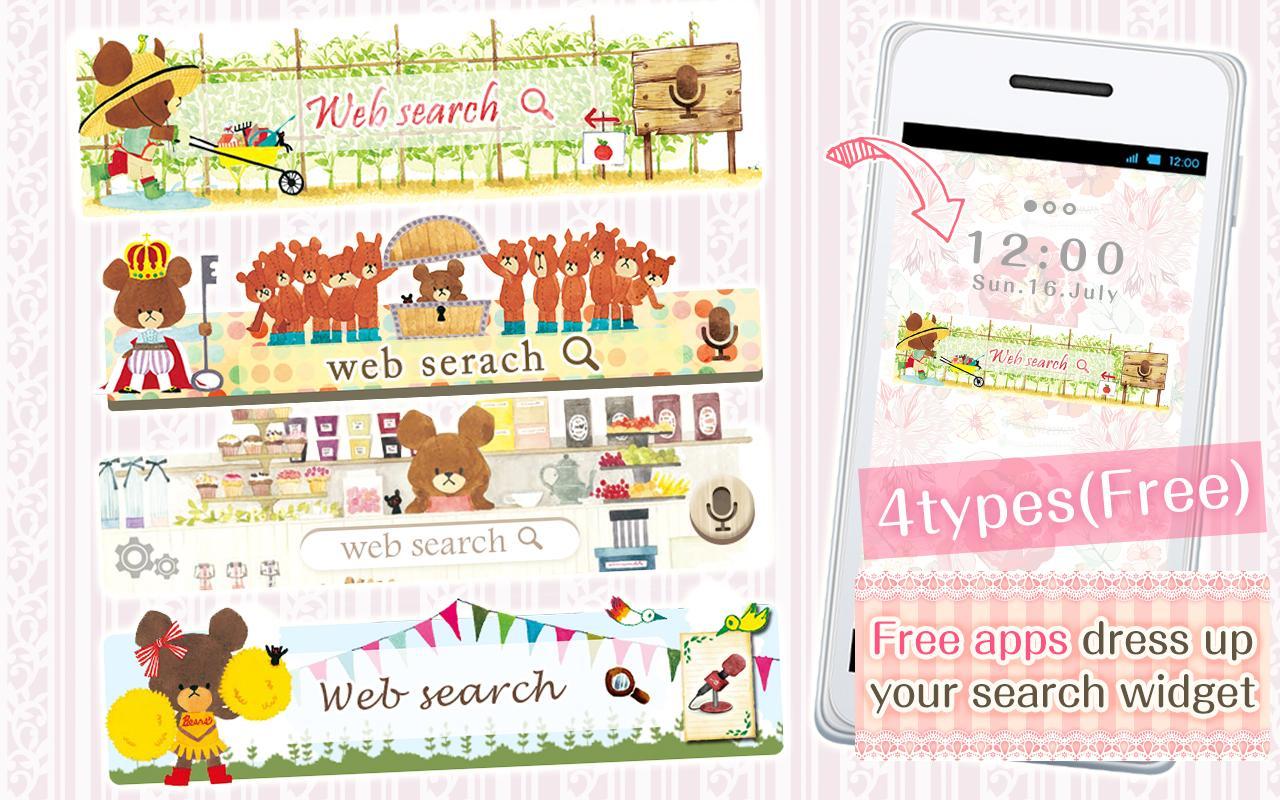
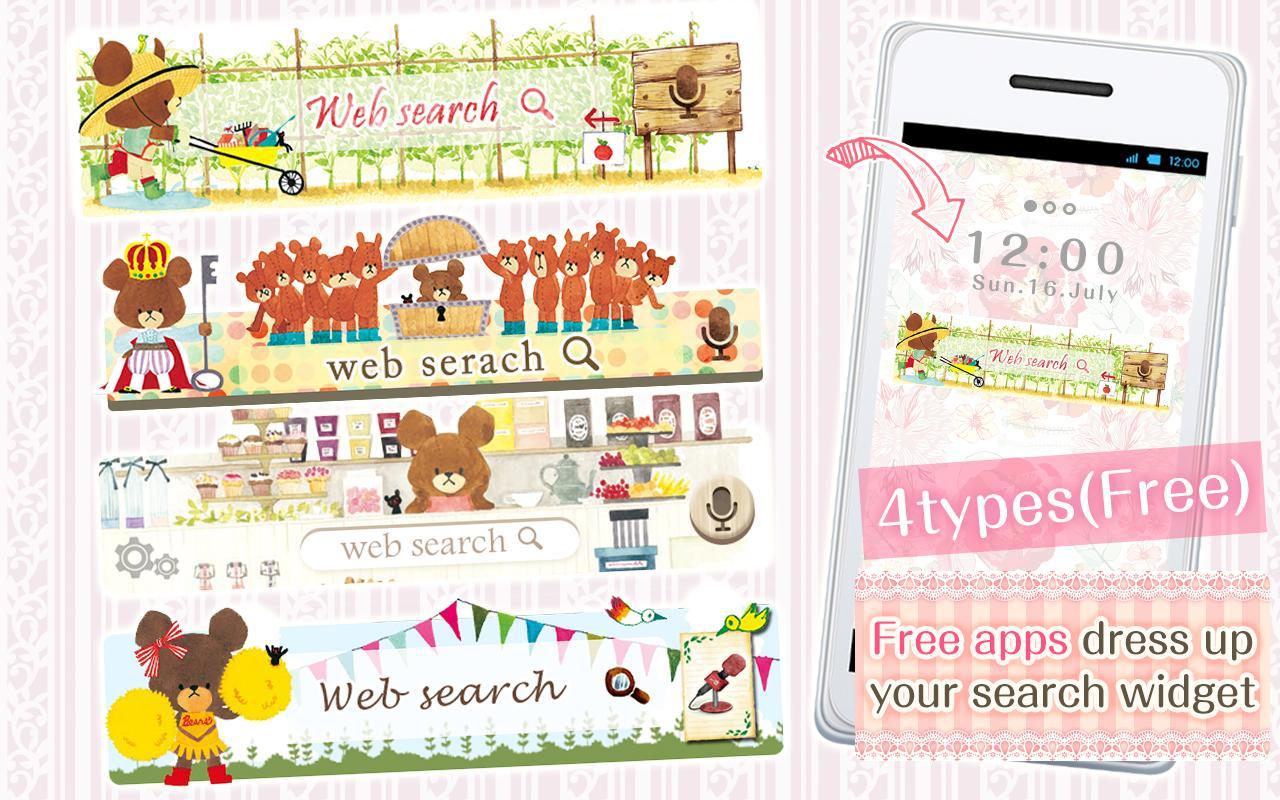
You can customize your home screen with kawaii Search Widge with DRESSAPPS!

Free application

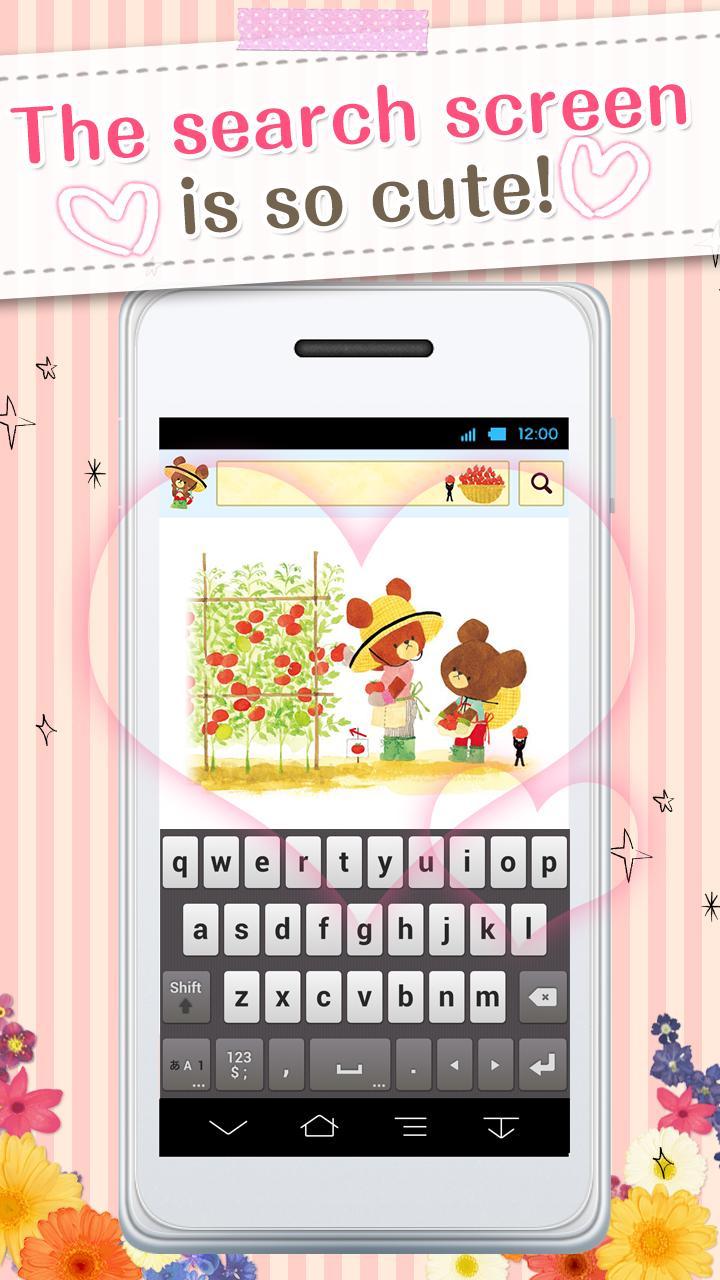
You can custumize your home screen with the cute Search Widget

Once downloaded onto your home screen,

this search widget allows you to access the internet easily.

■Reasons to download

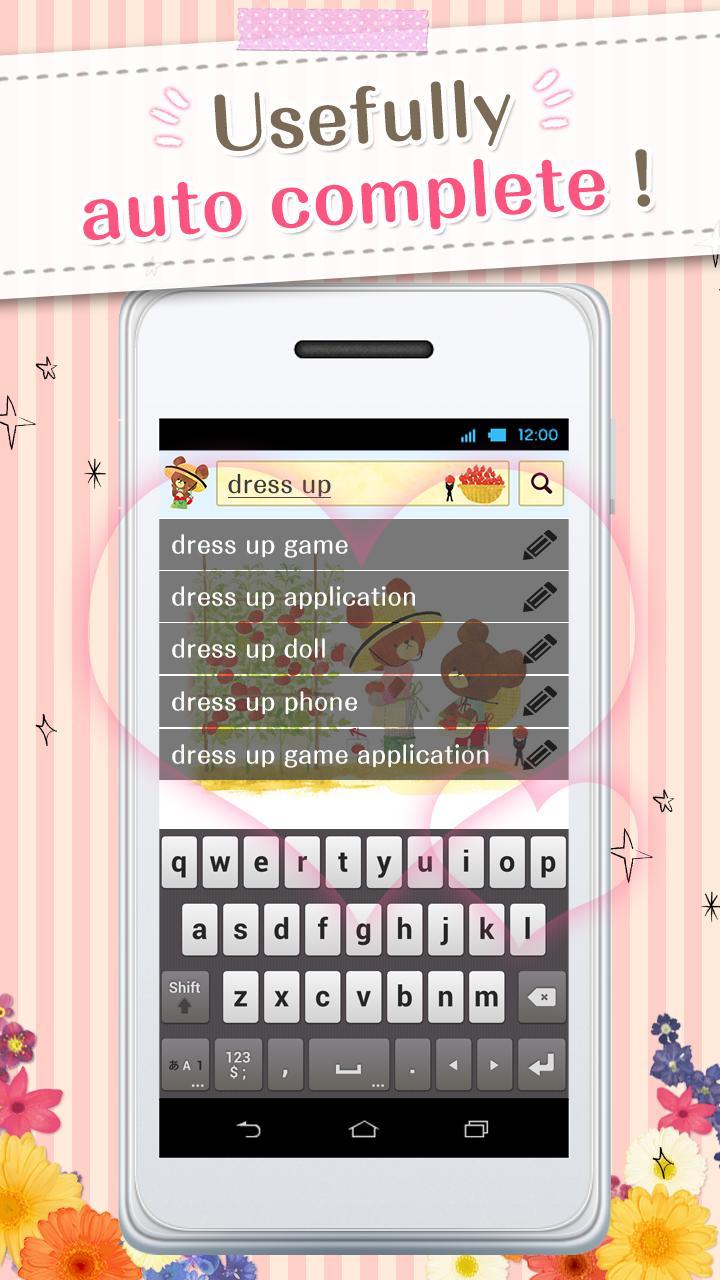
Easy to search once downloaded onto your home screen

Easy to delete and organize history

Supports voice input

■How to use

This application is used through downloading the search widget onto the home screen.

To use this application, please download the "DRESSAPPS"application.

■Set up method for search widget

There are 2 methods to set up.

・Method 1

1. Press down on an open space on your home screen.

2. Select "widget" once the menu is shown.

3. Select the widget of your choice. (for the old version: click on icon )

4. Select the widget and click ok.

5. Clicking on the left area of the widget lets you change designs!

・Method 2

1. Open your home screen and click on your application icon.

Although depending on device, the application button is formed of many ■ and ●

2. Tap on the widget button on the upper side of the screen and select the downloaded widget.

3. When the home screen pops up, drag the widget to the place of your choice.

4. Return to the design choosing screen, select the widget and tap ok.

5. Clicking on the left area of the widget lets you change designs!

■How to customize

(This search widget can be customized to your preference)

1. Click on the character on the left side of the search widget. The setup screen will pop up.

2. Choose a design of your choice from the "more dressup"

■Comptible model

Android OS 2.3.3and later

■For inquiries

[email protected]

Download(7.7MB)
Users also viewed
  • Lotus Pond Live Wallpaper

    Lotus Pond Live Wallpaper

    1.4 January 22, 2026
  • Archos Weather Station

    Archos Weather Station

    1.4.2 January 22, 2026
  • Anime HD Keyboard

    Anime HD Keyboard

    1.279.1.129 January 22, 2026
  • Move4U Survey App

    Move4U Survey App

    1.4.0 January 21, 2026
  • Status Report - Device Info, U

    Status Report - Device Info, U

    1.0925 January 21, 2026
  • Beautiful Camera HD

    Beautiful Camera HD

    1.2.3 January 21, 2026
  • Civil Engineering Calculations

    Civil Engineering Calculations

    1.71 January 21, 2026
  • Sweet Home AVR (Unreleased)

    Sweet Home AVR (Unreleased)

    9.99 January 21, 2026
  • US Robot Stickman Rope Hero -

    US Robot Stickman Rope Hero -

    1.0 January 21, 2026
  • NotifyClean

    NotifyClean

    3.8.6 January 21, 2026
  • A Light: 1-Click Flashlight

    A Light: 1-Click Flashlight

    2.6 January 21, 2026
  • Be with you - Locker Theme

    Be with you - Locker Theme

    1.2 January 21, 2026
  • Ilmajaam

    Ilmajaam

    5.6.4 January 21, 2026
  • Metal X GO Launcher Theme

    Metal X GO Launcher Theme

    v1.0 January 21, 2026
  • Grocery Lists  Make Shopping Simple and Smart

    Grocery Lists Make Shopping Simple and Smart

    5193 v1 January 21, 2026
About Privacy Policy Terms of Service Cooking Policy

© Copyright 2017-2026 downde.com