

Easily scan QR codes and barcodes.
HOW THE APP WORKS
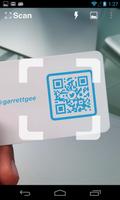
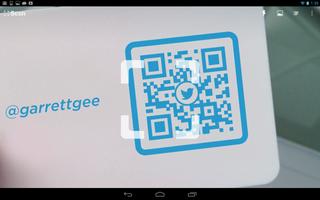
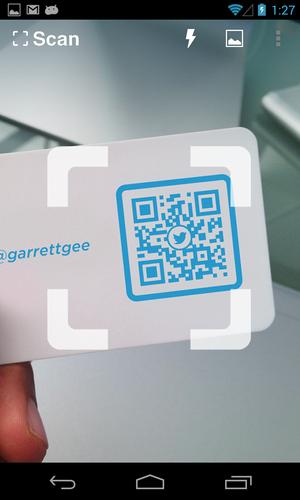
To scan a QR code or barcode simply open the app, point the camera at the code, and you’re done! There is no need to take a photo or press a button. The app will automatically recognize any code your camera is pointing at.
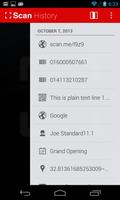
When scanning a QR code, if the code contains a website URL, you will automatically be taken to the site. If the code just contains text, you'll immediately see it. For other formats such as phone numbers, email addresses, or contact info, you will be prompted to take the appropriate action.
PRODUCT BARCODES
QR Code Reader recognizes all of the popular barcode types (UPC, EAN, and ISBN) and shows you pricing, reviews, and more about any products you scan. Barcode scanning requires a newer device in order to work reliably. Cameras on older devices do not provide the resolution or focus required for barcode scanning.
ADDITIONAL FEATURES
• Toggle your front or rear camera for scanning
• A switch to turn on your device’s light (if it has one) for scanning in low-light circumstances
DEDICATED TO PERFECTION
Our goal is to make our app the best scanning app in the store. We can’t do this without you. We are dedicated to your satisfaction and need to hear feedback from you. If you have an issue with the app, please do not write a review of the app saying "it didn't work." This does not help us make things better for you. Instead, please contact us at [email protected] and we'll do our best to help.
REQUIREMENTS
In order to use the app, your device must have a built-in camera. When scanning codes that redirect to online content, such as websites, you will need Internet connectivity.
What’s new in version 2.2.3
- Bug fixes
What’s new in version 2.2.2
- Bug fixes
What’s new in version 2.2.1
- Enhancements to the in-app browser
What’s new in version 2.2
- Fixes to minor issues and enhancements
- Create and scan your own QR codes on our site at http://scan.me















 Download