• Home
  • Games
    Action-adventure Simulation Business Role Playing Sports Competition Casual Intelligence Card Strategy Music Rhythm Text Puzzle
  • Apps
    Business Office Newsletter Social Life Entertainment Online Shopping Practical Tools Travel Educational Learning Information Reading Sports and Health
  • Articles

English 中文(简体) 中文(繁体) 한국어 日本語 Português Español Русский العربية Indonesia Deutsch Français ภาษาไทย
Home Apps Practical Tools LensDroid Mud Client
LensDroid Mud Client

LensDroid Mud Client

1
2
3
4
5
Download
  • Version 2.5
  • Category Practical Tools
  • Package Name net.lensmoor.lensmoorclient
  • Update Time October 30, 2025
  • Size 950.49KB
About this app

LensDroid is a MUD Client for Android.

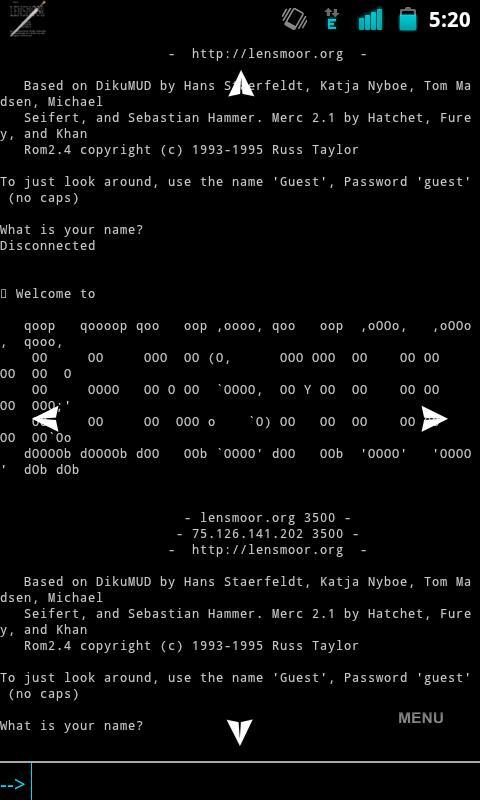
LensDroid is a MUD Client built around Lensmoor. It has JavaScript support for scripting complex functions, as well as sending output directly to the MUD.

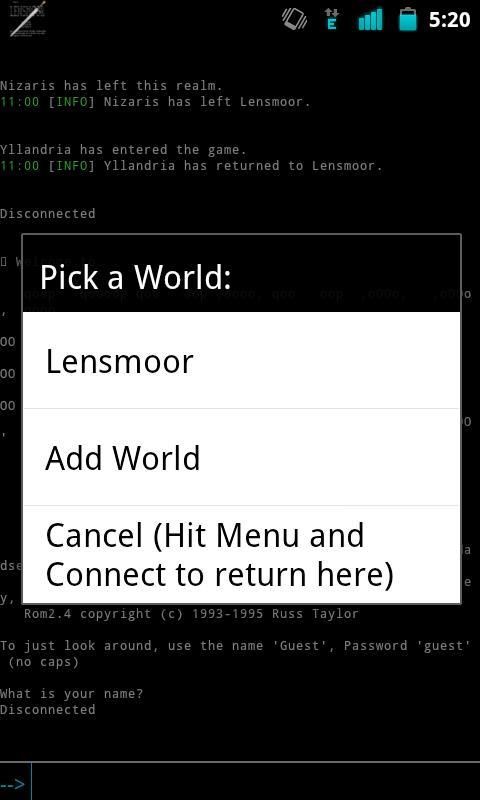
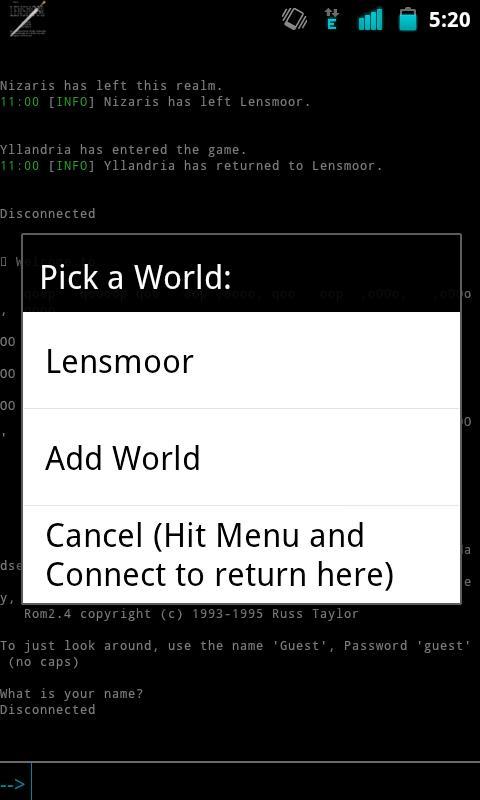
You can add multiple "Worlds" as well in the worlds menu using the hostname and port of the MUD you want to connect to.

Features:

MCCP Support

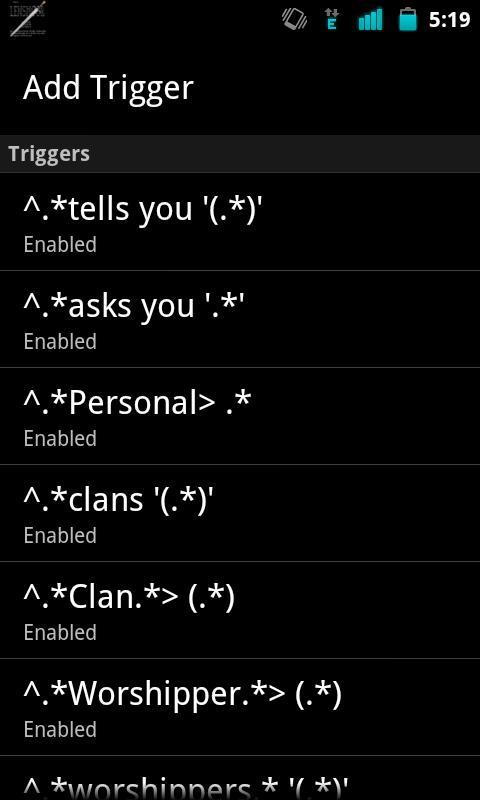
Triggers

Aliases

Timers

JavaScript built in for processing scripts

Multiple Windows, one for main output and one for logging

Change ANSI Colors

HTML Logging

Triggers/Aliases can use Regular Expressions or $w (word) $* (all text) $c (single character) $d (digit) in the match.

Capture groups test can be replaced in the output by using $1, $2, $3, etc for as many capture groups as there is. $0 will contain the entire line matched.

When using Timers you will want to ensure that you enable "Keep Phone Active" in the Power Settings in the Menu so that timers will keep processing in the background when the phone screen is off for a long period of time.

If you notice that you get disconnected while the screen is off and you were on WiFi this is because WiFi turns off after a period of time in sleep mode, to keep it on you can get under Power Settings in the menu and enable the "Keep Wifi Active" feature.

If you run into a problem while using the client you can go into the settings and enable Debugging and try and reproduce the error and use the Send Log button to send me the log directly for review.

You visit http://lensdroid.notlocalhost.org for more information.

What's New in the Latest Version 2.5

Last updated on Sep 10, 2015 * Added "Keep Text on Enter" to the Input Options. Makes it so when you hit enter the text is saved on the buffer.
* Added "Highlight Saved Text" to the Input Options to compliment the Keep Text by highlighting the saved text.
* Added "Command Split" to the Input Options. This will make it so commands can be separated by semicolons when being entered. A space needs to surround the semicolon. (Ex: look ; who ; tell bob Hi! ;) ) will look then who, and then send a tell to bob with a winky face.
Download(950.49KB)
Users also viewed
  • Pasatiempo Telcel

    Pasatiempo Telcel

    12.00 December 25, 2025
  • Home Furnishings

    Home Furnishings

    5.1.0 December 24, 2025
  • Lava Go Keyboard Theme

    Lava Go Keyboard Theme

    1.188.1.84 December 24, 2025
  • Dialer Theme G Black Orange

    Dialer Theme G Black Orange

    350 December 24, 2025
  • FLOQ Speedtest

    FLOQ Speedtest

    2.7.1995 December 24, 2025
  • TL Flash Light

    TL Flash Light

    1.01 December 23, 2025
  • Full size Wallpaper

    Full size Wallpaper

    1.7.1.3 December 23, 2025
  • DVR:Blue Darkness

    DVR:Blue Darkness

    1.0 December 23, 2025
  • I-REACT

    I-REACT

    1.5.5 December 23, 2025
  • instax SHARE

    instax SHARE

    3.4.9 December 23, 2025
  • Lava Care

    Lava Care

    16.3 December 23, 2025
  • Big Clock Widget

    Big Clock Widget

    1.4 December 23, 2025
  • oiot.ru

    oiot.ru

    4.11.12 December 23, 2025
  • Mantis Gamepad Pro Beta

    Mantis Gamepad Pro Beta

    3.1 December 22, 2025
  • Travel Quote Wallpapers

    Travel Quote Wallpapers

    3.0.1 December 22, 2025
About Privacy Policy Terms of Service Cooking Policy

© Copyright 2017-2025 downde.com