• Home
  • Games
    Action-adventure Simulation Business Role Playing Sports Competition Casual Intelligence Card Strategy Music Rhythm Text Puzzle
  • Apps
    Business Office Newsletter Social Life Entertainment Online Shopping Practical Tools Travel Educational Learning Information Reading Sports and Health
  • Articles

English 中文(简体) 中文(繁体) 한국어 日本語 Português Español Русский العربية Indonesia Deutsch Français ภาษาไทย
Home Apps Travel World Panorama View
World Panorama View

World Panorama View

1
2
3
4
5
Download
  • Version 1.3.9
  • Category Travel
  • Package Name com.houj2.streetviewerplus
  • Update Time November 4, 2025
  • Size 3.1MB
About this app

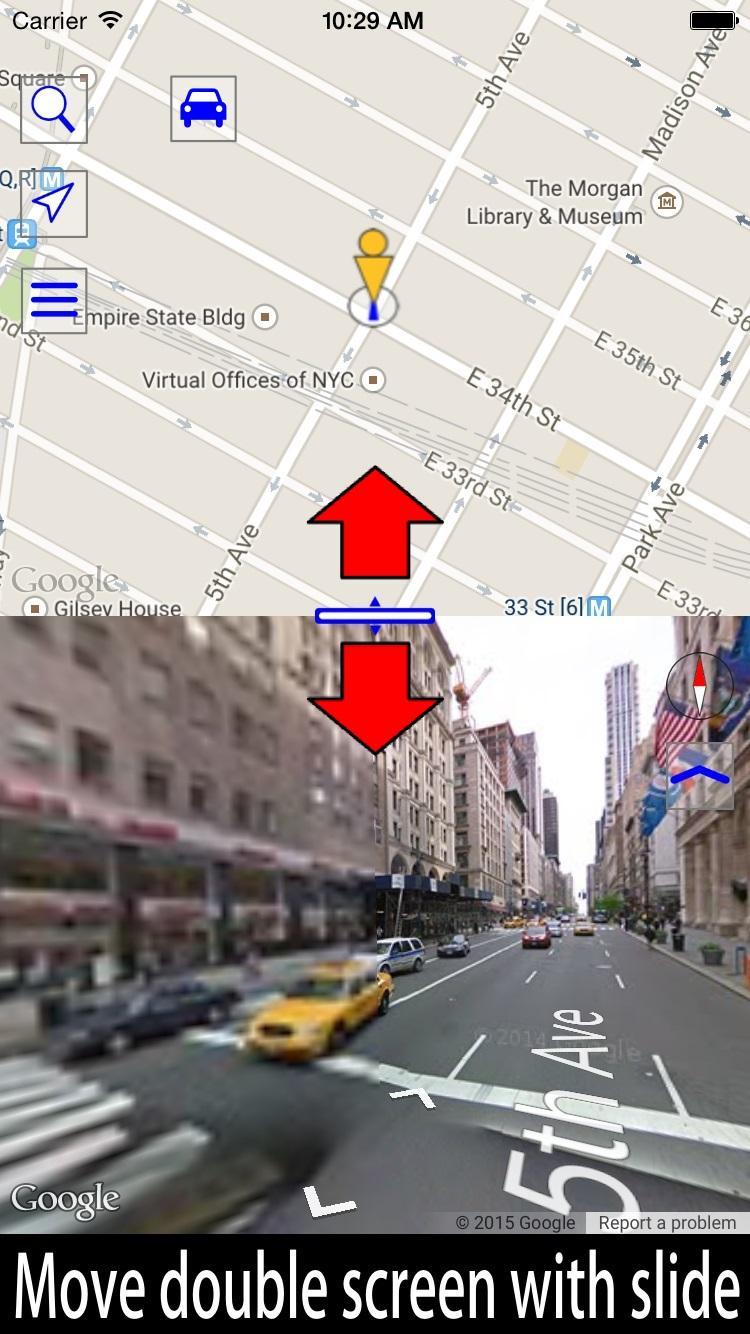
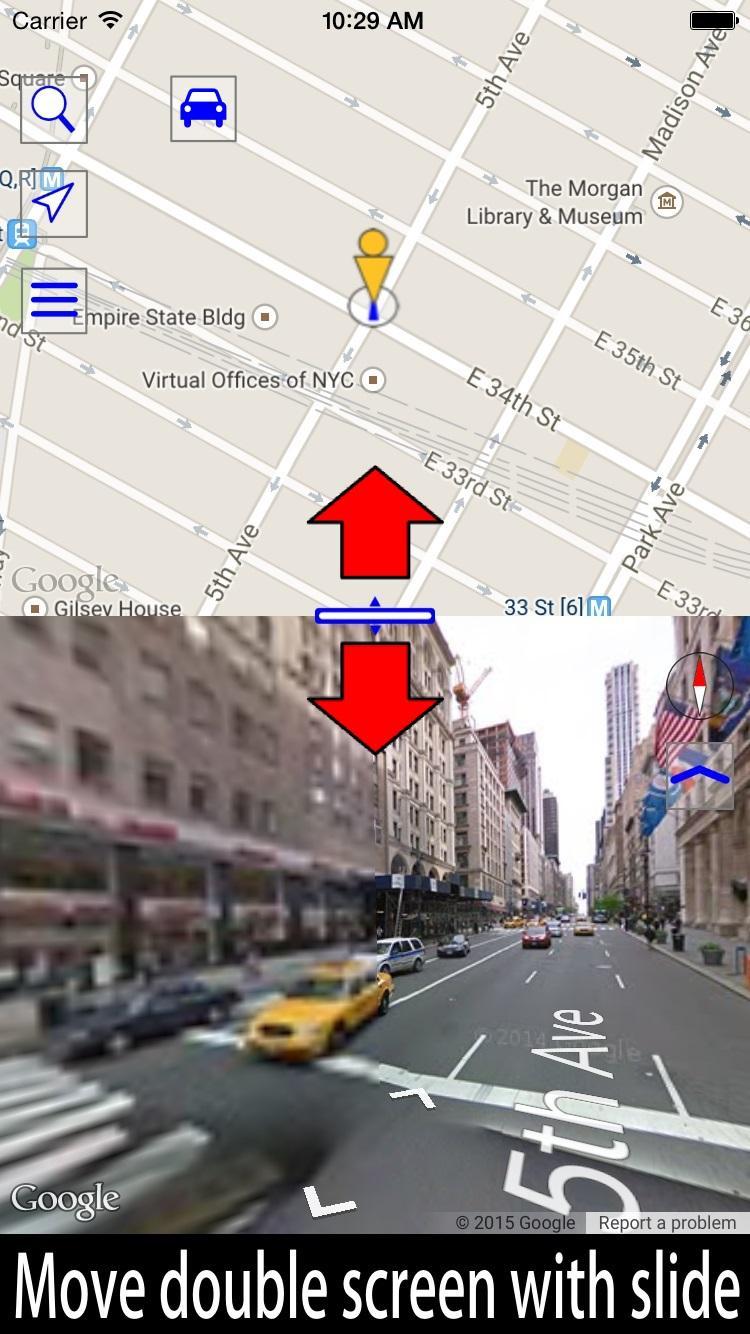
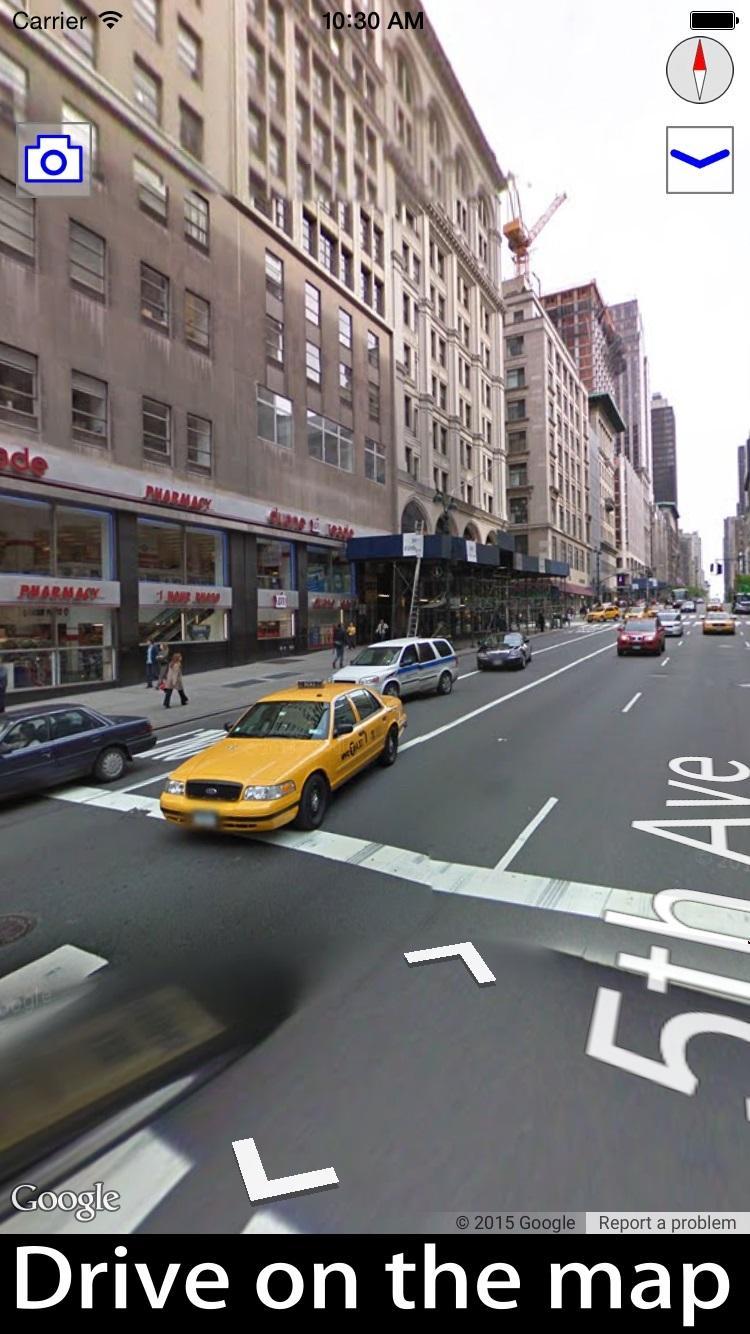
Easily it can be operated in two screen Street View and map.

Display the street view by tapping the blue line on the map.

Display famous places and tourist attractions by tapping the blue point on the map.

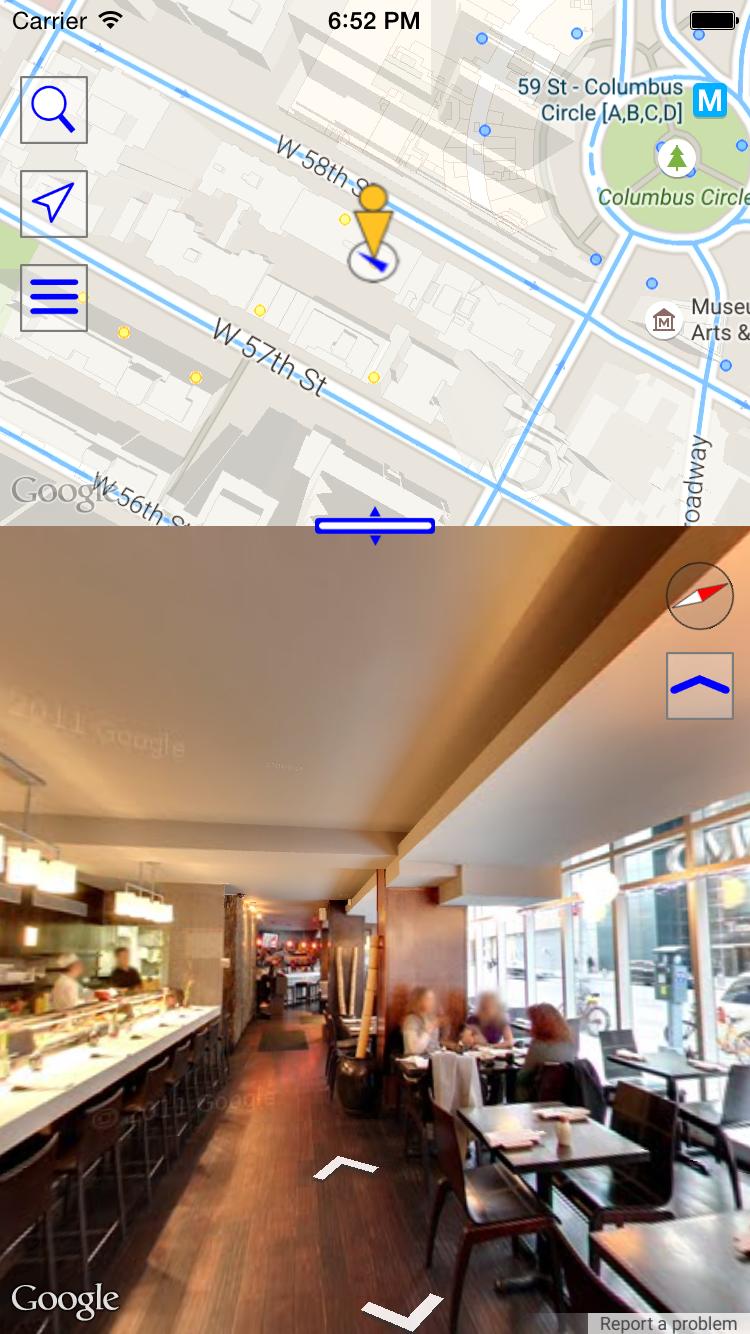
Display the Indoor view of shops and restaurants by tapping the yellow points on the map.

Display underwater panorama images by tapping the marker on the sea.

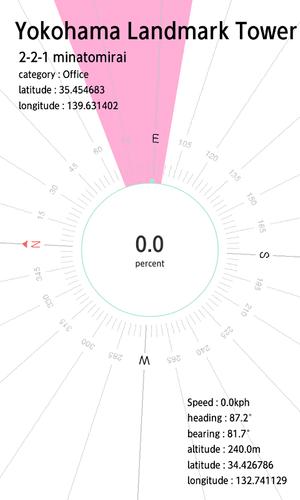
Lets you use Street View with compass functions.

Main features

-Double view with both a Google maps and street view

You can change the size of this double view by drag.

-Linking of the Google maps and street view

Street View is shown for the position you tap on the Google maps.

If you move in Street View, the marker on the Google maps also moves.

If you change direction in Street View, the direction of the marker on the Google maps also changes.

-Fullscreen view

You can view Street View in fullscreen.

-Find out the direction of Street View using a compass

You can check the direction of the Street View using the compass function.

-Search the Google maps using an address or target item.

-You added a bookmark function.

-You can select the Google maps type.

-Street view coverage road Google maps.

-You can view the underwater panoramic image.

-Panorama displayable Place.

-To display International Space Station (ISS)

Menu button -> Panorama displayable Place -> Enter "ISS" in the name and tap the search button.

Select a World Heritage Site from the list to display a street view of the location.

Find the World Heritage Site to display a street view of the location.

World Panorama View uses a street view of Google maps.
Download(3.1MB)
Users also viewed
  • Bluetooth Drive Link - DEMO

    Bluetooth Drive Link - DEMO

    0.7.1 January 22, 2026
  • TaxiGet driver

    TaxiGet driver

    1.2 January 22, 2026
  • Sckippie

    Sckippie

    1.02 January 22, 2026
  • Monaco Bus

    Monaco Bus

    4.3 January 22, 2026
  • RTO Vehicle Info

    RTO Vehicle Info

    12.5 January 21, 2026
  • SGTrains - Singapore Apps

    SGTrains - Singapore Apps

    1.8 January 21, 2026
  • Hagia Sophia Turkey Tour Guide

    Hagia Sophia Turkey Tour Guide

    30.1.2 January 21, 2026
  • Reifen-Kleinanzeigen

    Reifen-Kleinanzeigen

    1.3 January 21, 2026
  • Bennett Carrier App

    Bennett Carrier App

    1.1.4 January 20, 2026
  • BitLock

    BitLock

    1.4.5 January 20, 2026
  • Corredor Azul

    Corredor Azul

    1.1 January 20, 2026
  • DIY Car Repair

    DIY Car Repair

    4.0 January 20, 2026
  • T Hotel Cagliari

    T Hotel Cagliari

    1.4 January 20, 2026
  • Bureau Toerisme Laag Holland

    Bureau Toerisme Laag Holland

    1.401 January 19, 2026
  • FlightPredictor Lite

    FlightPredictor Lite

    1.1.4 January 19, 2026
About Privacy Policy Terms of Service Cooking Policy

© Copyright 2017-2026 downde.com