
• Home
  • Games
    Action-adventure Simulation Business Role Playing Sports Competition Casual Intelligence Card Strategy Music Rhythm Text Puzzle
  • Apps
    Business Office Newsletter Social Life Entertainment Online Shopping Practical Tools Travel Educational Learning Information Reading Sports and Health
  • Articles

English 中文(简体) 中文(繁体) 한국어 日本語 Português Español Русский العربية Indonesia Deutsch Français ภาษาไทย
Home Apps Practical Tools PC WakeUp
PC WakeUp

PC WakeUp

1
2
3
4
5
Download
  • Version 1.57
  • Category Practical Tools
  • Package Name ru.freask.pcwakeup
  • Update Time November 15, 2025
  • Size 1.65MB
About this app

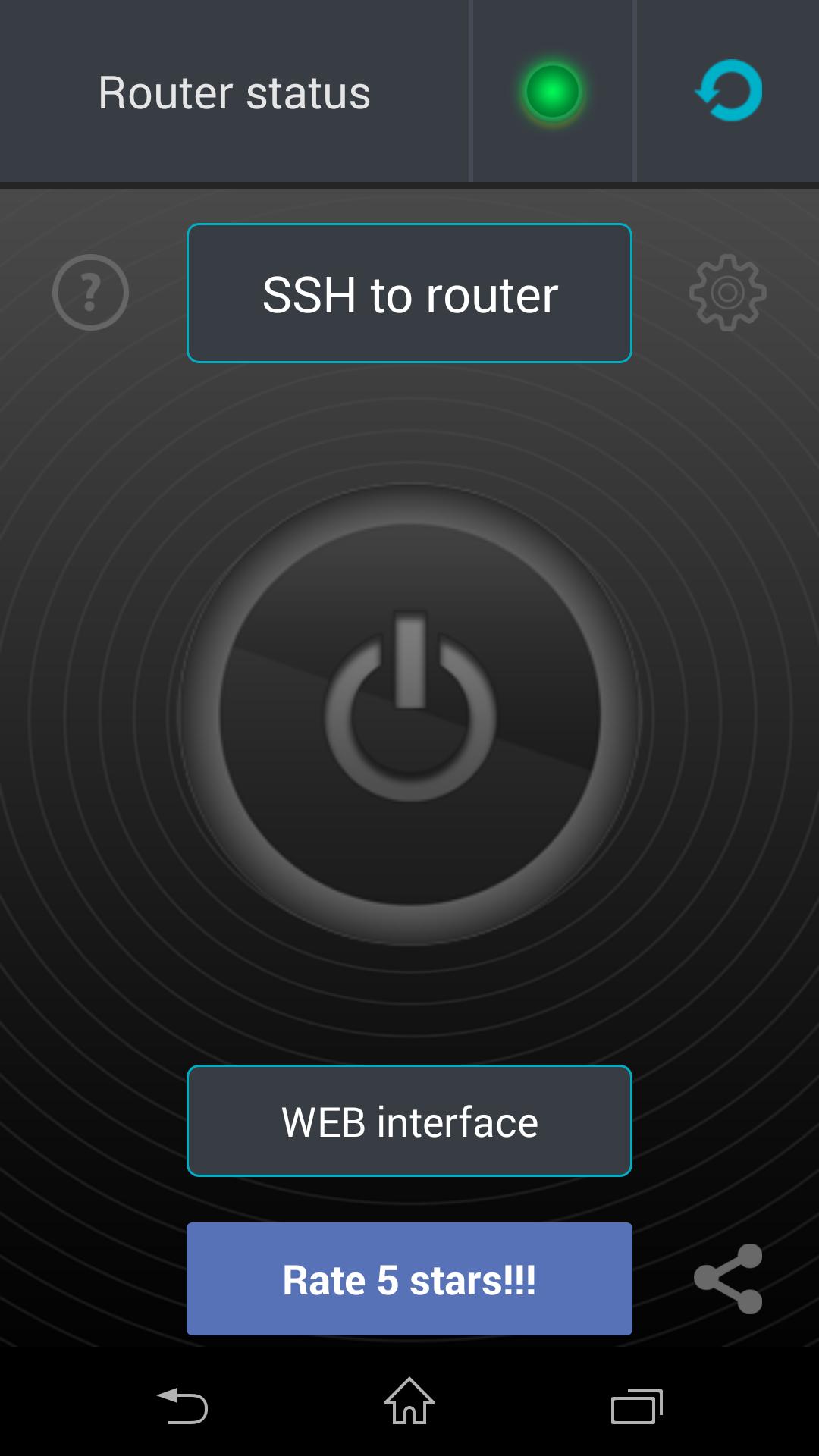
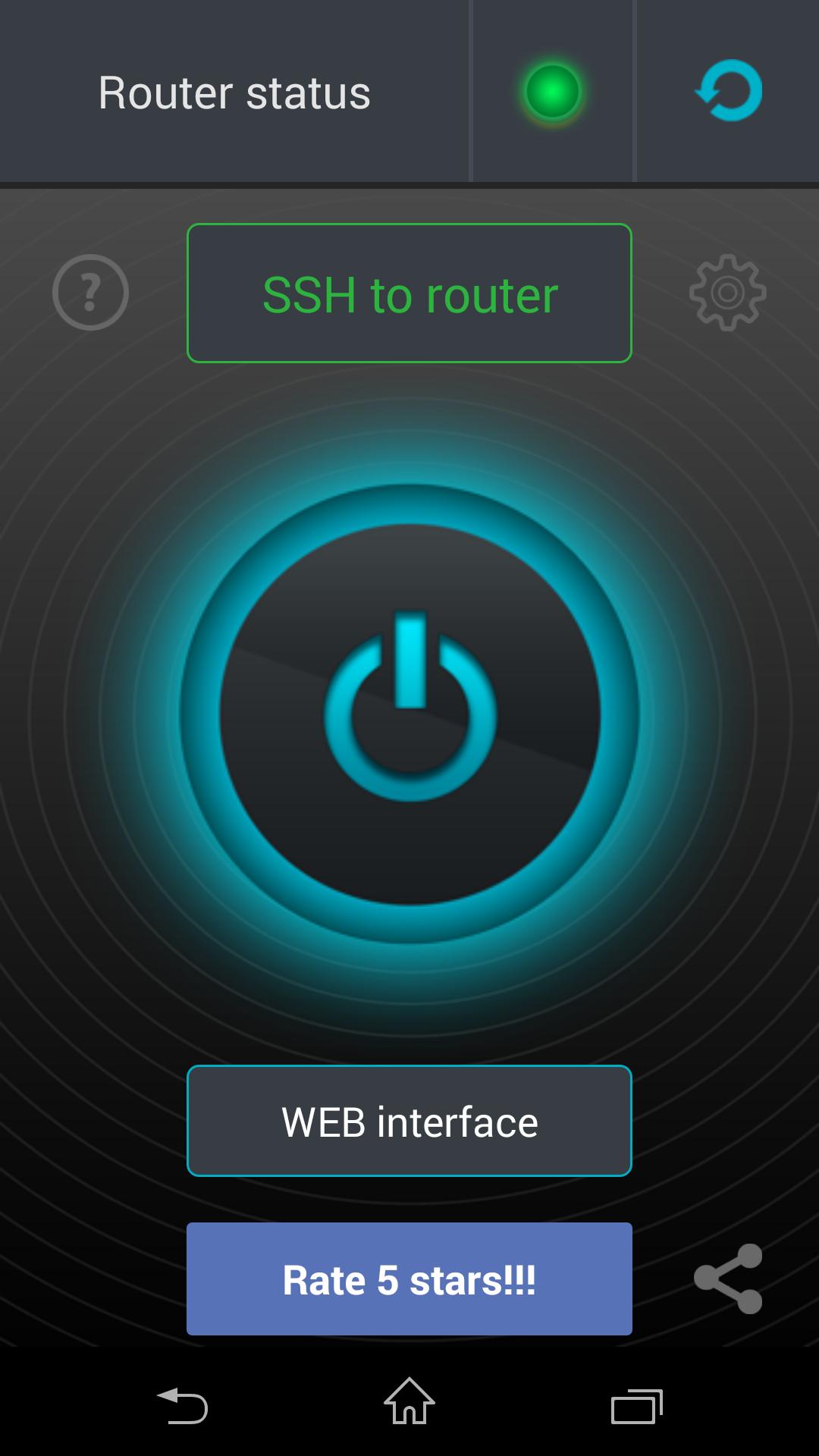
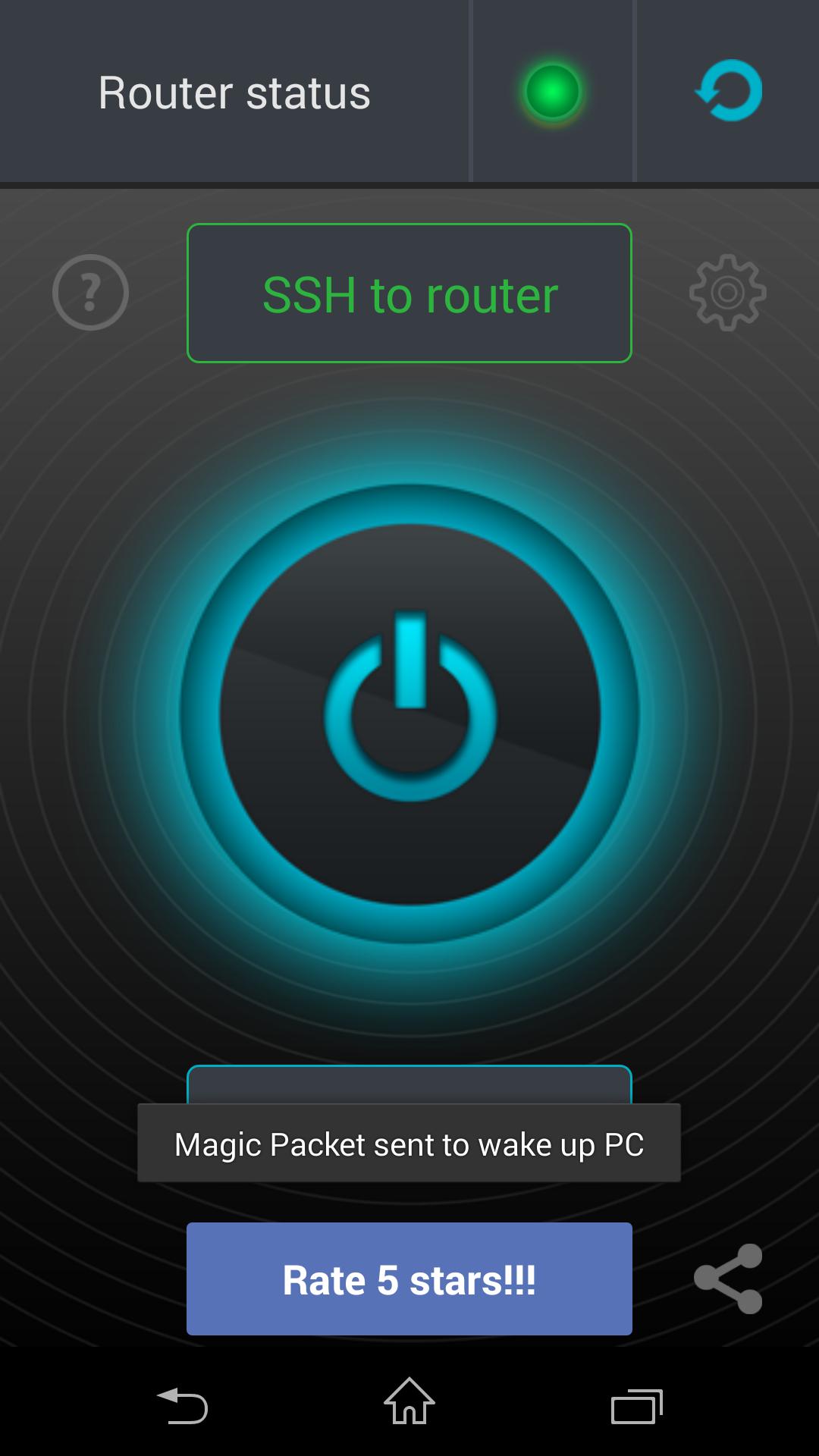
Wake up your home computer remotely via the Internet (WOL, Wake on Lan)

You have a situation arises where you need to quickly get access to your computer?

For example on a computer are any files or photos you want in the moment.

With this application, you can always turn on your computer and then use it using the remote control.

Detailed description and setup here: http://develop.freask.ru/en/?p=5

What is needed:

- A computer connected to the router via Ethernet

- Set up the BIOS on your computer Wake On Lan (a function that allows you to turn on the PC via LAN-cable)

- The router is configured with port forwarding or SSH/Telnet connection from outside

- Installed on your computer and smartphone TeamViwer for remote control

In the application settings fill in the connection information:

- The address of the router (IP or hostname)

- MAC-address include computers

- Connection type

- Login/pass (not required for connection type Wake-on-LAN)

After switching to it, you can easily connect via TeamViewer.

For all questions ready to help and answer, write to the post [email protected]

What's New in the Latest Version 1.57

Last updated on May 5, 2020 - Added support for the usual Wake-on-LAN connection type for many - through port forwarding, without connecting to a router (no data for authorization on the router is required)
- Saving a connection when switching between screens, when minimizing
- Improved the process of connecting to Telnet (error handling authorization and connection)
- Reset active connection if connection settings have changed
- Correction of minor errors, improved stability
Download(1.65MB)
Users also viewed
  • Dog Repellent Whistle

    Dog Repellent Whistle

    1.0.0 December 16, 2025
  • HtmlCodeHack

    HtmlCodeHack

    1.0.5 December 16, 2025
  • AI Photo

    AI Photo

    1.3.5 December 15, 2025
  • Brightness Dimmer

    Brightness Dimmer

    2.0 December 15, 2025
  • WPSD Radar

    WPSD Radar

    5.15.407 December 15, 2025
  • ALCATEL LINK APP

    ALCATEL LINK APP

    3.6.6 December 15, 2025
  • Stayfilm

    Stayfilm

    2.0.24 December 14, 2025
  • Codes de triche SIMS

    Codes de triche SIMS

    1.0 December 13, 2025
  • Smart Logbook

    Smart Logbook

    2.1.5 December 13, 2025
  • RegenRadar

    RegenRadar

    2024.21.1 December 13, 2025
  • ICS Blue OSB Theme

    ICS Blue OSB Theme

    1.1 December 13, 2025
  • goRoute! Wifi Manager

    goRoute! Wifi Manager

    1.3 December 13, 2025
  • Tiger Photo Frames

    Tiger Photo Frames

    1.0.7 December 13, 2025
  • Sport Bike HD Live Wallpaper

    Sport Bike HD Live Wallpaper

    1.5 December 13, 2025
  • Rainbow Hearts

    Rainbow Hearts

    1.1 December 13, 2025
About Privacy Policy Terms of Service Cooking Policy

© Copyright 2017-2025 downde.com













