

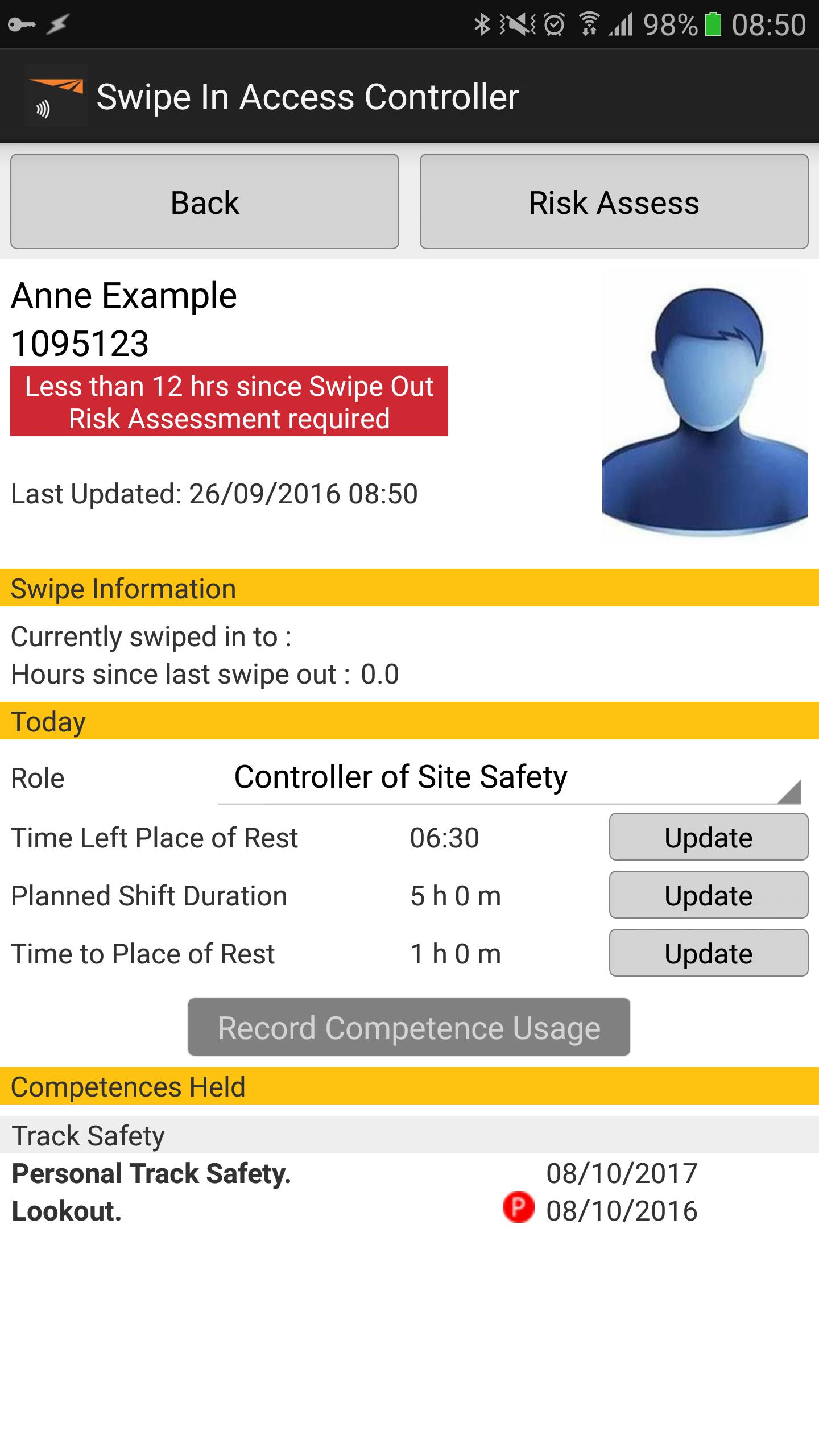
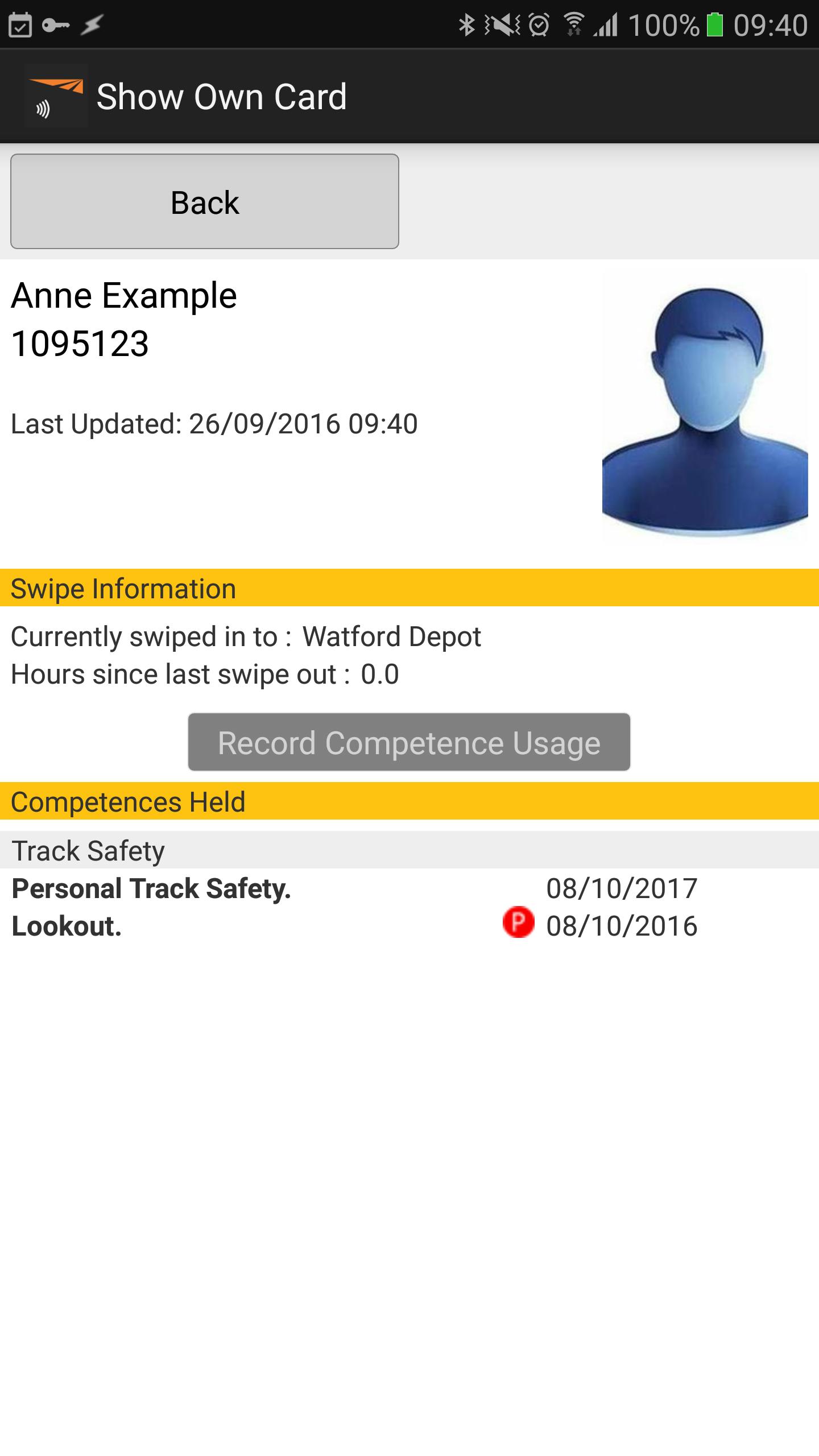
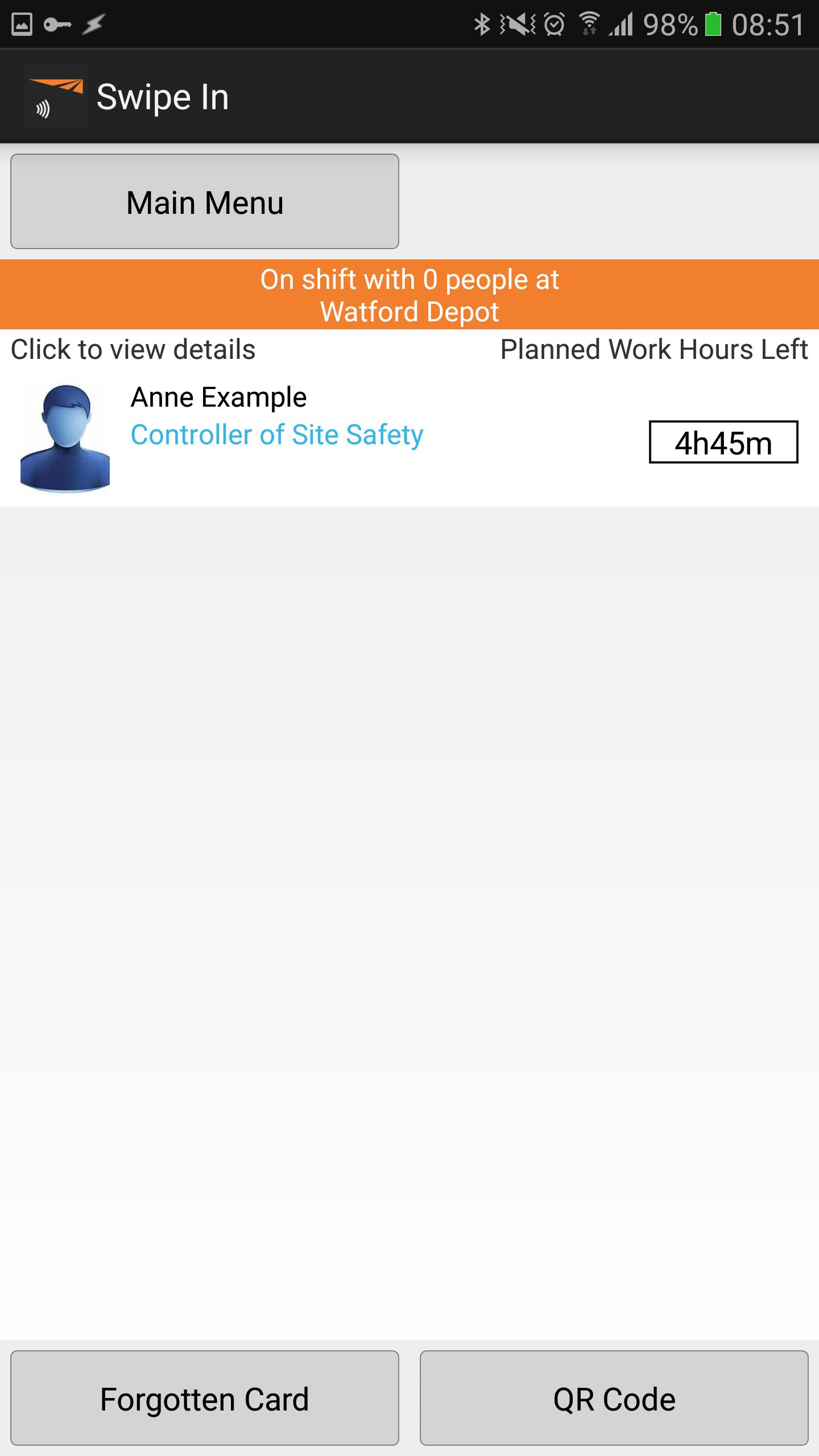
This app reads Sentinel smartcards for use with Network Rail’s Sentinel system.
This app is designed specifically to read new Sentinel smartcards as part of Network Rail’s Sentinel system.
For more information visit www.railsentinel.co.uk
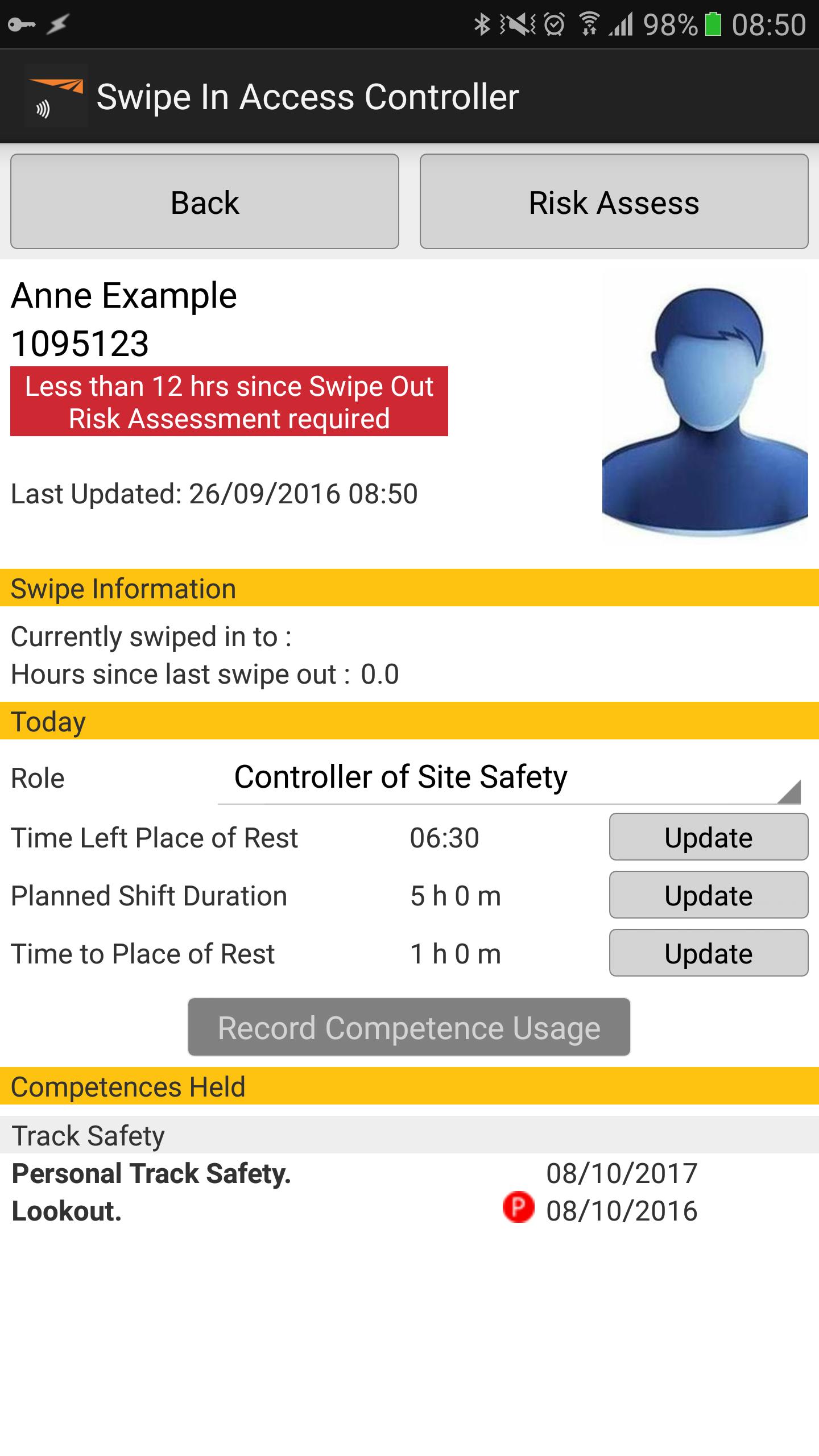
The app allows anyone to check their own smartcard and also allows authorised card checkers to authenticate their team as well as undertake spot checks and check TVPs (Track Visitor Permits).
This app can be used with any Android smartphone or tablet (Android 4 and above) with a rear-facing autofocus camera. Smartcards can be checked by scanning the QR code on the front of the card or TVP.
This app works online, accessing the most up to date information for each cardholder by scanning the card’s QR code and validating this in real-time with the new Sentinel database. It can also work offline by accessing a cache of any cards checked previously whilst online so without internet connectivity, cached information can still be accessed (although you should bear in mind that it may not be completely up to date).
All card checking activities are uploaded to the database when an internet connection is present or can be uploaded later when connectivity is restored by re-launching the app.
It is easy to use:
1. Open app.
2. Click the QR code button and focus the camera on the card’s QR code.
3. Confirm the sponsor for today.
4. Depending on the card presented, either the card itself will be shown or a menu of options will be displayed for authorised card checkers.
5. Follow the on screen options (more detailed instructions on using the app are available at www.railsentinel.co.uk)
Note: If you have a smartphone with NFC capability, you can make full use of the smartcard synchronisation features by downloading the NFC enabled version of this app at https://play.google.com/store/apps/details?id=rpl.networkrail.nfcclient







 Download