

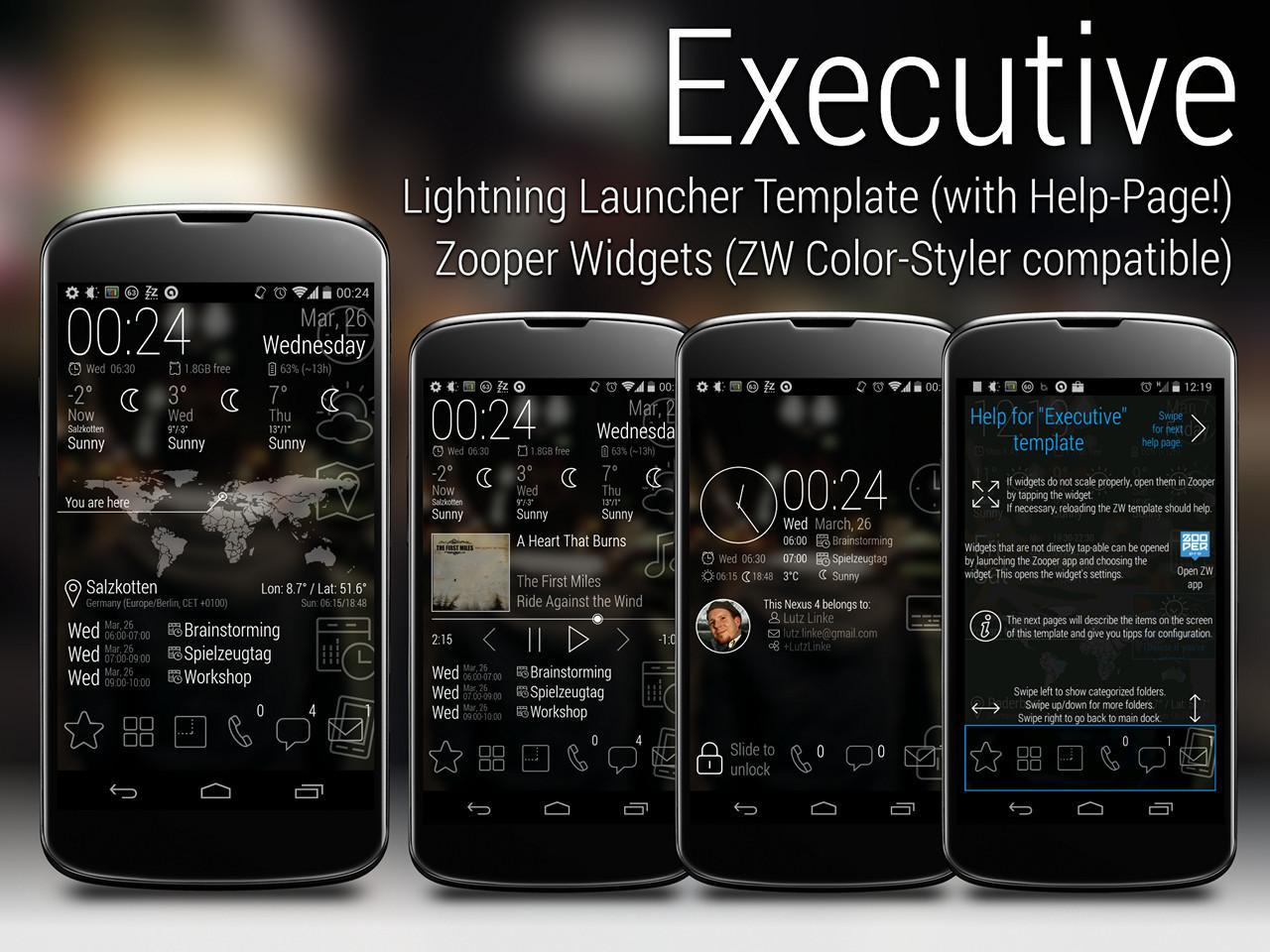
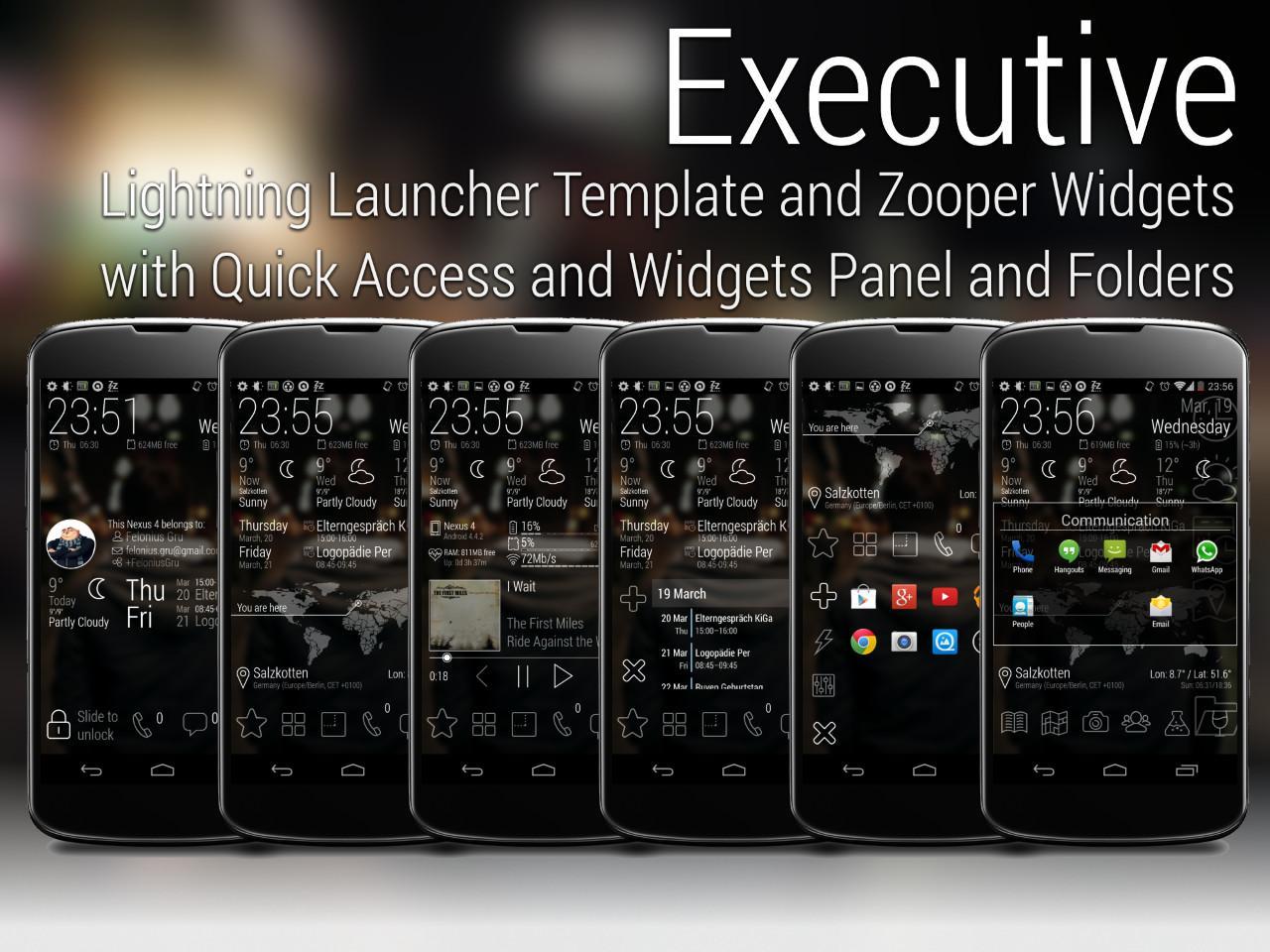
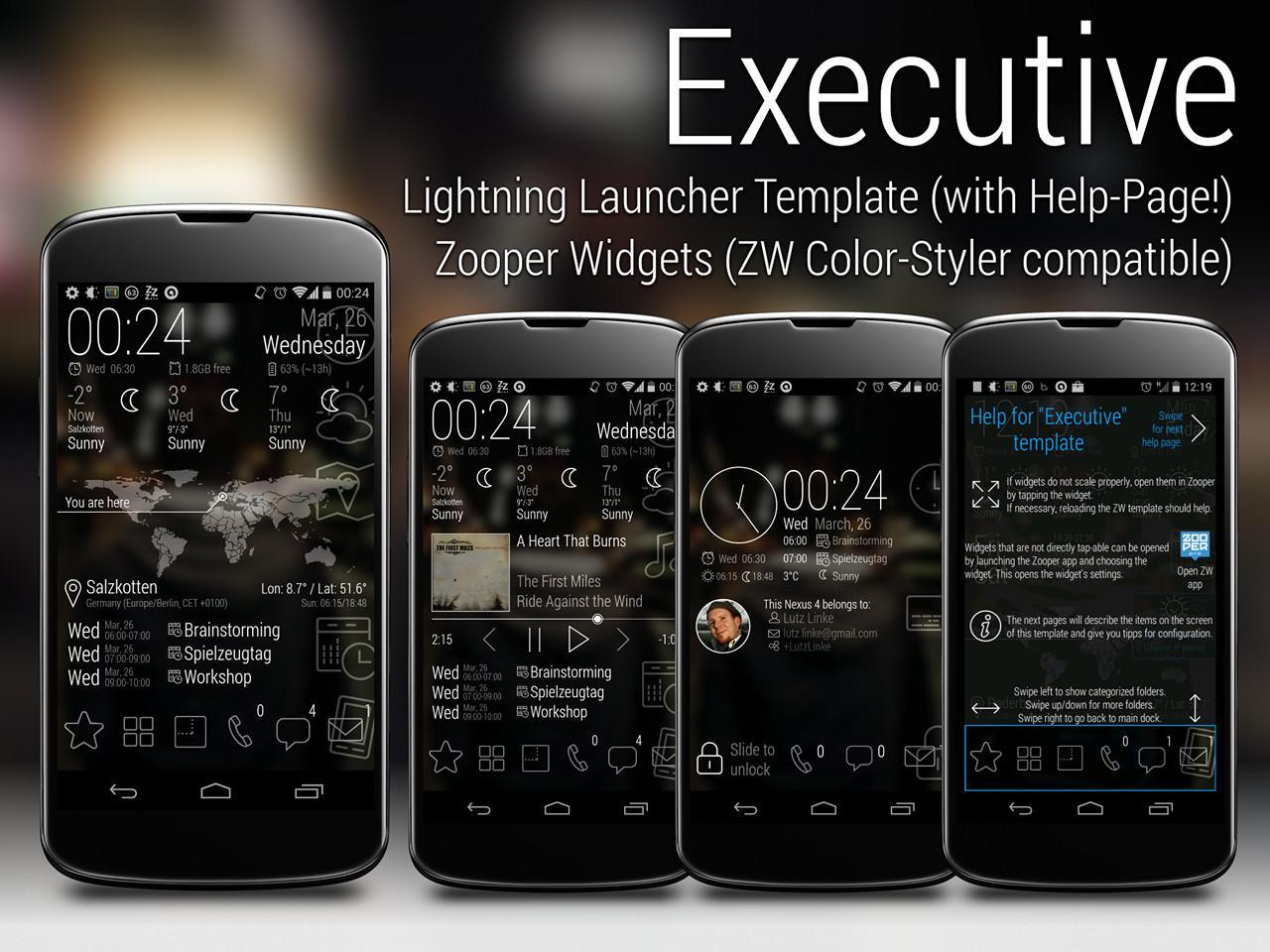
"Executive"Lightning Launcher Template, Zooper Widgets, Wallpapers
"Executive" is a template for Lightning Launcher (9.3 or higher).
Included are skins for Zooper Widget PRO (2.46 or higher).
*** Please read the full description for important information!! ***
################################################################################
### IMPORTANT ###
There might be problems with fonts not working when installed from Play.
If fonts and weather icons are missing, run "Executive (Pro) - Fix Assets" from your app drawer. This will copy the missing items to the ZooperWidget folder. This workaround should fix the issue.
################################################################################
The ZW skins are fully compatible with ZW Color Styler to easily change their colors.
ZW Color Styler at Google Play Store (FREE):
https://play.google.com/store/apps/details?id=de.echtzeitig.zwcolorstyler
Widget skins included:
- Calendar
- Clock
- Clock with Analog Clock
- Google (Chrome, Play, Search)
- Music 4x1 and 4x2
- System Info with Bars
- Weather Now and 2 Days
- WorldMap 4x2
The location marker on the WorldMap widget is automatically positioned to your current location.
The map is font-based, so you can choose between 15 different maps styles (outline, solid, rastered) by simply choosing a letter "c" to "p" in widgets setting (the layers are marked accordingly).
All icons used in the ZW skins are also font based.
This means they can be easily replaced, are scalable and their colors be changed.
The character maps you can find here:
https://plus.google.com/106201536507820539535/posts/h99efZ7Hicr
For more widgets, please buy the "Executive Pro" package.
"Executive Pro" LL(x) Template and ZW Skins:
https://play.google.com/store/apps/details?id=de.echtzeitig.lltemplate.executivepro
"Executive Pro" ZW Skins only:
https://play.google.com/store/apps/details?id=de.echtzeitig.zwskin.executivepro
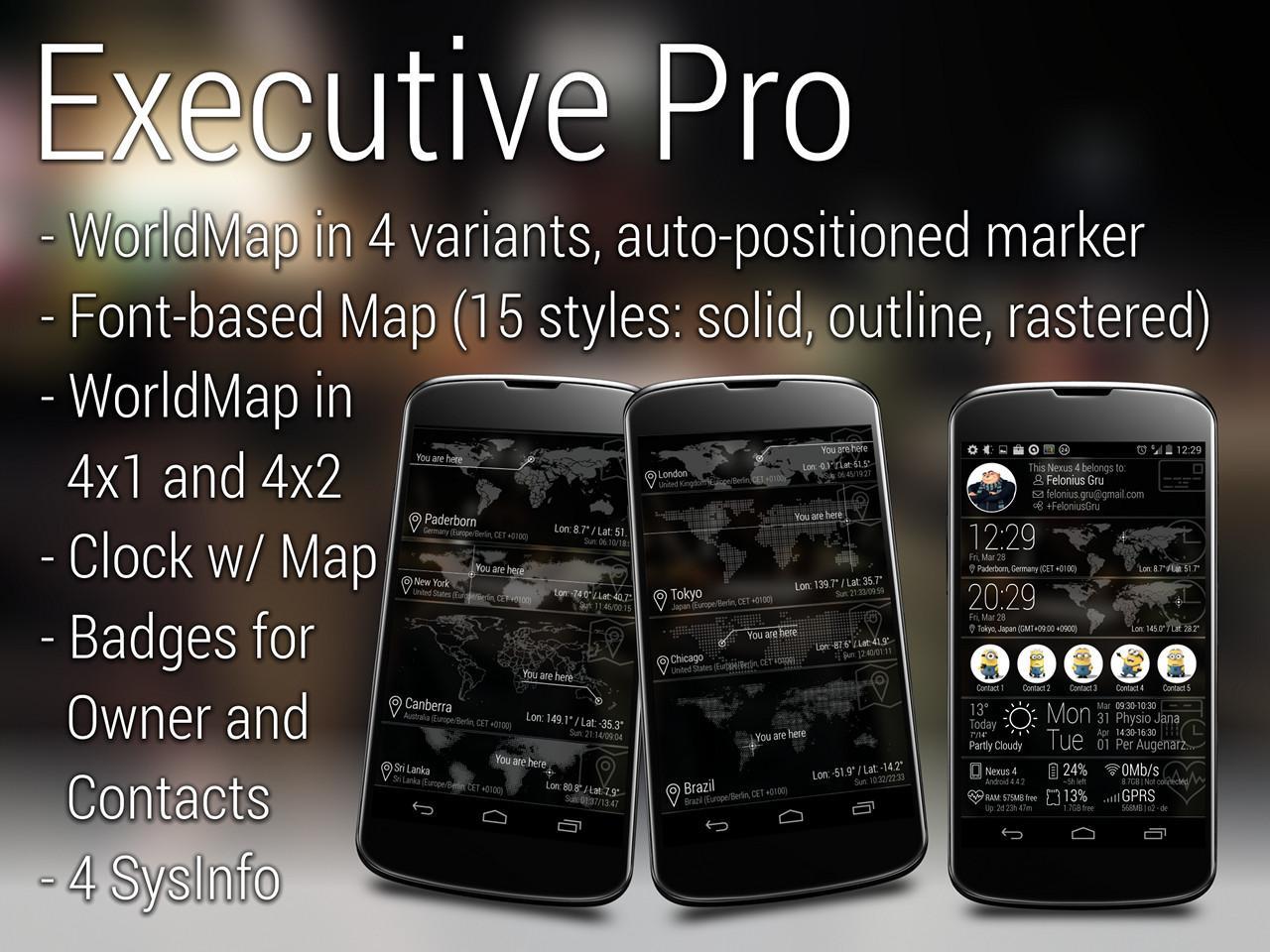
"Executive Pro" includes 28(!) functional widgets:
- 3 different Calendar
- Calendar and Weather combined
- 3 Clocks 4x1 (Clock, Clock and Analog Clock, Clock and Owner Badge, Clock and WorldMap)
- Clock 4x2 and Today (Weather and Appointments)
- Google (Chrome, Play, Search)
- Music 4x1 and 4x2
- Owner Badge
- Contact Badges
- 4x System Info (Battery & SD, Cell & Wifi, All with Bars, All without Bars)
- Weather Now and 2 Days
- Weather 3 Days
- 4 different WorldMap widgets, each in 4x1 and 4x2
Also included:
- some wallpapers with Wallpaper Chooser and (optional) adjustable blur
- Icon Pack for compatible launchers (do NOT apply!! icons must be chosen manually!)
IMPORTANT:
To use the lockscreen included, Lightning Launcher eXtreme is required.
Zooper Widgets Pro is required to be able to use the ZW skins!
Lightning Launcher is not required to use ONLY the ZW skins, they can be used with any launcher,
To use the Music Player Widget "Media Utilities" >= 0.131 is required.
The template was exported with a resolution of 720x1280 and 320dpi.
If your phone's resolution is different, some adjustments may be required.
NOTE:
Though I did my best, I cannot guarantee the template and skins work out-of-the-box.
If widgets are not scaled properly, generally you only have to open their settings in Zooper Widgets. If that's not enough, just reapply the skin.
I'm willing to assist by mail or HangOut, but please be prepared to show some self-initiative and learn how to use LL and ZW.















 Download