
• Home
  • Games
    Action-adventure Simulation Business Role Playing Sports Competition Casual Intelligence Card Strategy Music Rhythm Text Puzzle
  • Apps
    Business Office Newsletter Social Life Entertainment Online Shopping Practical Tools Travel Educational Learning Information Reading Sports and Health
  • Articles

English 中文(简体) 中文(繁体) 한국어 日本語 Português Español Русский العربية Indonesia Deutsch Français ภาษาไทย
Home Apps Business Office hicloud Box(e)
hicloud Box(e)

hicloud Box(e)

1
2
3
4
5
Download
  • Version 1.9.4
  • Category Business Office
  • Package Name com.hicloudbox.sync
  • Update Time December 29, 2025
  • Size 6.7MB
About this app

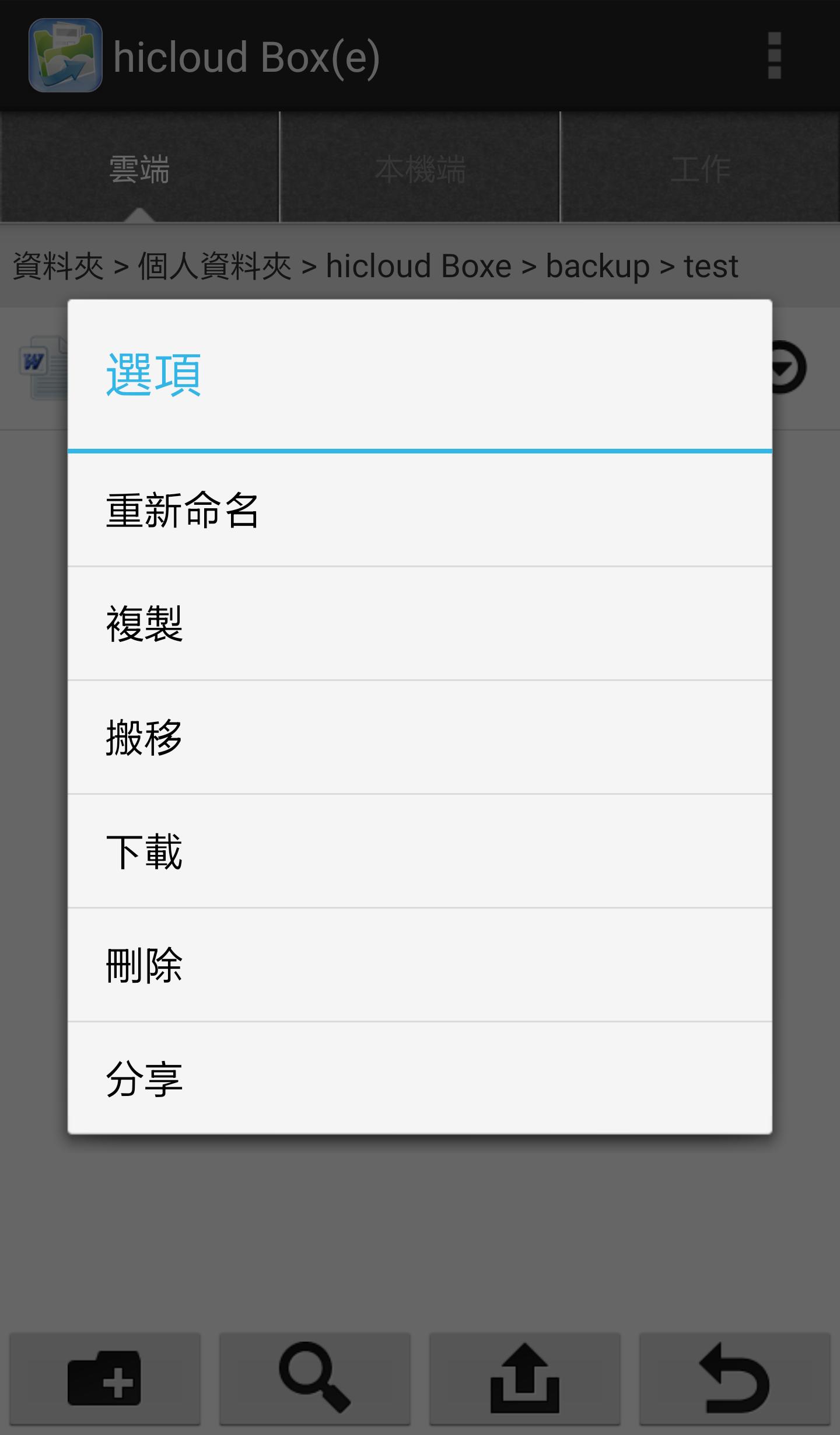
You can use hicloud Box(e) Drive to safely store and manage your files, synchronize files between personal computers and mobile devices, and combine file sharing mechanisms to improve the efficiency of group collaboration.

hicloud Box(e) is a cloud storage service designed for enterprise employees to increase productivity. You can use hicloud Box(e) to centrally store files and synchronize them on all your devices, easily moving files between personal computers and mobile devices. In enterprises, you often encounter multiple people who need to work together to share files. You can use the team folder of hicloud Box(e) to easily help you solve the problem of file sharing among various projects.

Features of hicloud Box(e) :

‧ Automatically back up and sync all files on PC, Mac, iOS, iPad and Android

‧ Use team folders to share files and set access permissions for each user

‧ No download is required, listen to the audio files and watch the videos directly from hicloud Box(e)

‧ Upload it directly to hicloud Box(e) cloud space after taking a new photo or video

‧Profile links in hicloud Box(e) account to quickly and easily share cloud files with friends

‧ Leave a message on the document and share opinions with the work team

‧ Create a version record for every cloud archive

‧ All cloud operation behaviors will be kept for future verification
What's New in the Latest Version 1.9.4

Last updated on Oct 17, 2020 Login verification code mechanism prompts privacy terms
Download(6.7MB)
Users also viewed
  • Quick History Cleaner

    Quick History Cleaner

    1.0 January 22, 2026
  • ActionBar Toggle Sample

    ActionBar Toggle Sample

    1.2 January 21, 2026
  • XM

    XM

    3.35.1 January 21, 2026
  • My BASE

    My BASE

    4.6.0 January 21, 2026
  • Color Collection, palettes

    Color Collection, palettes

    5.0 January 21, 2026
  • LuluBox For Android

    LuluBox For Android

    1.1.0 January 20, 2026
  • Next Talk Call Reminder Trial

    Next Talk Call Reminder Trial

    2.1.4 January 20, 2026
  • GeoComply Demo

    GeoComply Demo

    1.0.0 January 20, 2026
  • Biblium Mobile

    Biblium Mobile

    0.0.113.0 January 20, 2026
  • Tuscany Dive

    Tuscany Dive

    1.21 January 20, 2026
  • NRSV Bible app

    NRSV Bible app

    Nrsv Bible App 5.0 January 20, 2026
  • eAction Log

    eAction Log

    1.2 January 19, 2026
  • 100 GB storage SD

    100 GB storage SD

    1.7 January 19, 2026
  • Damaged Sd card Formatter

    Damaged Sd card Formatter

    20.0 January 18, 2026
  • Arduino BT LED Strip Control

    Arduino BT LED Strip Control

    0.1a January 17, 2026
About Privacy Policy Terms of Service Cooking Policy

© Copyright 2017-2026 downde.com