

Mobilize your corporate file storage and give employees anytime access to files.
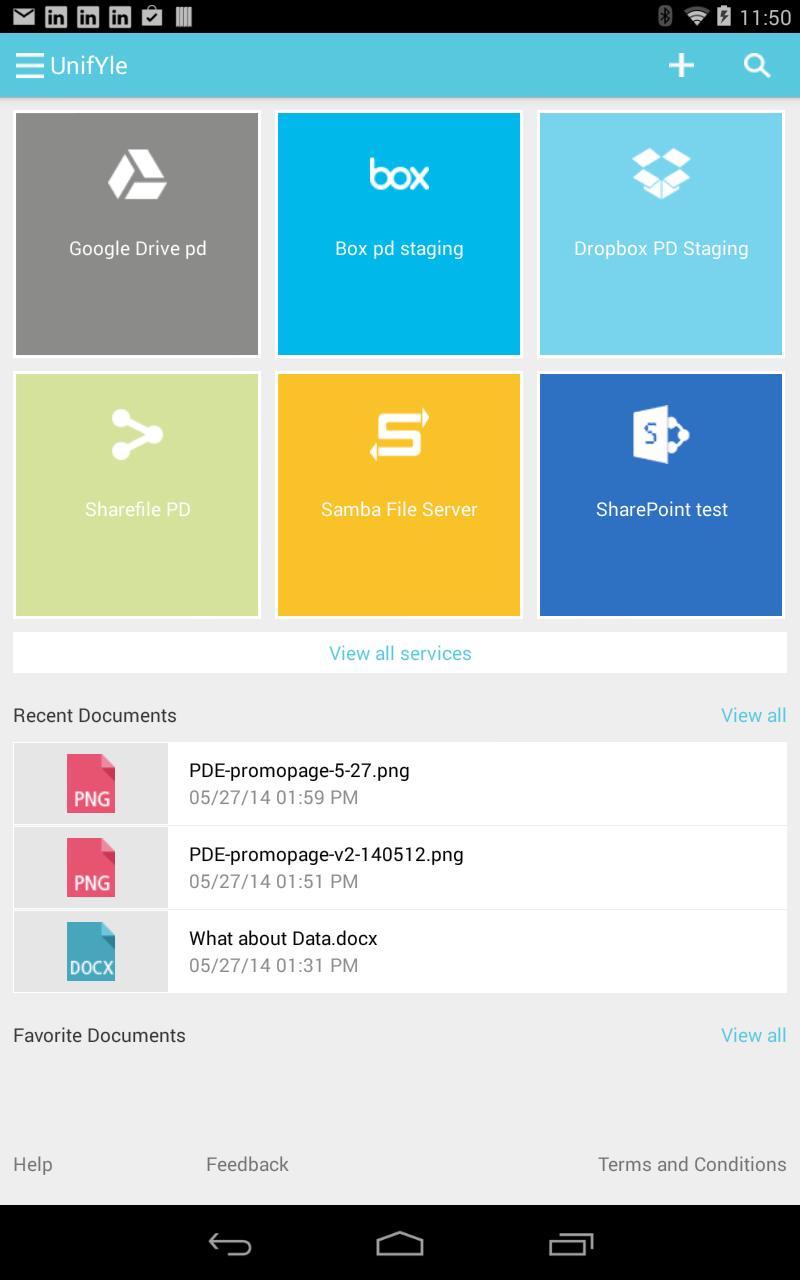
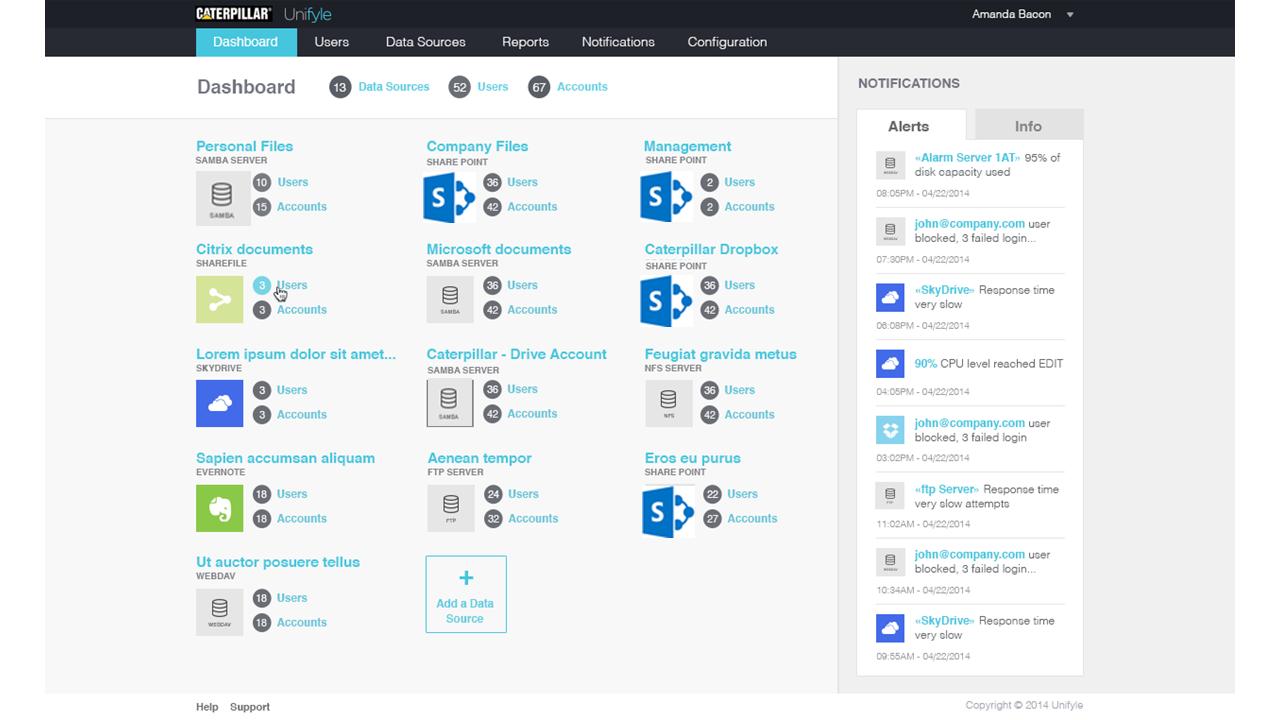
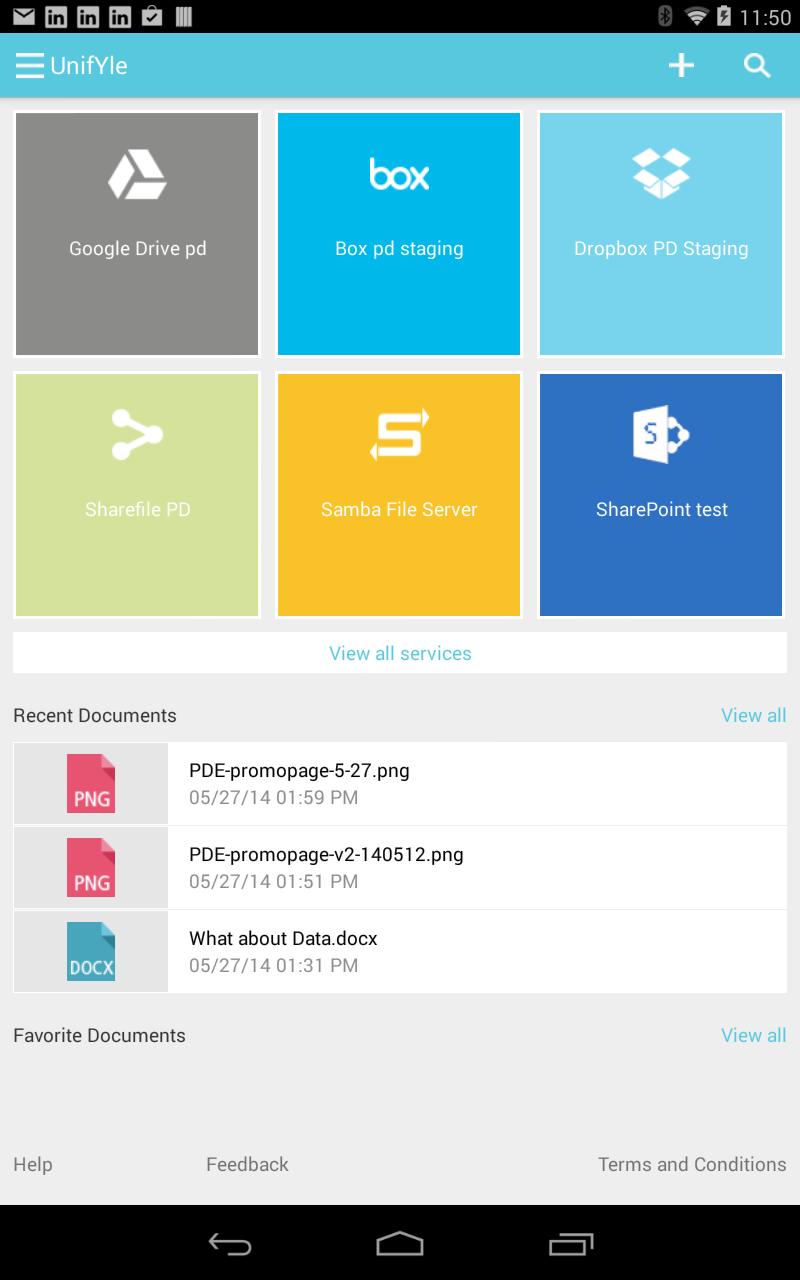
With Unifyle employees can access all your corporate file stores (File servers, FTP, SharePoint etc.,) as well as cloud services like Box, Google Drive etc., from a single dashboard using any device.
Unifyle-Symantec file manager is a certified app that is part of the Symantec Sealed program. It enforces the security policies set by administrator using the Symantec App Center Admin console account.
Unifyle's use cases:
1) Provide a cloud like solution right from your existing resources:
With Unifyle you will be able to provide all the cloud like features employees come to expect without moving content to the cloud. Security and Flexibility in one easy to implement solution. You can install and configure Unifyle within an hour or two.
Employees will be able to search, manage, share and edit files securely using mobile device or PC.
2) Enterprise file management built for mobile users:
Mobilize your enterprise documents using Unifyle. Users can securely search, manage, share and edit files distributed over enterprise file stores behind the firewall, as well as cloud based storage services like Box, Google Drive, OneDrive etc using their mobile devices or computers. integrates with MDM solutions from Symantec and Citrix utilizing industry standard security features.
3) Search, Manage, Share and Edit enterprise files Securely :
Unifyle is a secure on-premise enterprise file management service that helps users securely work with their documents from anywhere using any device. Employees can access all the documents stored in corporate file storage (File servers, SharePoint, FTP servers etc.,) from anywhere and edit or share files with ease.
4) Integrates tightly with corporate security:
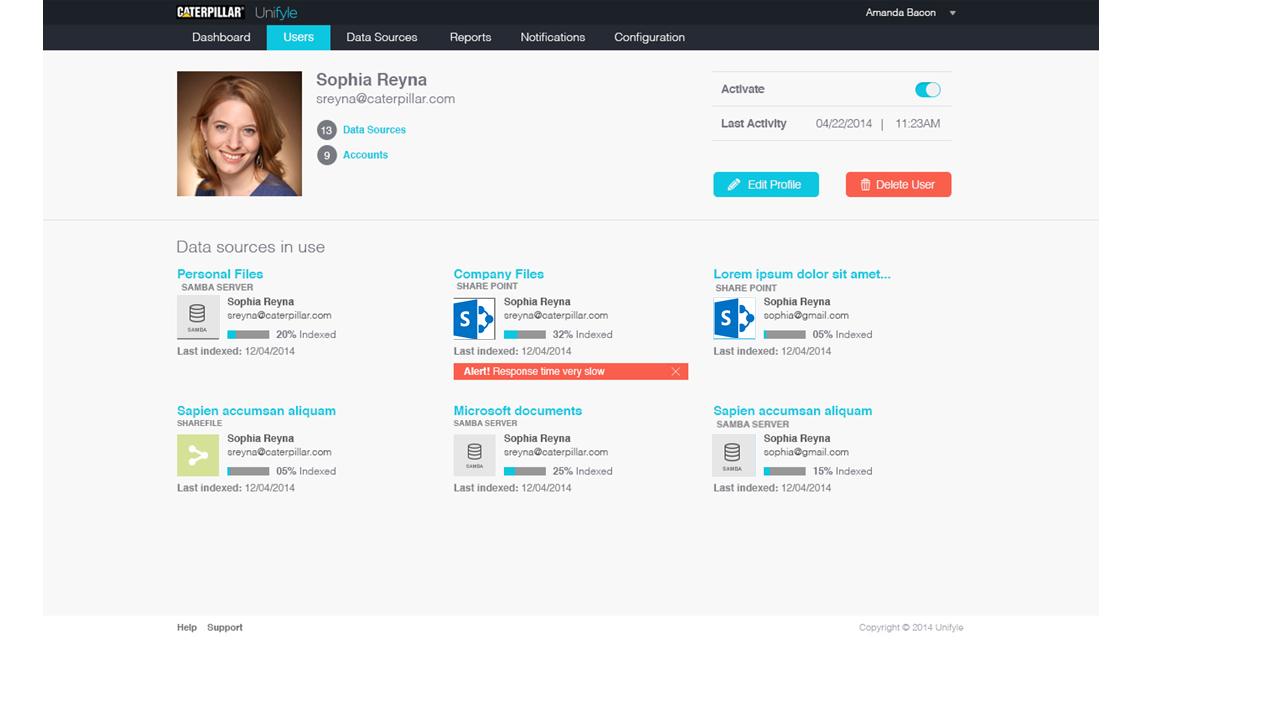
Unifyle Completely secure on-premise solution that is integrated with LDAP and supports several MDM solutions you might have already rolled out making the entire solution very secure and avoids duplicate efforts.
Major value proposition of Unifyle includes:
1) Give users easy mobile access to internal file storage: Users can access, edit, share files from SharePoint, FTP and file servers. No need to move the files anywhere.
2) Mobile access to Sharepoint – users can access, edit and share Sharepoint files using mobile phones.
3) Converting internal file servers to a Dropbox model. No need to move the files to the cloud. You get cloud like features right from your file storage.
4) Search across all your file storage
5) Connect to your internal file storage to the cloud (if you are interested in adding cloud services like Box, Dropbox etc.,). Users can now manage all their content from a single dashboard.
6) Ability to pick a file from anywhere and edit it using apps published on XenApp
With Symantec AppCenter Admin console, organizations can centrally manage and deploy apps for their users, with the confidence that their corporate data is secure. Symantec Sealed apps can leverage a policy framework that provides advanced authorization, configuration, and data security capabilities. Symantec Sealed libraries help to secure and manage enterprise apps on mobile devices while preserving their functionality and user experience. Symantec sealed apps are secured by Symantec AppCenter Workspace policies and controlled within the Symantec AppCenter infrastructure.
For integration with Citrix XenMobile and Workx please use our other product called Unifyle for Xen.
Unifyle for Xen extends your XenApp resources by making it possible for employees pick files from any of the file stores mentioned above and edit files seamlessly using apps published on XenApp server.
This app is well integrated with Citrix Receiver. Through the Citrix Receiver integration on Android you will be able to edit files seamlessly using applications published on XenApp server.

 Download