• Home
  • Games
    Action-adventure Simulation Business Role Playing Sports Competition Casual Intelligence Card Strategy Music Rhythm Text Puzzle
  • Apps
    Business Office Newsletter Social Life Entertainment Online Shopping Practical Tools Travel Educational Learning Information Reading Sports and Health
  • Articles

English 中文(简体) 中文(繁体) 한국어 日本語 Português Español Русский العربية Indonesia Deutsch Français ภาษาไทย
Home Apps Business Office C3D Mobile
C3D Mobile

C3D Mobile

1
2
3
4
5
Download
  • Version 2.2
  • Category Business Office
  • Package Name cctintl.c3d.android
  • Update Time January 13, 2025
  • Size 8.75MB
About this app

3D BIM Mobile Companion, towards a paperless Lean construction site.

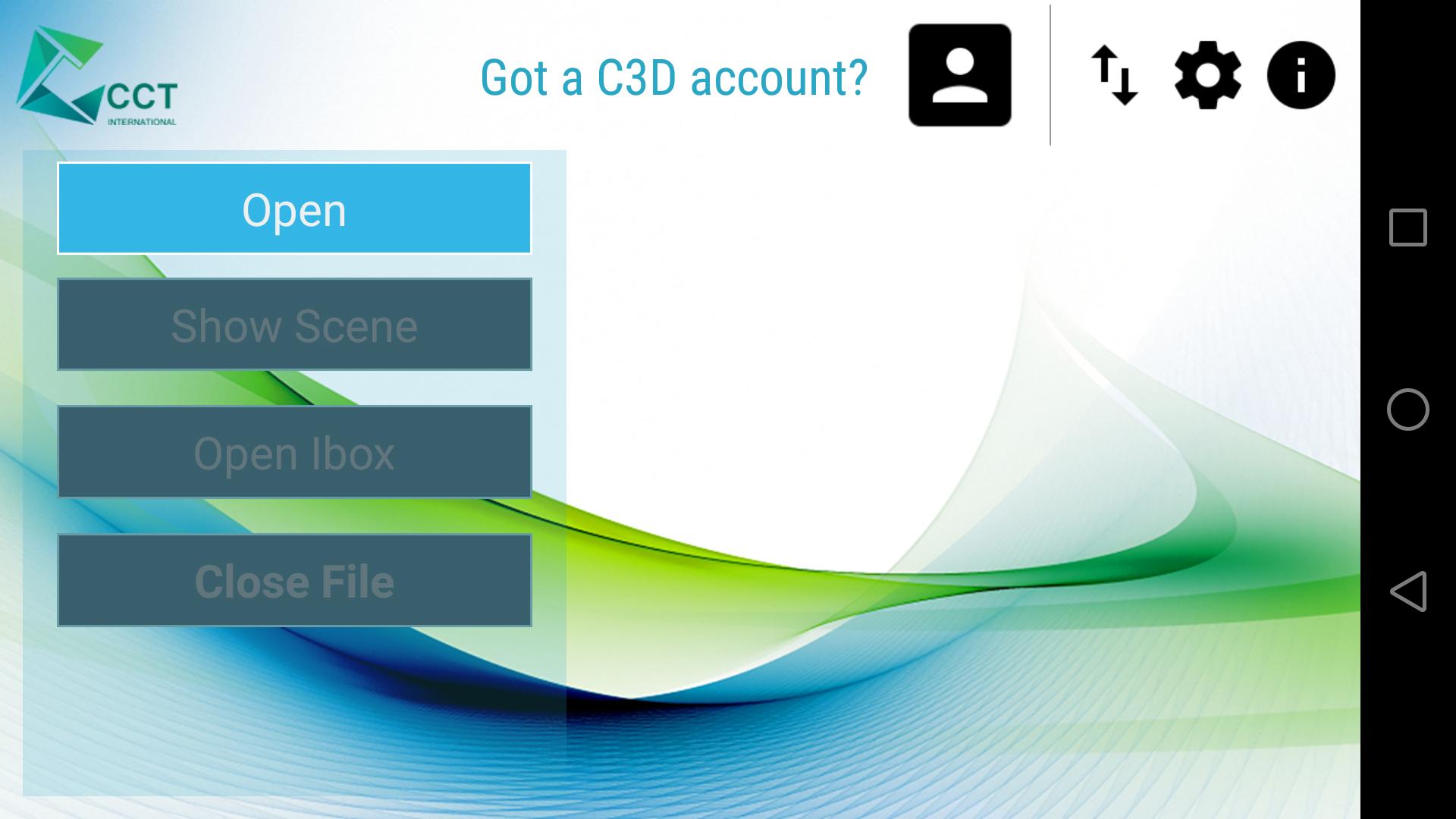
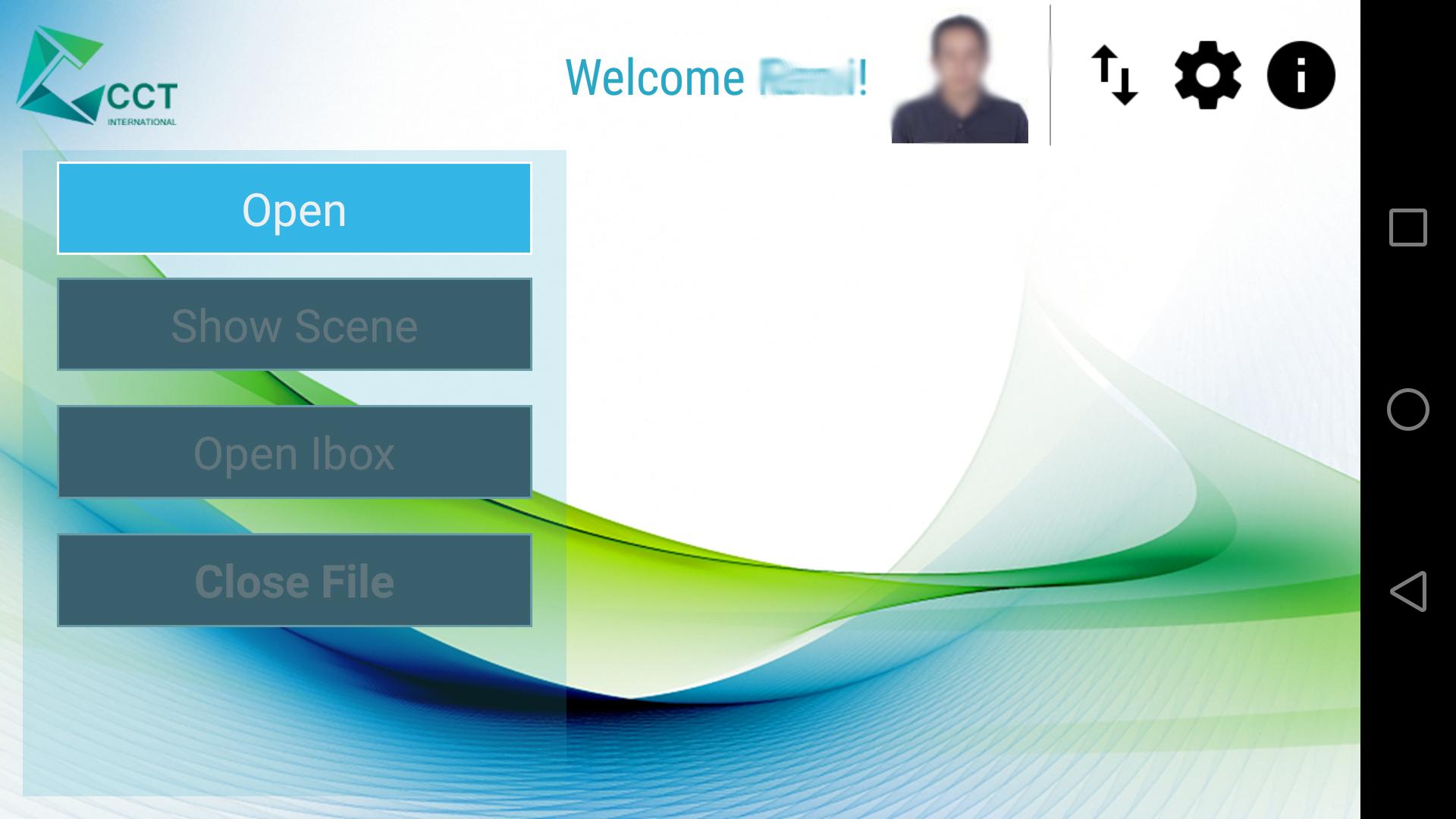
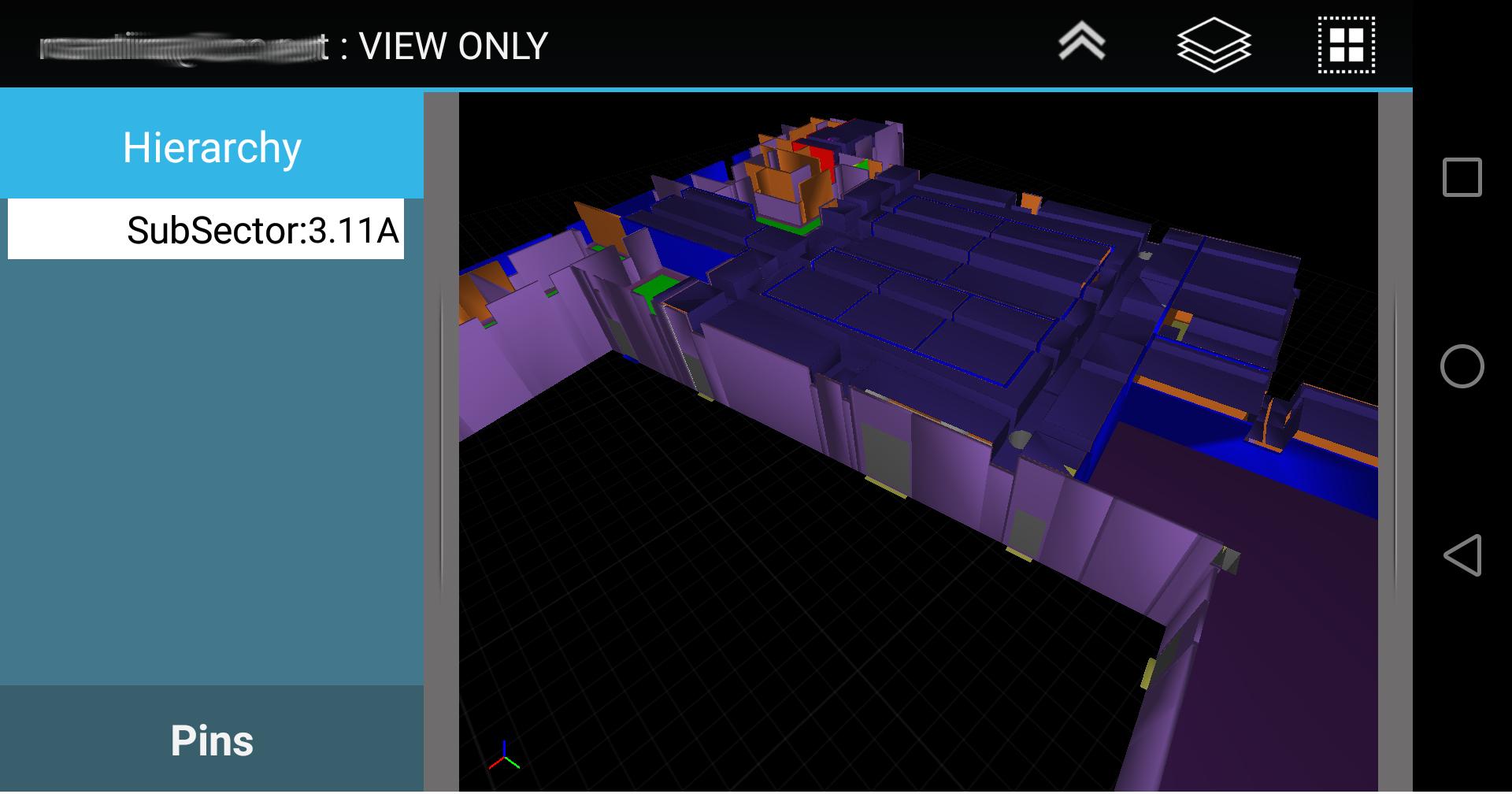
C3D Mobile is a specialized 3D Construction management application. C3D Mobile allows site supervisors to interact with the

3D model relevant to their area of responsibility. C3D Mobile also allows the user to create, edit, and verify punchitems.

Using C3D Mobile, you will be fully informed on all the details of the model and parameters that are needed on the

move. No need to go back to the office to verify, check, or print the drawings before heading to the construction site. Share

your models, updates, and revisions using C3D Collaboration Server.

Main usage of C3D Mobile includes:

Visualize Model & Related Properties

- Smooth Navigation of the 3D model.

- View properties and BOQs per object.

Punch Listing & Handover

- Create Punchitems with optional image (diretly from camera or from user gallery).

- Link Objects to Punchitem

- Set Punchitem as Done, and send it for verification.

- Works offline & Online

- Verify Punchitems assigned to you. (JV, Contractor, Client)

- View supporting documents and drawings.

- Automatically upload changes to server (if connection available)

- Fully Compatible with C3D Atlas Handover System and/or C3D SiteWalk Add-on.

Having C3D Interactive as its desktop counterpart, the user can share to C3D Mobile the whole model or part

of a model depending on user, location, activity, and any other filtering criteria. Convert models coming

from industry standard file formats and multiple design authoring tools. The converted models are then

combined to be linked to your plan and WBS coming from reputed scheduling applications.

Sample Model with Punch-items is availabe for download thru the app.

For more information, visit http://c3d.com
What's New in the Latest Version 2.2

Last updated on Jan 19, 2020 -Support v4.x of C3D
-Support 64bit devices
-Rendering Enhancements : major update on shading model to enhance visualization
-2D Drawing support: support loading 2D drawings based files on mobile
-Add support for position based navigation
-Compress model for ability to load more geometry.
-Job Cards for use with C3D Planner (beta)
-Settings
Add ability to change background Color
Setting max vertex load capacity
Allow user to modify URL
-Bug fixes & enhancements
Download(8.75MB)
Users also viewed
  • Quick History Cleaner

    Quick History Cleaner

    1.0 January 22, 2026
  • ActionBar Toggle Sample

    ActionBar Toggle Sample

    1.2 January 21, 2026
  • XM

    XM

    3.35.1 January 21, 2026
  • My BASE

    My BASE

    4.6.0 January 21, 2026
  • Color Collection, palettes

    Color Collection, palettes

    5.0 January 21, 2026
  • LuluBox For Android

    LuluBox For Android

    1.1.0 January 20, 2026
  • Next Talk Call Reminder Trial

    Next Talk Call Reminder Trial

    2.1.4 January 20, 2026
  • GeoComply Demo

    GeoComply Demo

    1.0.0 January 20, 2026
  • Biblium Mobile

    Biblium Mobile

    0.0.113.0 January 20, 2026
  • Tuscany Dive

    Tuscany Dive

    1.21 January 20, 2026
  • NRSV Bible app

    NRSV Bible app

    Nrsv Bible App 5.0 January 20, 2026
  • eAction Log

    eAction Log

    1.2 January 19, 2026
  • 100 GB storage SD

    100 GB storage SD

    1.7 January 19, 2026
  • Damaged Sd card Formatter

    Damaged Sd card Formatter

    20.0 January 18, 2026
  • Arduino BT LED Strip Control

    Arduino BT LED Strip Control

    0.1a January 17, 2026
About Privacy Policy Terms of Service Cooking Policy

© Copyright 2017-2026 downde.com